YoloCam S7 | The New Best Webcam
Amazon links in this article are affiliate links. As an Amazon associate, I earn from qualifying purchases.
Quick Summary
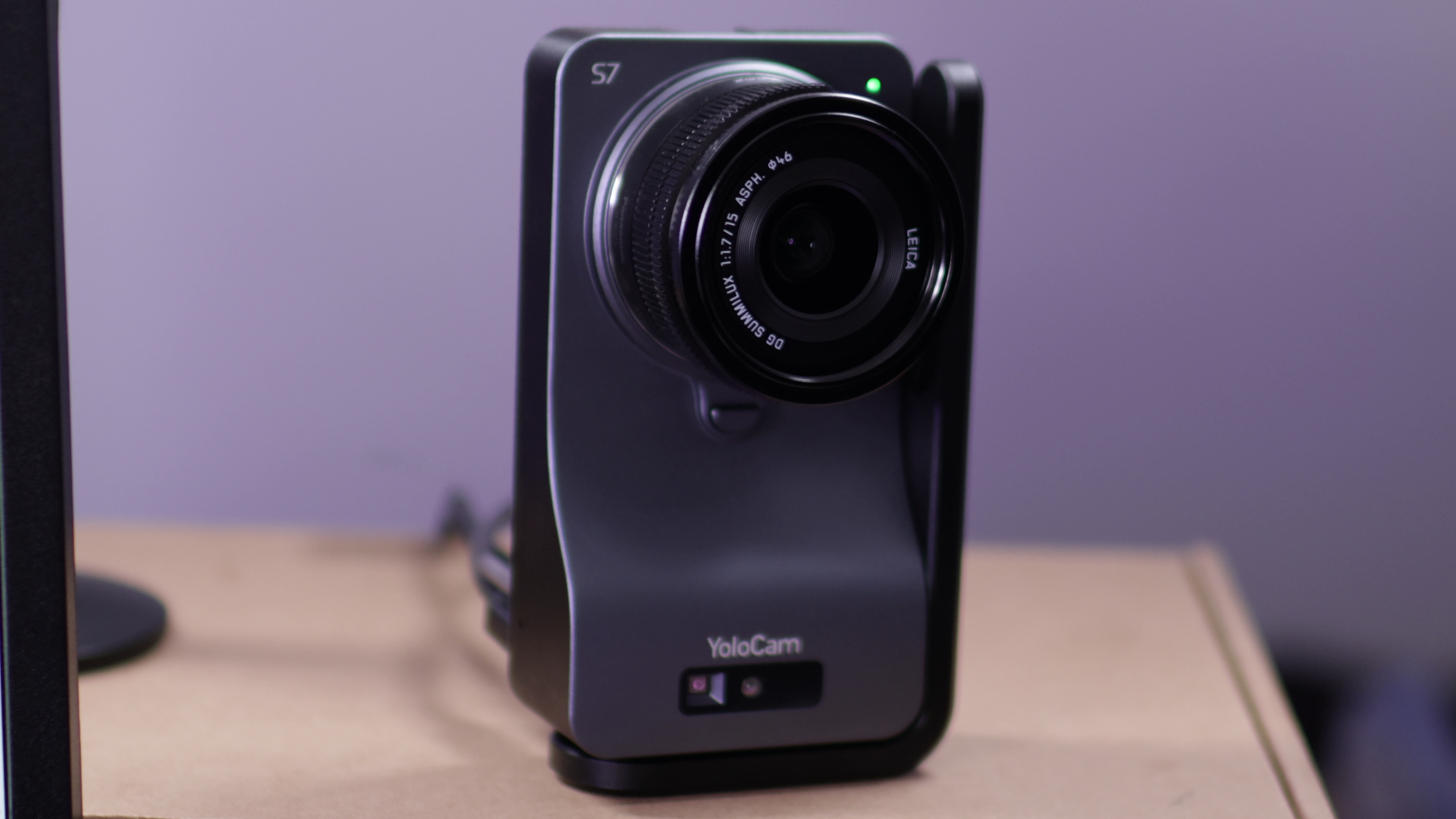
The YoloLiv YoloCam S7 is new best webcam out. It has the largest sensor of any webcam by far, even surpassing the Kiyo Pro Ultra. It has interchangeable lenses, and it records at up to 4K 60 FPS.
If you’re looking for the uncompromised best webcam, this is the new #1.
However, the high price is going to be the main deterrent for most people, so let’s address that first.
Buying Options
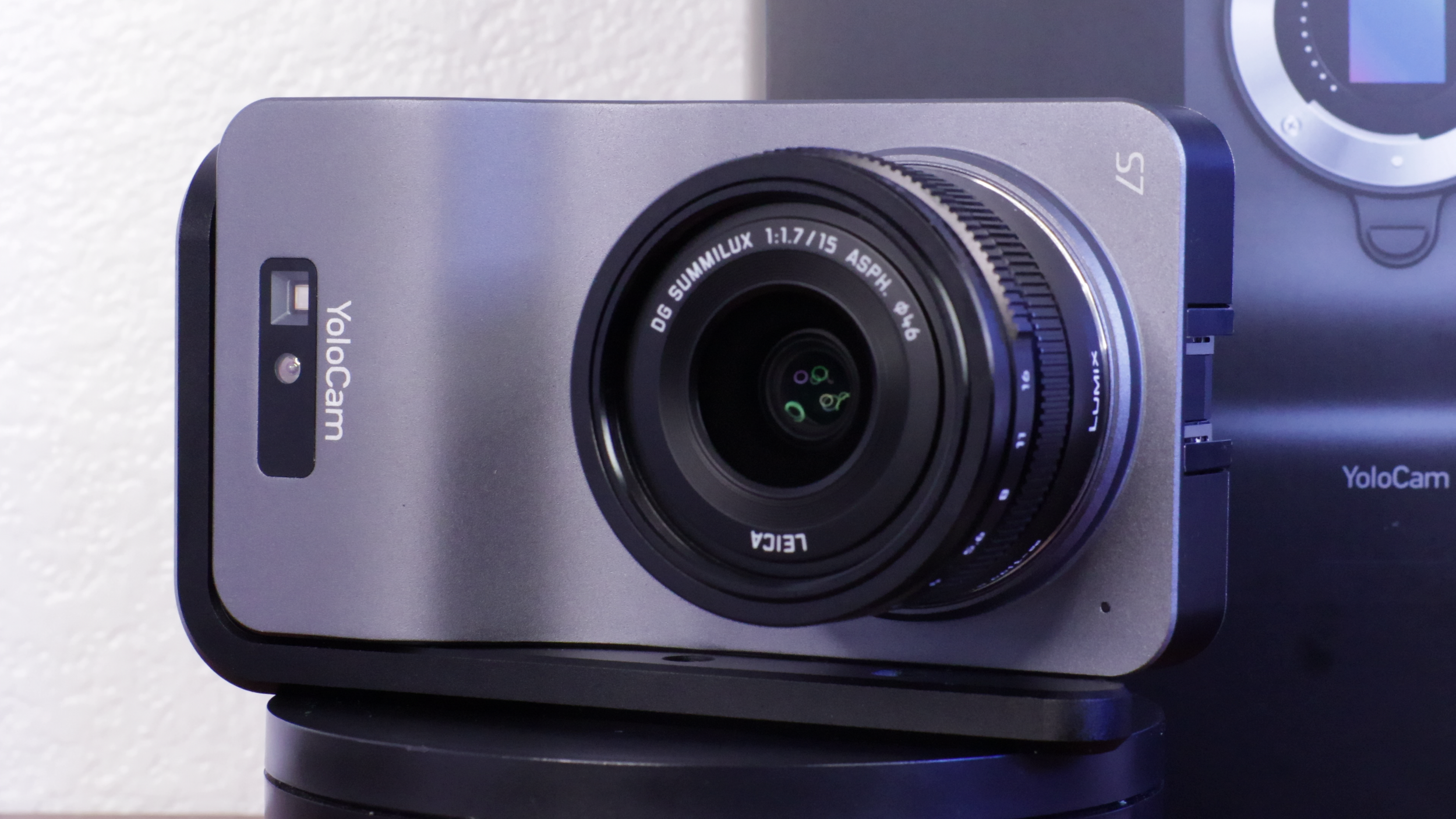
The S7 is expensive, but I’m going to try to save you a lot of money. I bought mine for $700 US and bought their previously recommended Micro Four Thirds lens for $600.
However, after I purchased those, YoloLiv released their own MFT lens that you can buy separately or in a bundle with the S7. The last time I checked, the S7 and lens bundle was $800, so that makes it an extremely good value compared to before.
Amazon: camera body only
YoloLiv: camera body only
YoloLiv: lens only
YoloLiv: camera + YoloLiv 18 mm lens (great value)
Specifications
Camera body
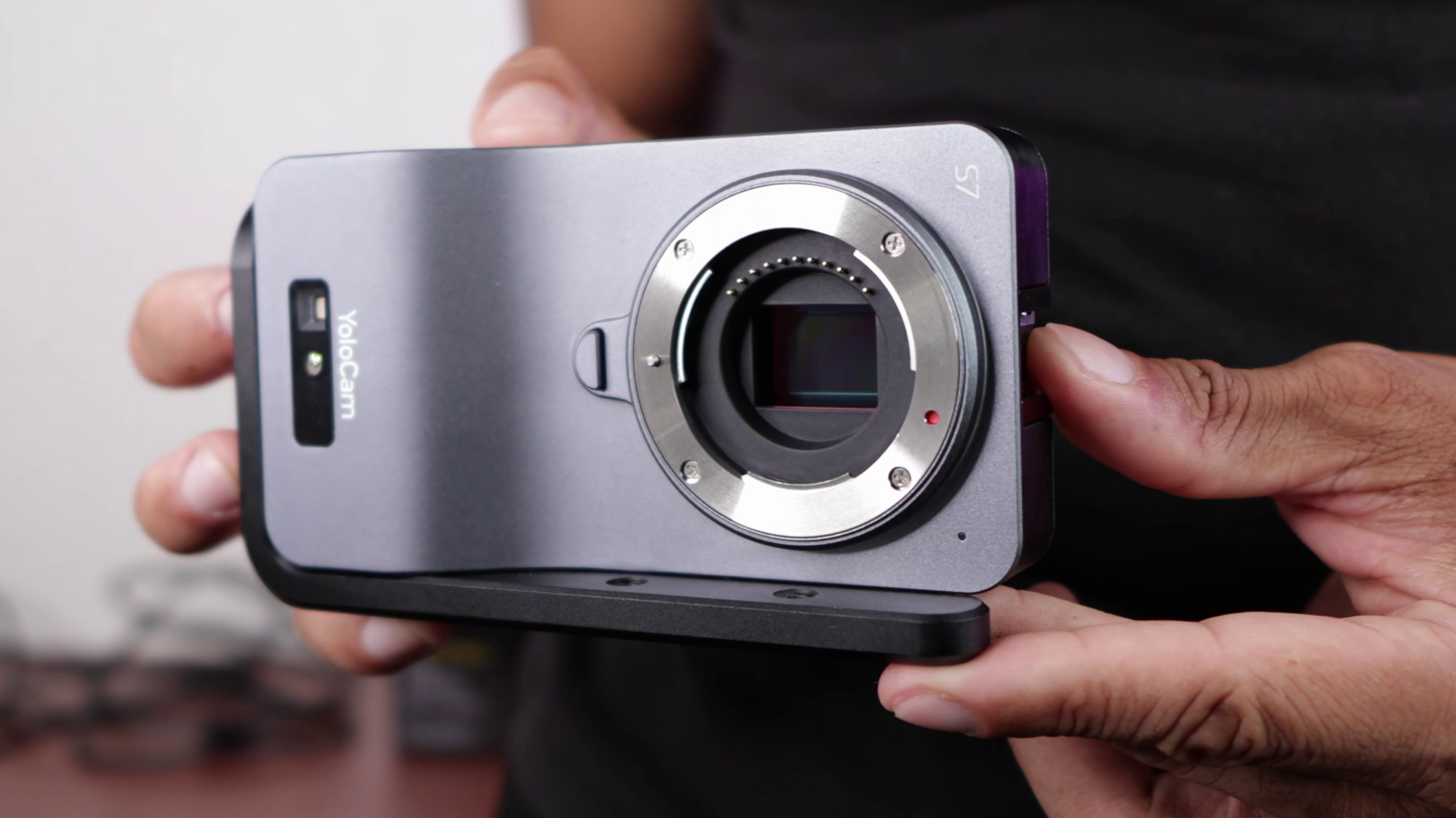
Maximum frame rate and resolution: 4K 60 FPS
Sensor size: Micro Four Thirds, 4/3-type
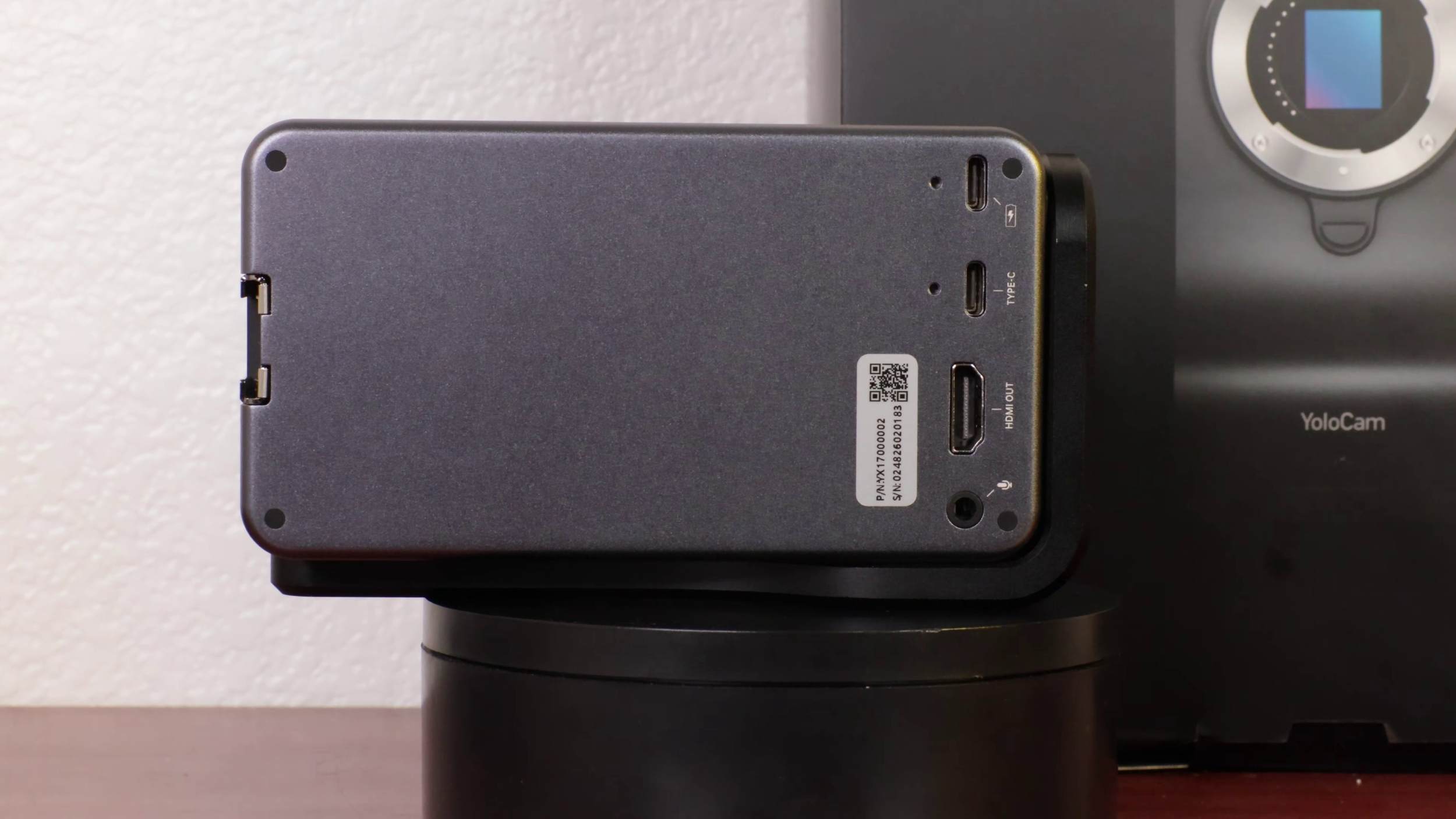
Ports: full HDMI out, USB C power, USB-C (3.0) UVC, 3.5 mm mic input
Video format: MJPEG with USB 3.0 or uncompressed HDMI out
YoloLiv Included lens
Maximum Aperture: f/1.4
Focal length: 18 mm
I don’t actually have the YoloLiv lens. All footage in this review was taken with the following MFT lens:
Panasonic LUMIX G Leica DG SUMMILUX Lens, 15MM, F1.7
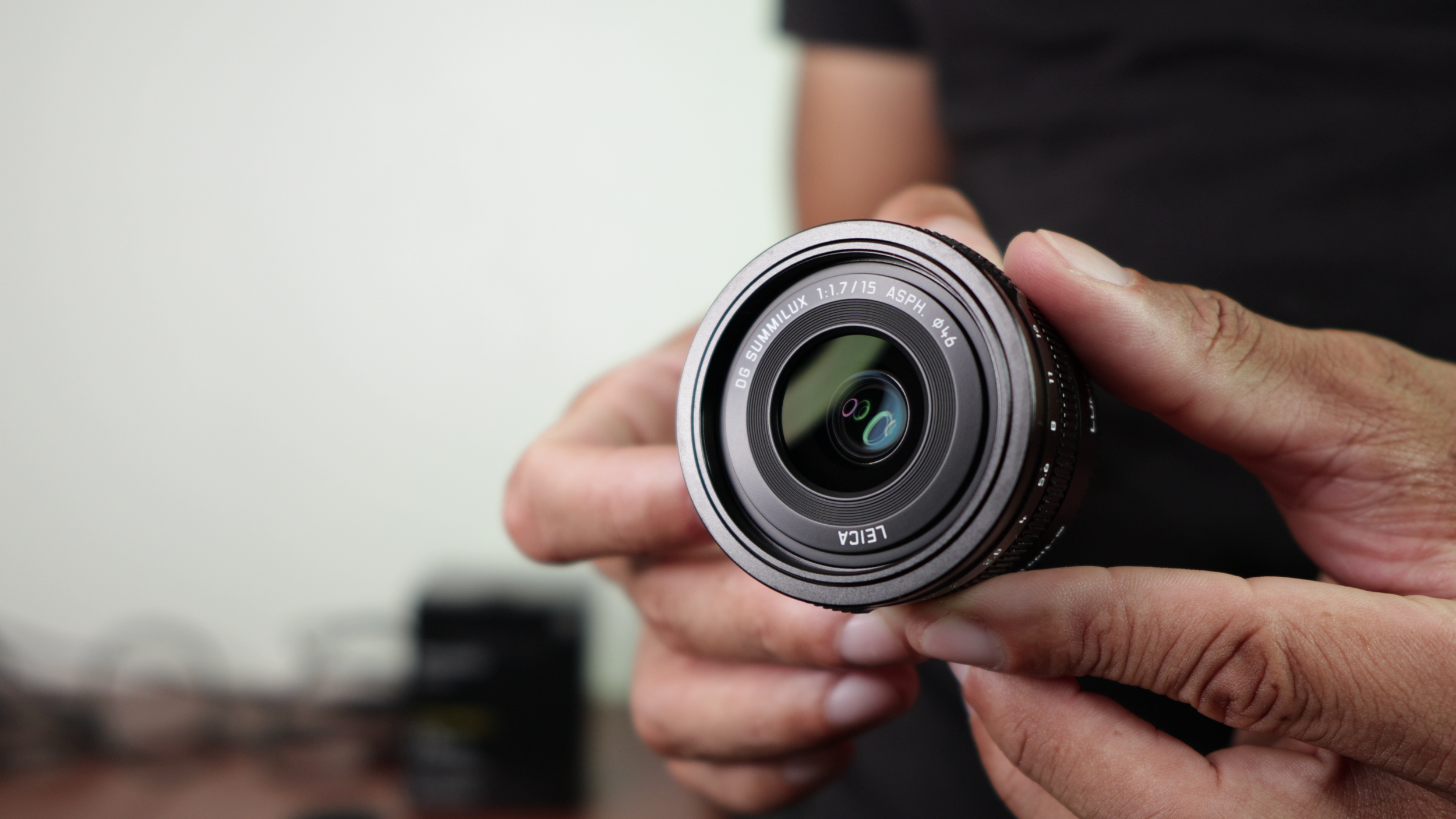
Maximum Aperture: f/1.7
Focal length: 15 mm
Optics summary
The optics (sensor and lens) are insanely good. But they're also why the S7 costs so much. This uses a Micro Four Thirds sensor which is unheard of for webcams. This is larger than my Sony ZV-1 and Razer Kiyo Pro Ultra, but not as large as APS-C.
Here’s a visual representation from YoloLiv.
This uses interchangeable lenses, so you can get the exact look you want and unlike other webcams, you can actually control the aperture depending on how much light and background blur you want.
Image Quality
As expected from such great optics, the image quality is absolutely unparalleled by other webcams. It even rivals many point and shoot and mirrorless cameras.
Sharpness
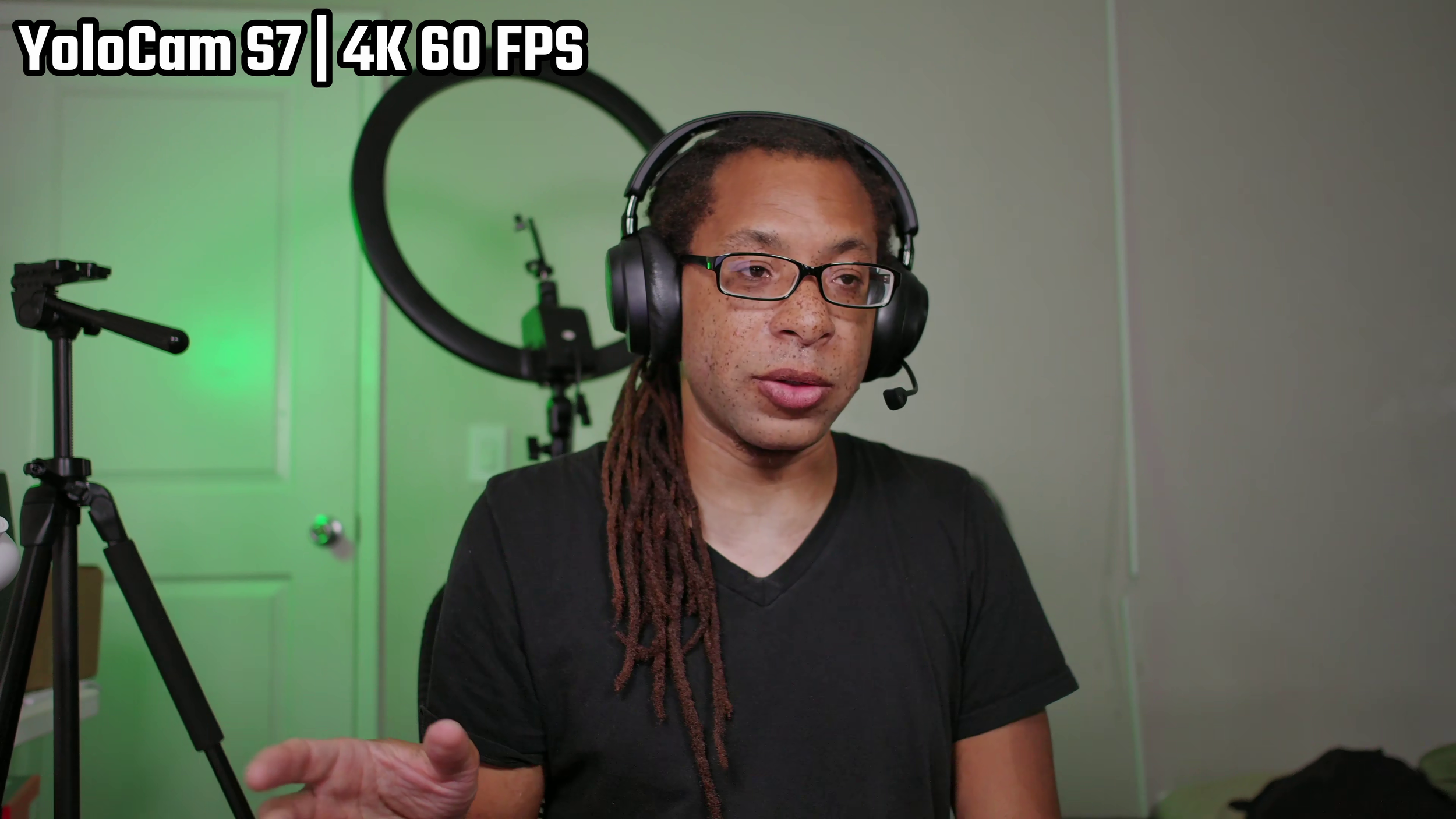
The detail is absolutely fantastic. You see the strands of hair in my dreads which usually mesh together in other webcams.
The S7 doesn't achieve this with the artificial sharpening effects that you see in other webcams like the Insta360 Link 2 Pro. The sensor and lens are just that good at bringing in a ton of light when fully opened.
Bokeh
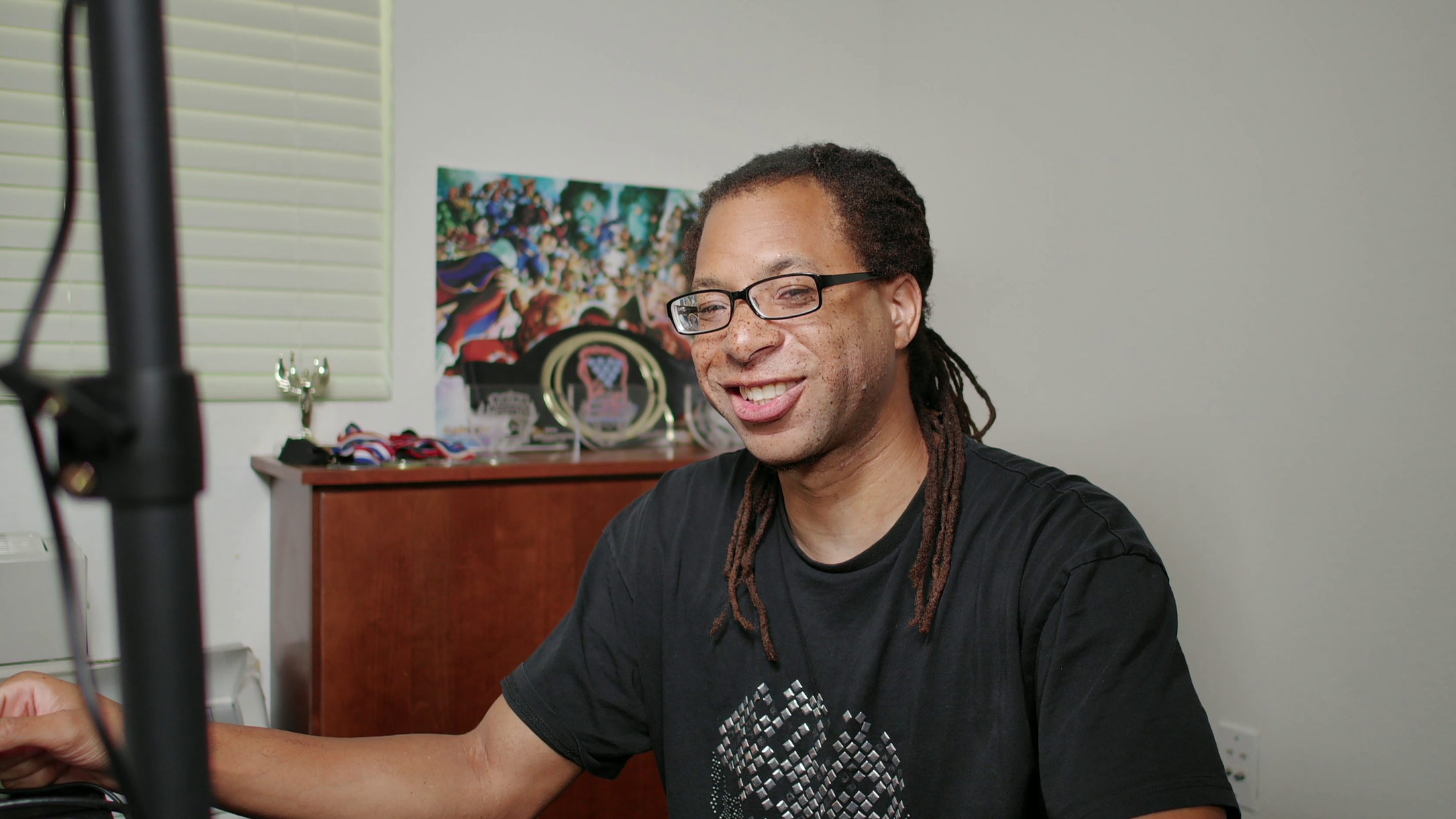
The background separation is excellent. The more stuff you have behind you and the farther away it is, the more you'll really see how powerful this is. The wide aperture allows for amazing separation between the subject and everything else.
Low Light
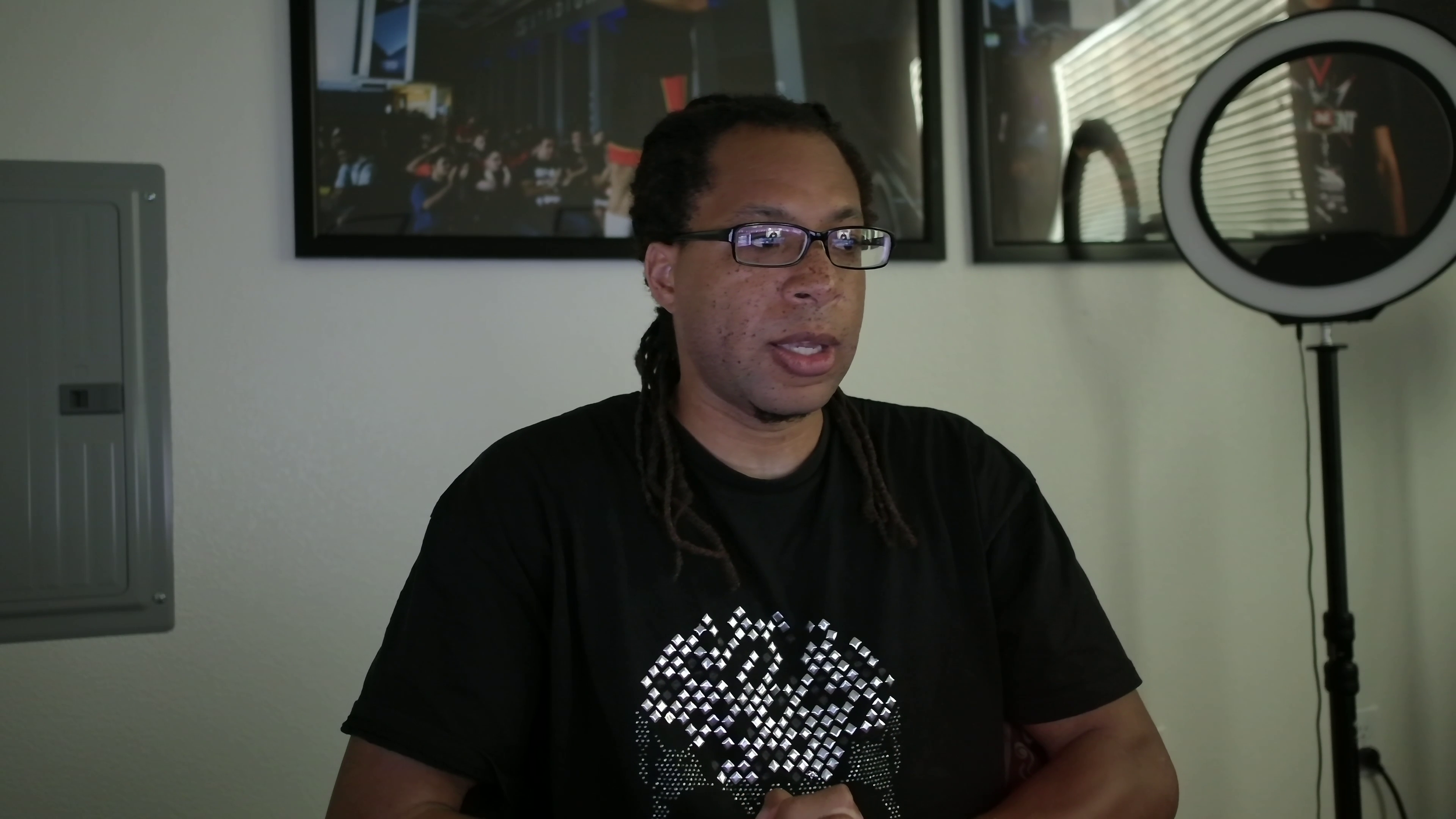
Even with no studio lighting, the S7 still holds its own. This is definitely not how I would recommend using it, but for late night game sessions with just monitor lighting, it’s still very viable.
Color Accuracy and Comparisons
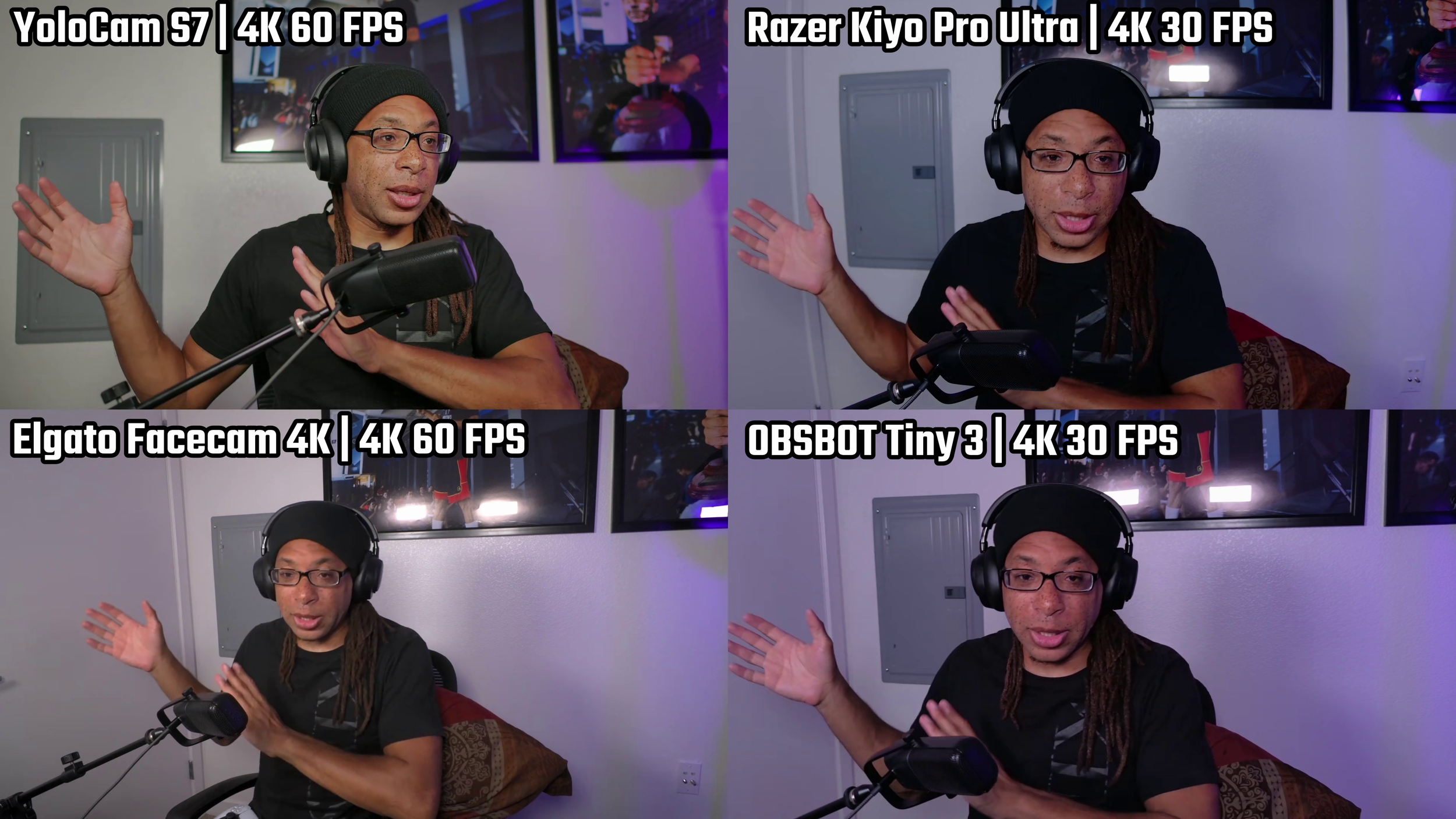
The colors on the S7 are even better than my Sony ZV-1. It has my skin tone on point - even the tan lines. Freckles, gradients, and clothing are all nicely done. Violet from my RGB light in the background is one of the hardest colors to re-create, and the S7 does it flawlessly.
The S7 avoids adding unnatural oversaturation, and you can fine tune the colors in the software. Check out my video to see a full motion comparison of the S7 vs the top webcams (timestamp included).
USB vs HDMI
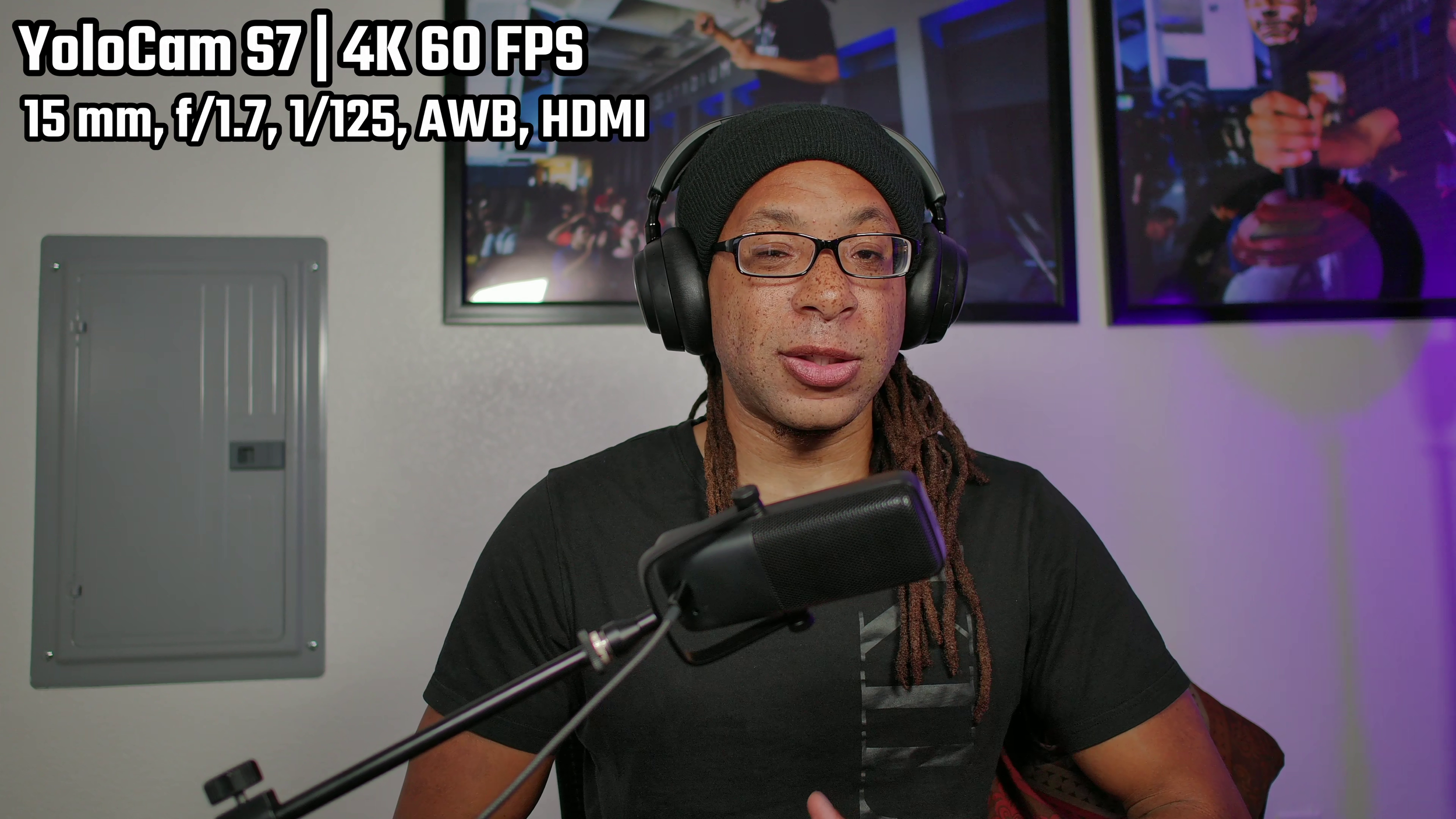
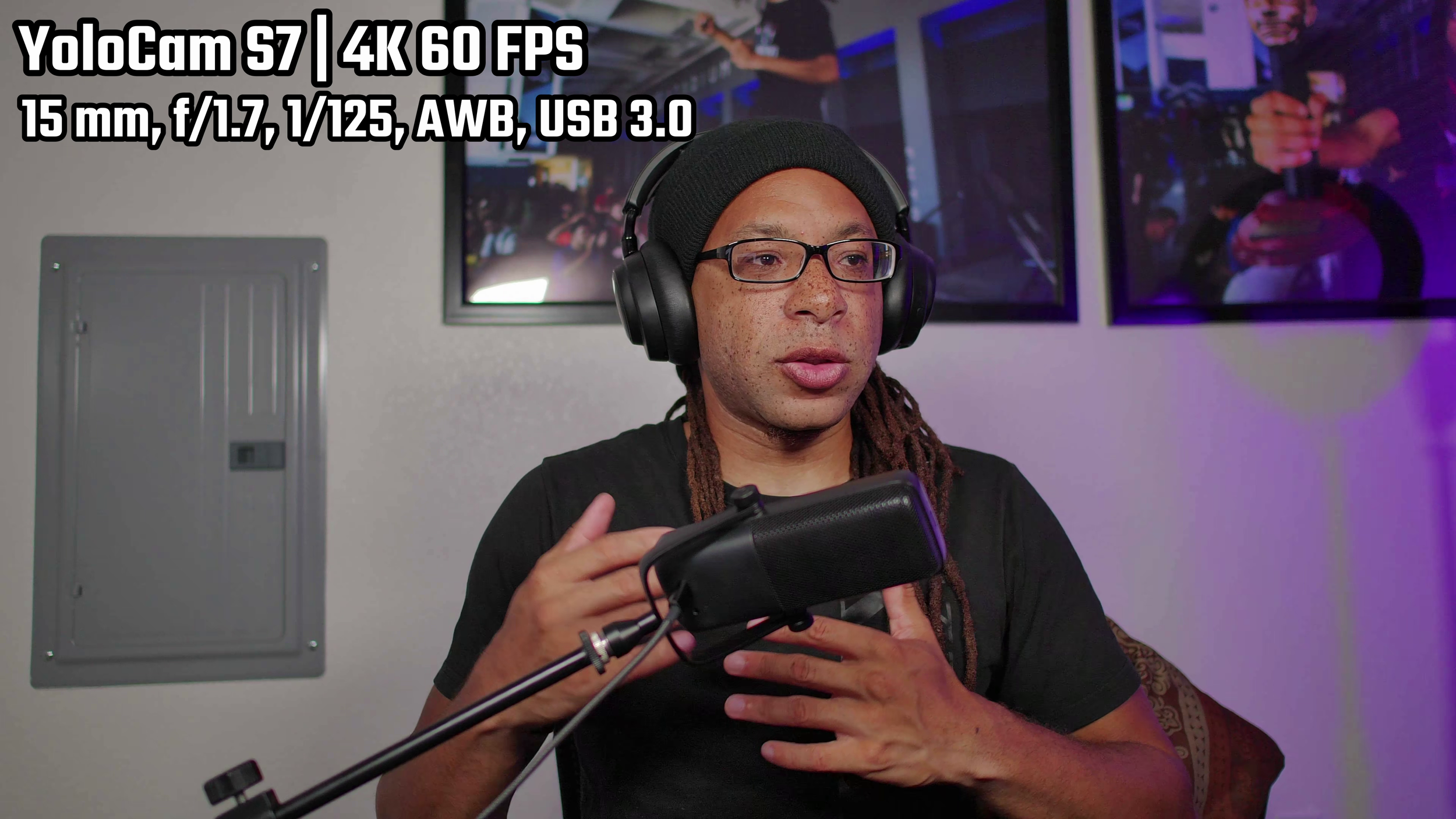
MJPEG compression when used through USB mode is still capable of 4K 60 FPS, but the color accuracy takes a slight hit. Everything looks more magenta than it should. Additionally, banding can be seen in areas with one flat color, such as the upper left of the wall.
In other words, HDMI out is an option but not needed.
Autofocus
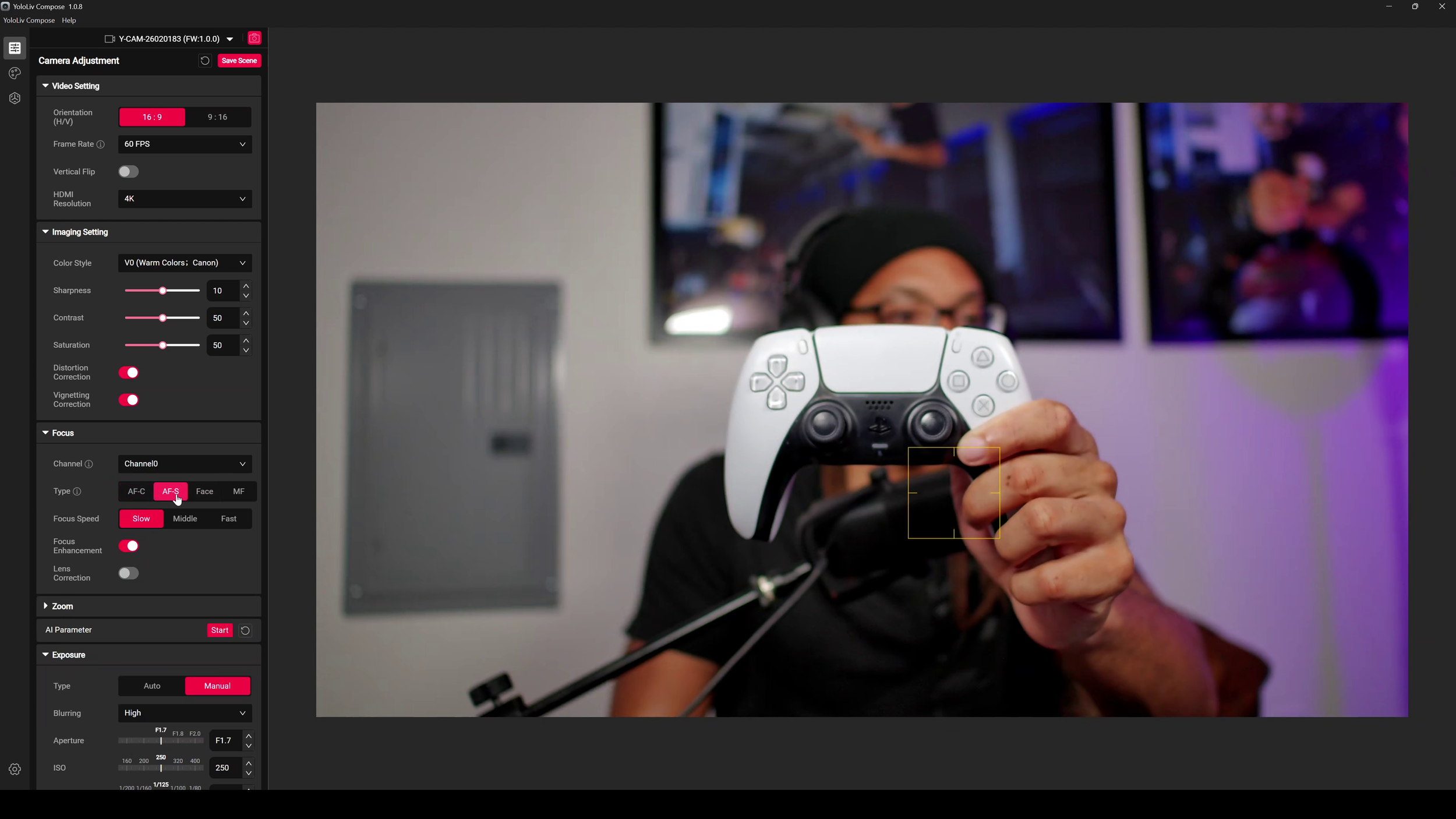
The one area this webcam falters is the autofocus. None of the autofocus modes will allow the camera to snap to an object in frame and then back to your face when it’s gone.
You either have to click the area manually in the software or hope autofocus center works out. (It won’t). This is best for faces, and when set to that, it works well.
Power Management and Software
Aside from the autofocus, the two main gripes I have with the YoloCam S7 are its power management and software.
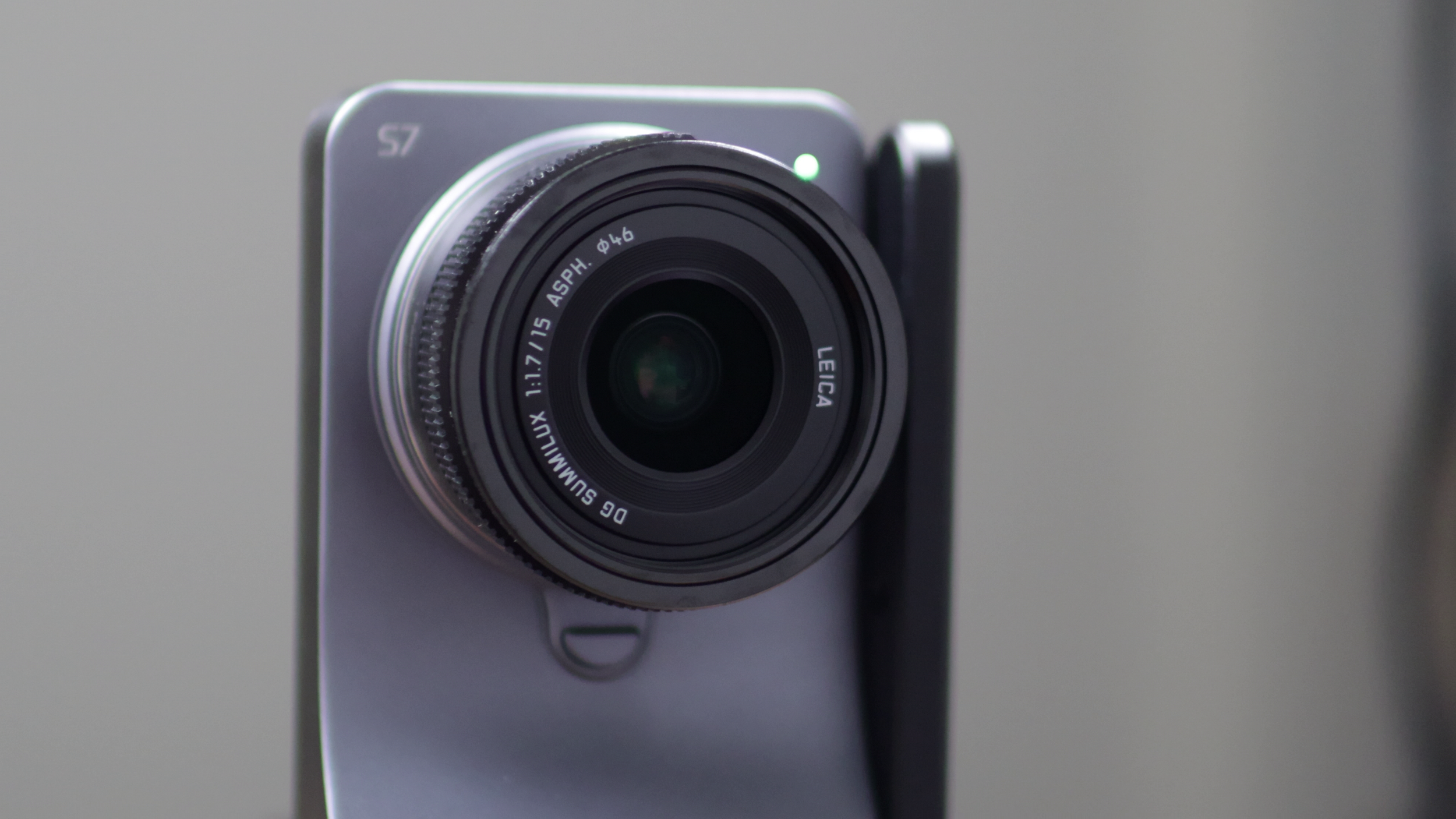
Just like the YoloCam S3 at launch, The S7 never turns off. I can somewhat forgive that, because whatever lens you get is going to come with a lens cap.
I still think there should be a power switch, even if you plan to run this through HDMI. The device stays warm 24/7 even if your computer is off because it's always running as long as it's plugged in.
YoloLiv Compose
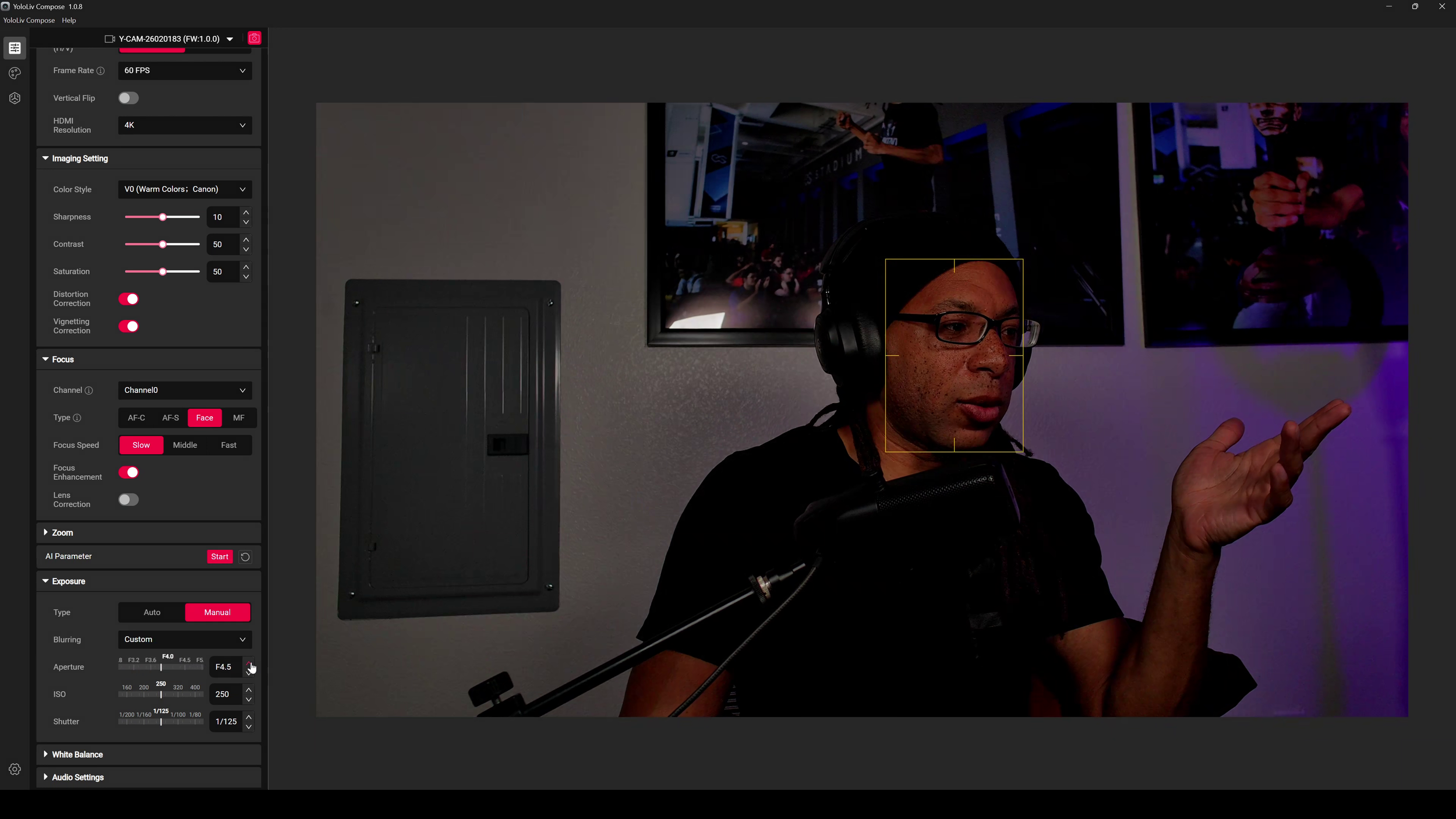
The functionality of the software itself is actually very good. It even works when other devices are accessing the webcam.
You can adjust basic webcam features like most other software, but you also get some quite advanced stuff here. Aperture is something no other webcam can adjust. There are different color profiles to choose from, and shutter speed and ISO can be changed manually.
There’s even AI image processing if you’re into that.
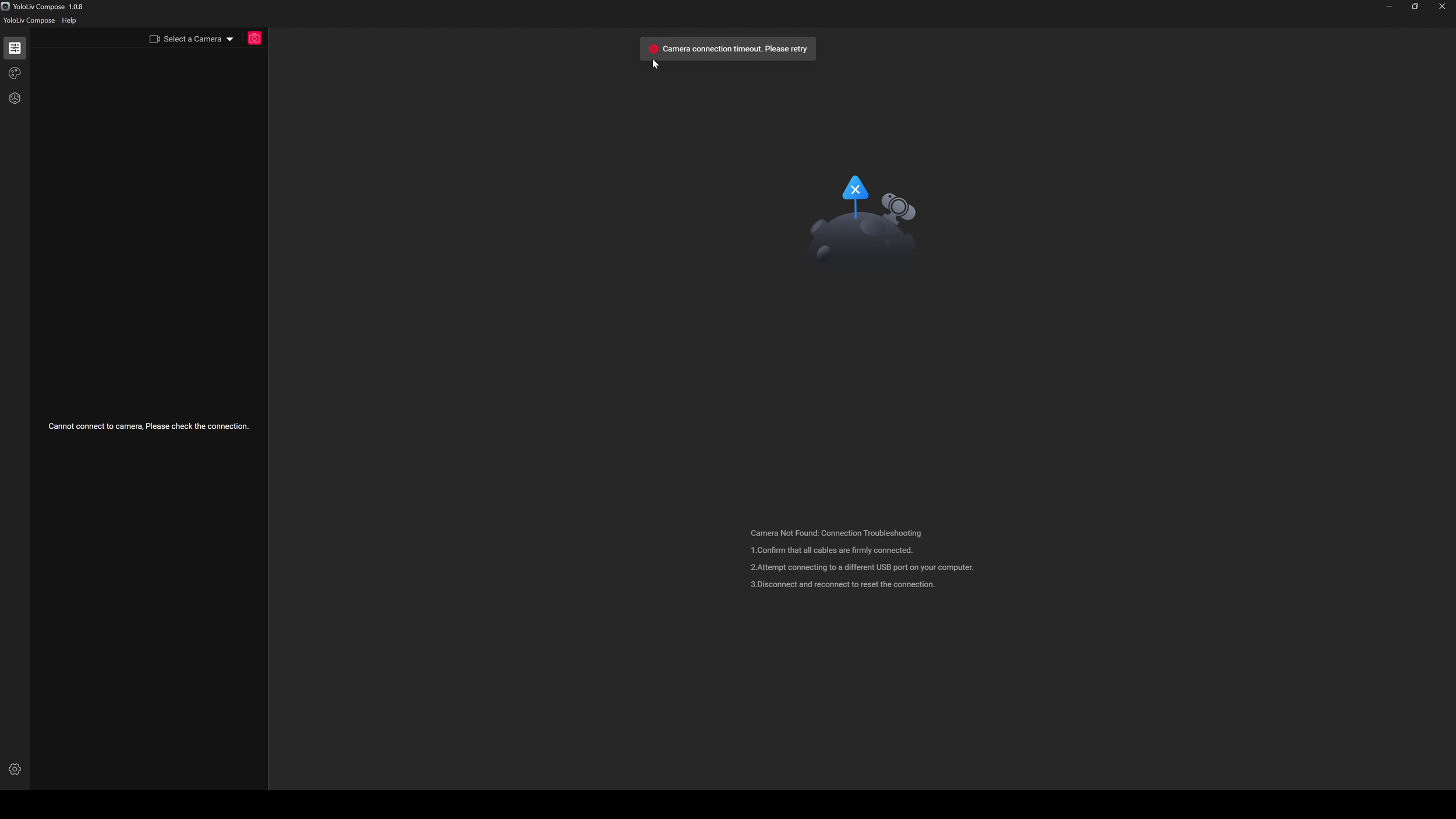
This app won’t work if it is denied internet access.
The problem I have is how intrusive the software is. If you aren’t connected to the internet, it will throw up error messages. If you deny the software access to the internet manually, it won’t connect to your S7 (or S3) at all.
If you don’t care about privacy and such, it’s all good. For me, massive turn off.
Build
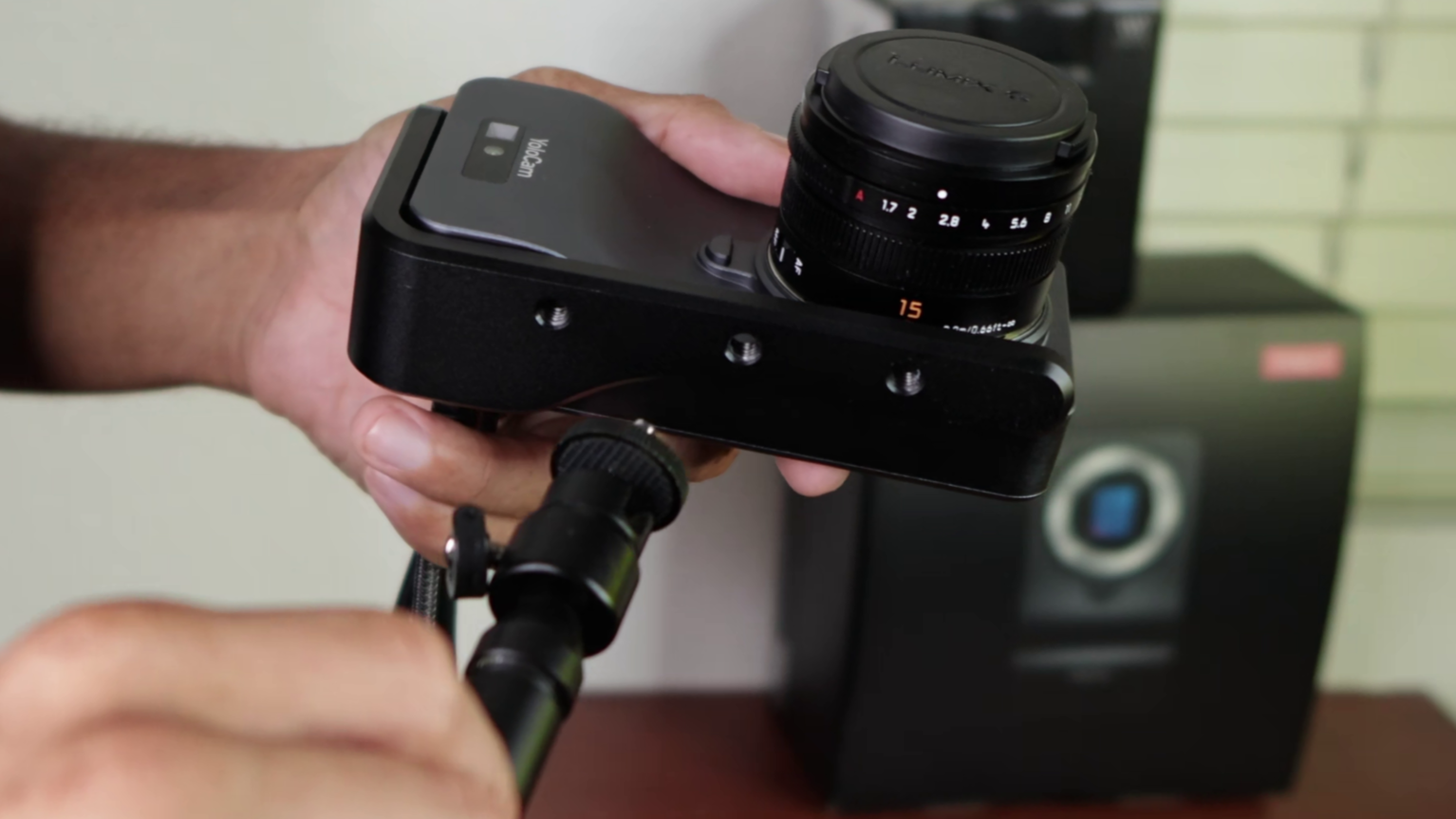
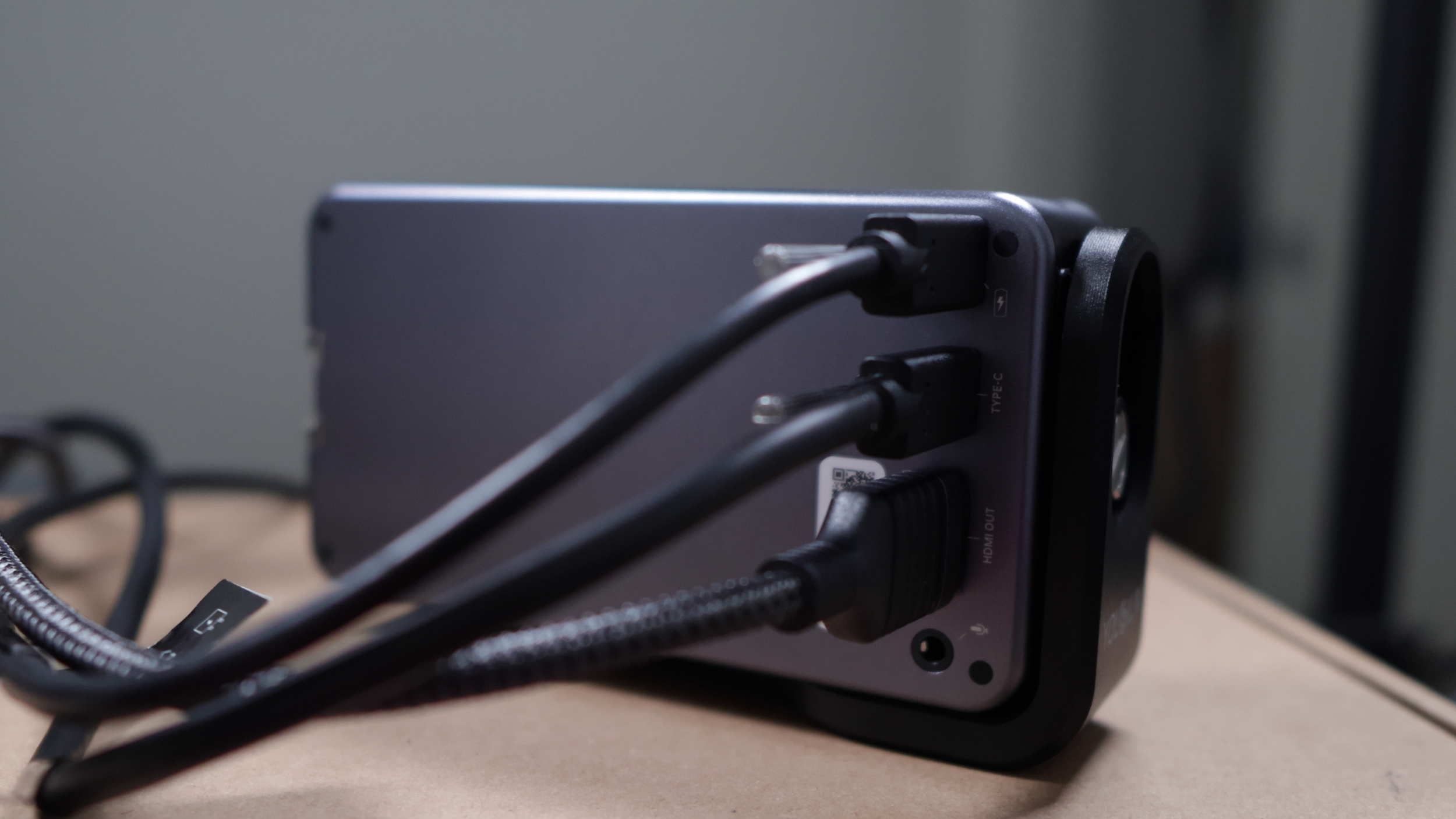
The YoloCam S7 is very sturdy and durable. This is some solid, hefty metal. Make sure to pair it with an equally beefy stand, because accidentally pulling the wires can tip it over on flimsy stands.
Let’s just say it doesn’t feel good to have this fall on top of your head…
The bracket it comes with is a bit confusing to connect at first, but it lets you use it with any ¼” threaded stand that you want.
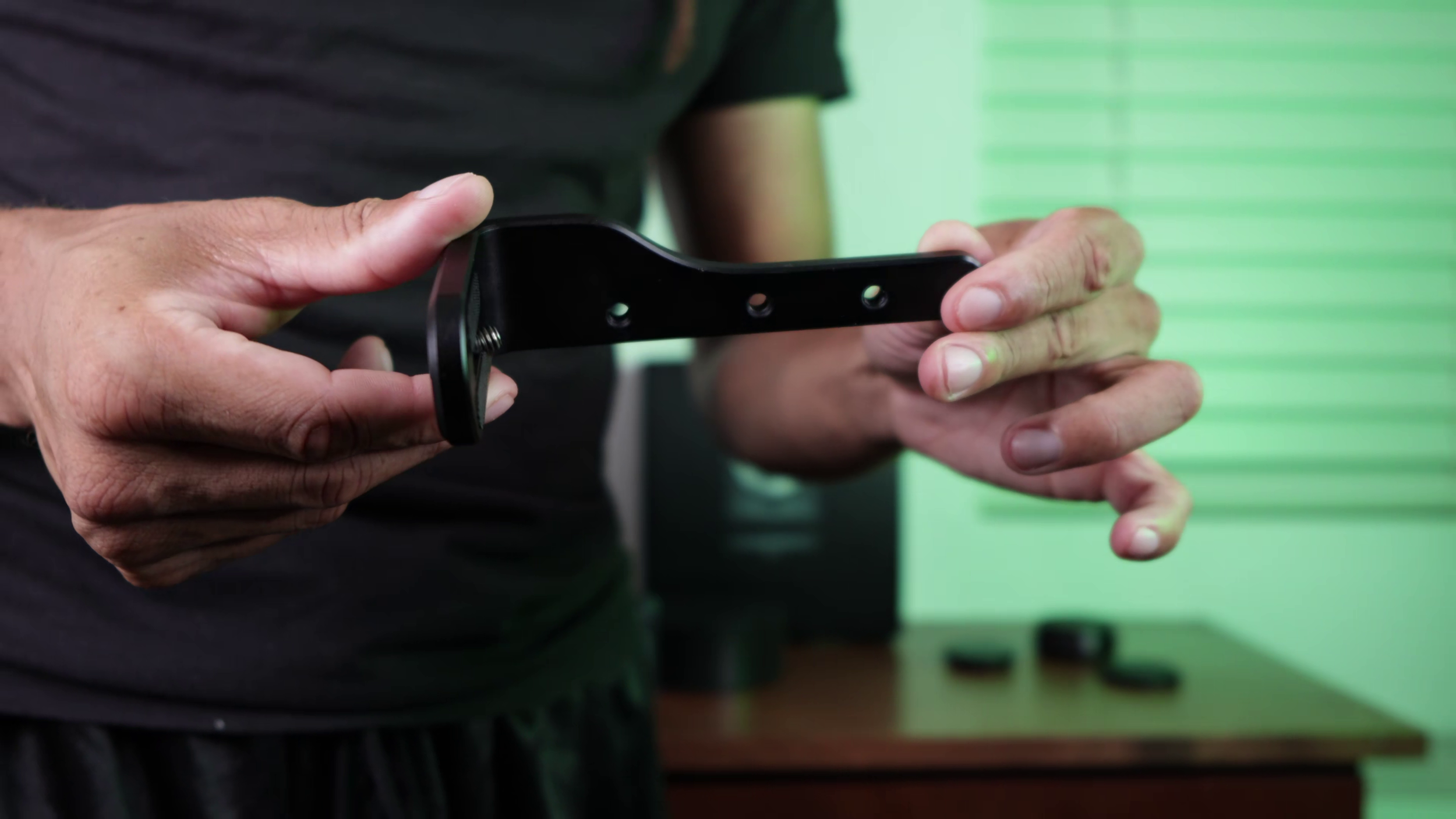
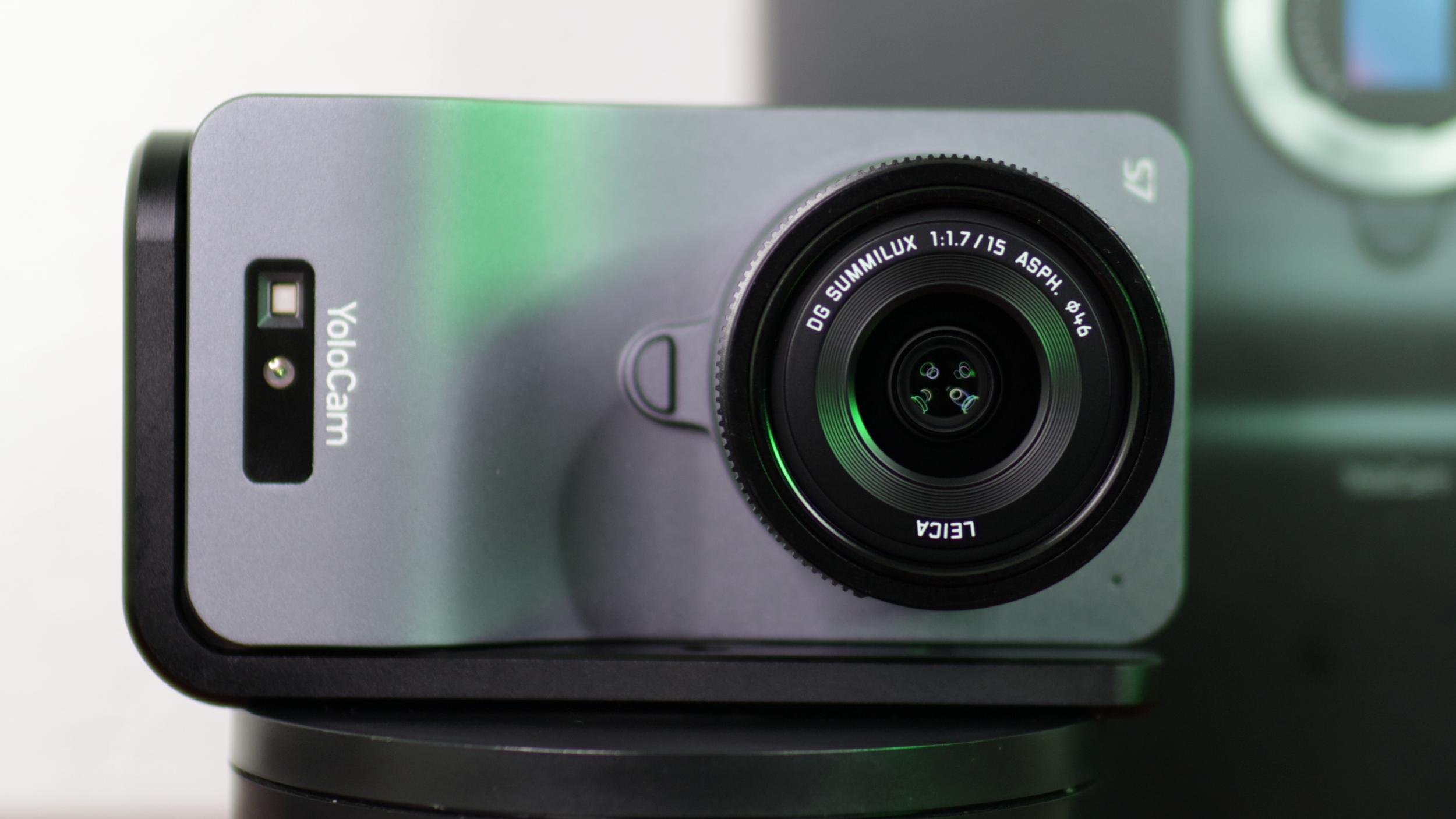
Unfortunately, this doesn't come with a monitor mount, but it’s way too bulky for that anyway.
For the ports there USB-C which you need for power and another USB-C port for the cable that plugs into your computer. You'll need that to record unless you're using a capture card (full size HDMI out). Even if you are, that's the only way to access any settings because there are no knobs, dials, or other controls on the webcam itself.
The USB-C to A UVC cable is 119 inches long and the power cable (C to C) is 101 inches long. This is perfect for letting you position the device exactly as needed.
This webcam doesn't have a mic built into it, but you do have the option to plug one in 3.5 mm. I always recommend using standalone mics anyway.
Verdict
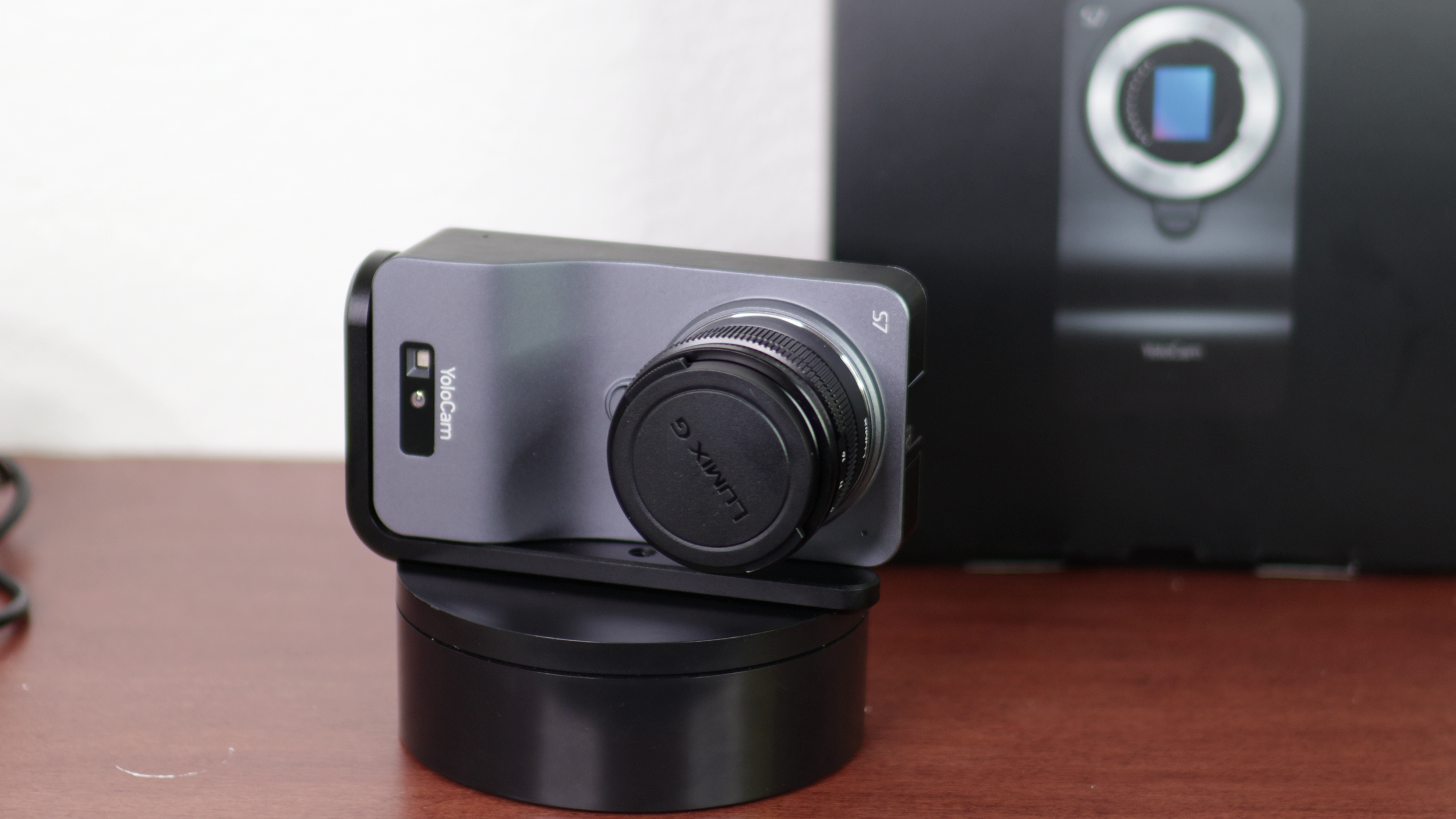
I love the YoloCam S7. The image quality is ridiculously good. It's smooth, it’s sharp, the bokeh is great, and 4K 60 FPS is what I’ve always wanted in a premium webcam. If you have unlimited money, I do recommend this.
However, for most people this is going to be price prohibitive. Additionally, the autofocus is still a work in progress and I have my own gripes with the software and always-on functionality.