Amazon links in this article are affiliate links. As an Amazon associate, I earn from qualifying purchases.
Differences Summary
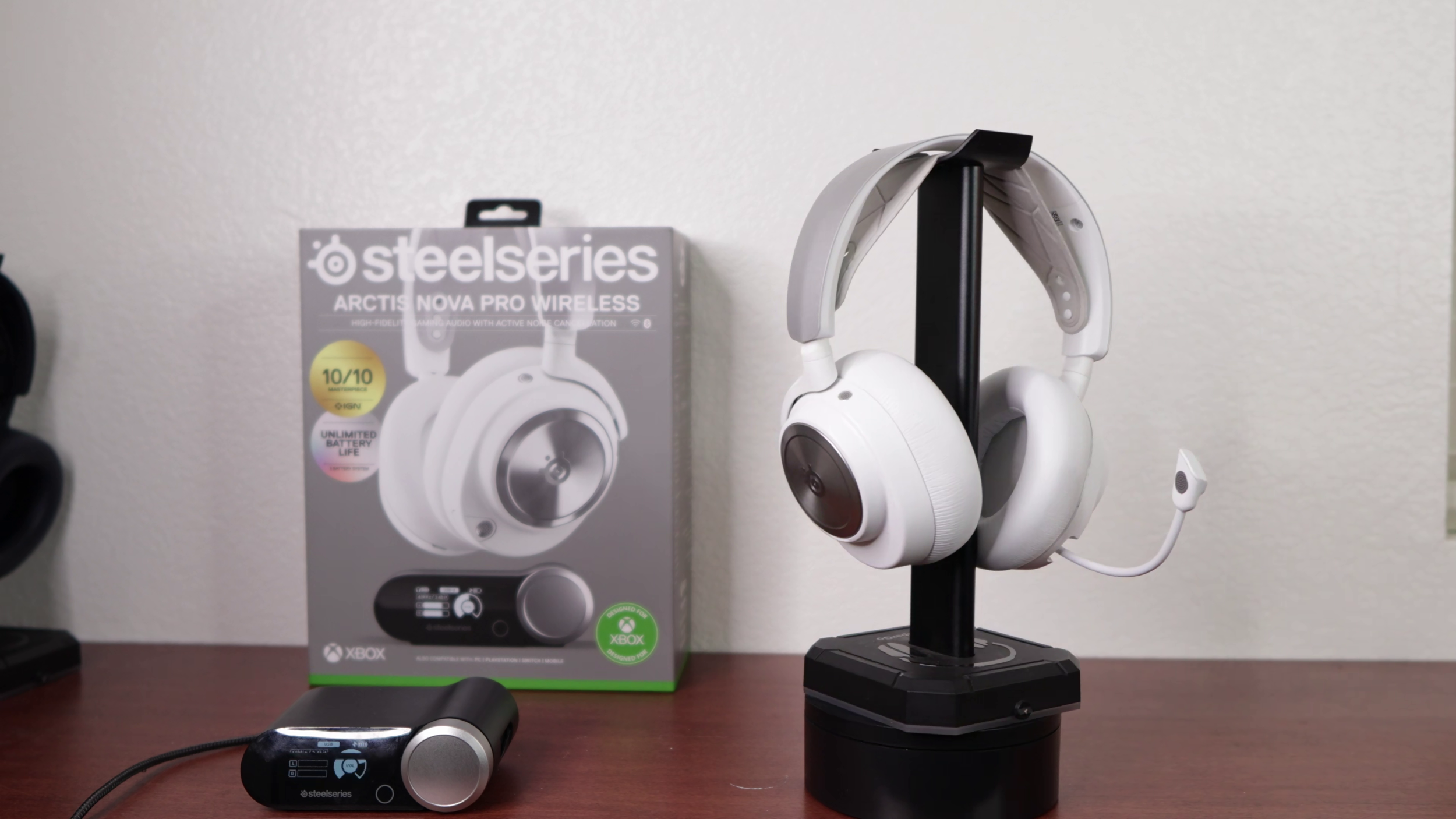
The SteelSeries Arctis Nova Pro Wireless is the original model and the most basic of the three. It still gives you the core SteelSeries setup — 2.4 GHz wireless, Bluetooth, ANC, swappable batteries, and the Base Station — but it is more limited. It connects to two USB devices, plays one at a time, tops out at 24-bit/48 kHz on PC/PS5, and does not work with the SteelSeries phone app.
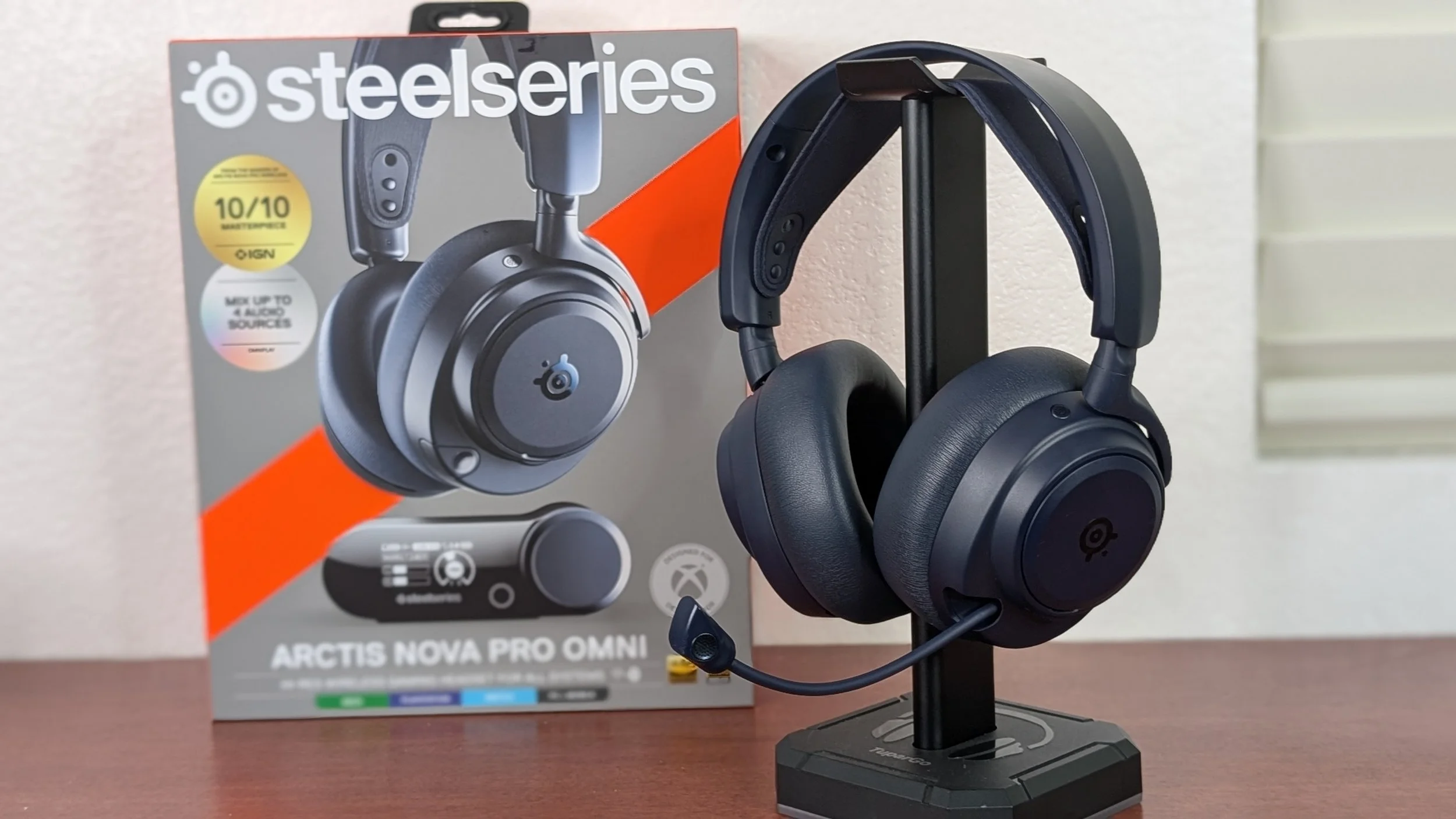
The Nova Pro Omni is the middle option. It keeps the lighter, more comfortable build of the Pro, but has the expanded connectivity options of the Elite. Its GameHub connects to three USB devices, can play audio from two systems at once, supports 24-bit/96 kHz on PC, and works with the phone app. Sound-wise, it has more body than the Pro, but it still does not match the Elite’s sub-bass or driver quality.
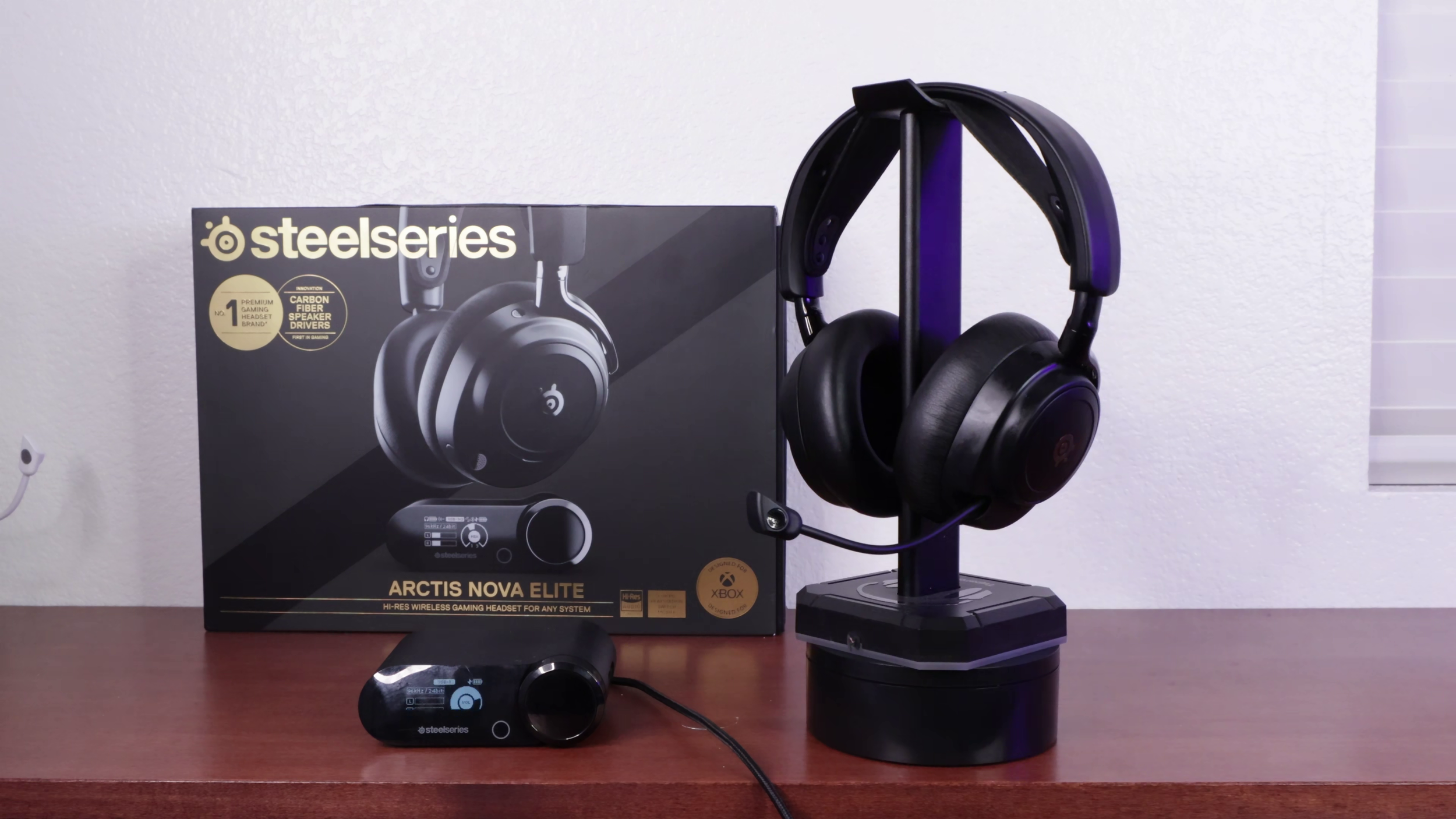
The Nova Elite is the flagship. It has the best sound, the strongest low-end, the most premium build. The tradeoffs are comfort and price: it is heavier, clamps harder, and launched for $600. So it is the best headset here, but very expensive.
Quick Take
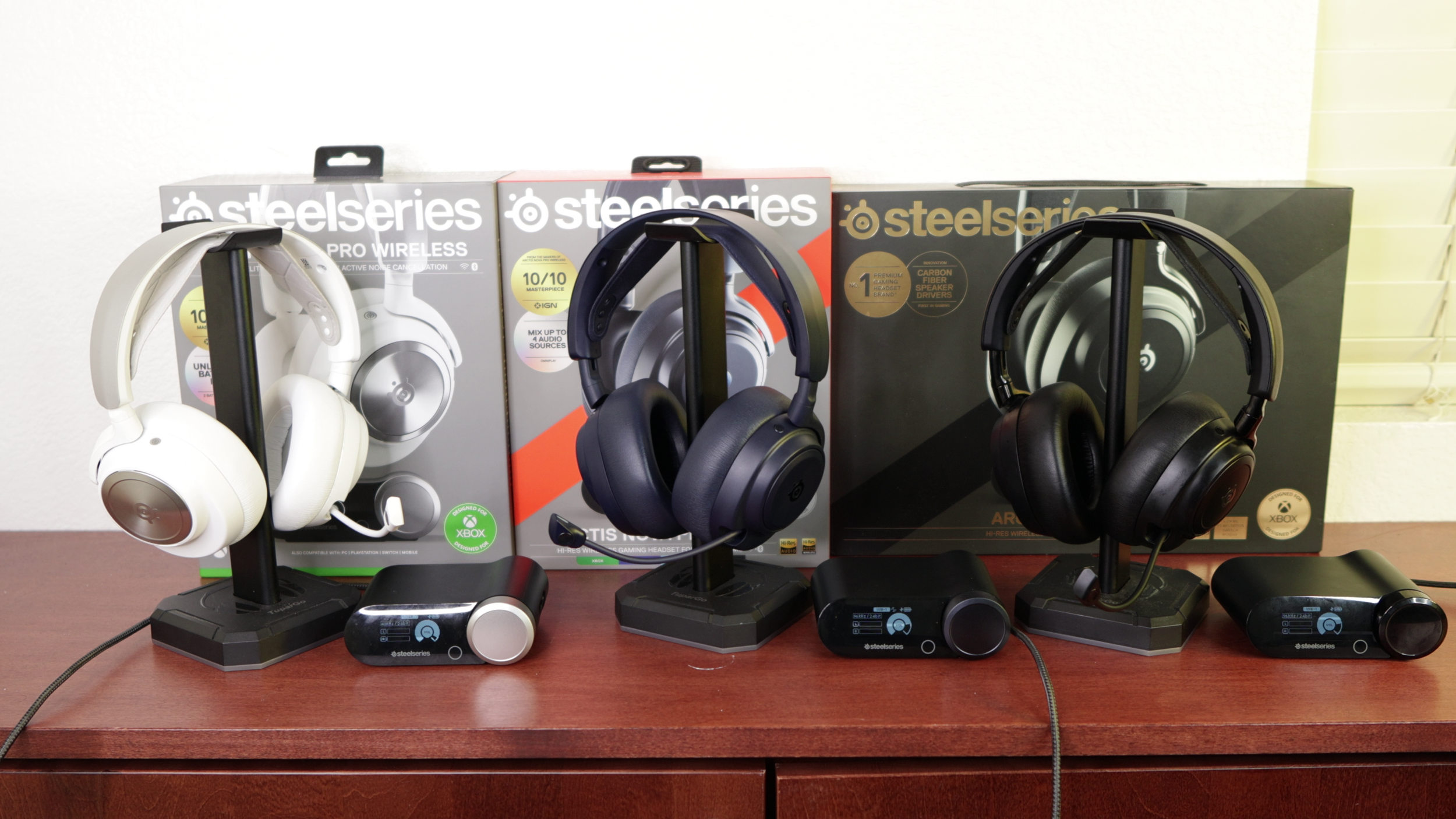
Best sound: Nova Elite
Best comfort: Nova Pro Omni
Best value: Nova Pro
Best connectivity: Nova Pro Omni and Nova Elite
So which to get? Get the Nova Pro to save money or if you don’t want/need the extra features.
Go with the Omni if you don't want to drop $600 on a gaming headset, but want some of Elite's specs and connectivity options.
Grab the Elite if you want the best overall gaming headset out. Honestly, if you’re entertaining headsets at these extreme price points, I’d go all the way for the Elite.
Connectivity
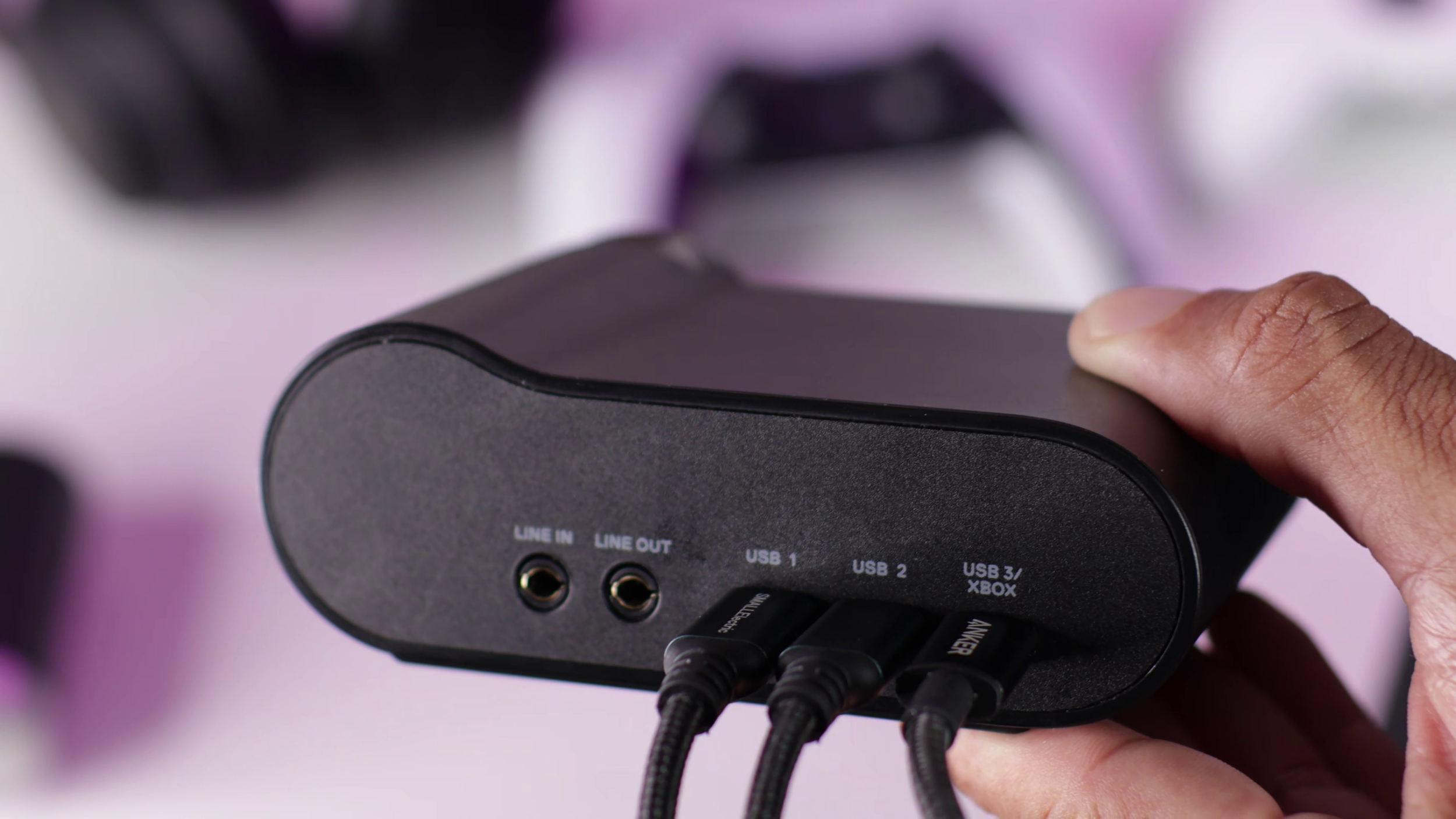
All three of these headsets have simultaneous 2.4 GHz wireless and Bluetooth. They can be used wired or wirelessly. They come with a 3.5 mm cable to use them wired.
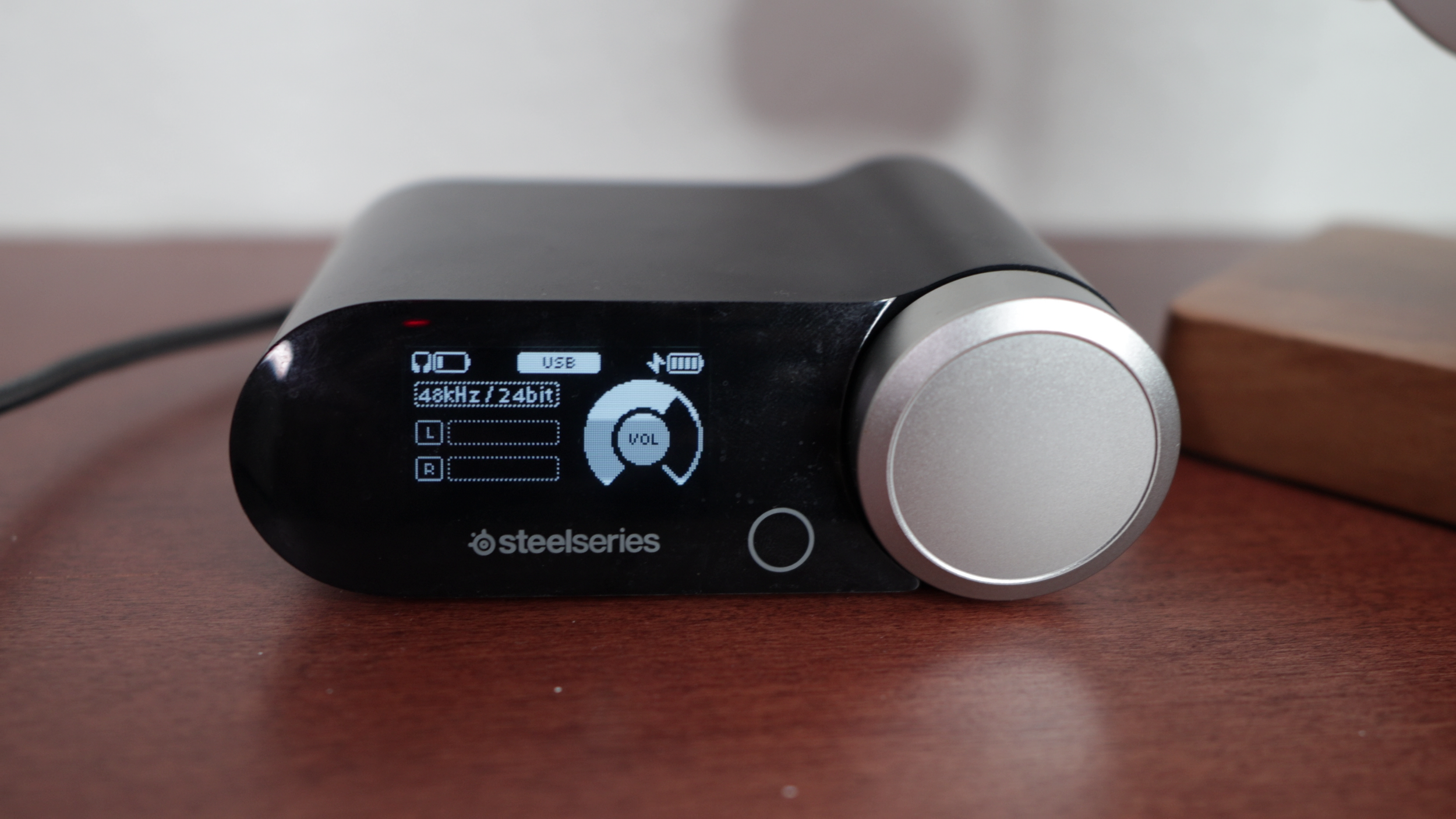
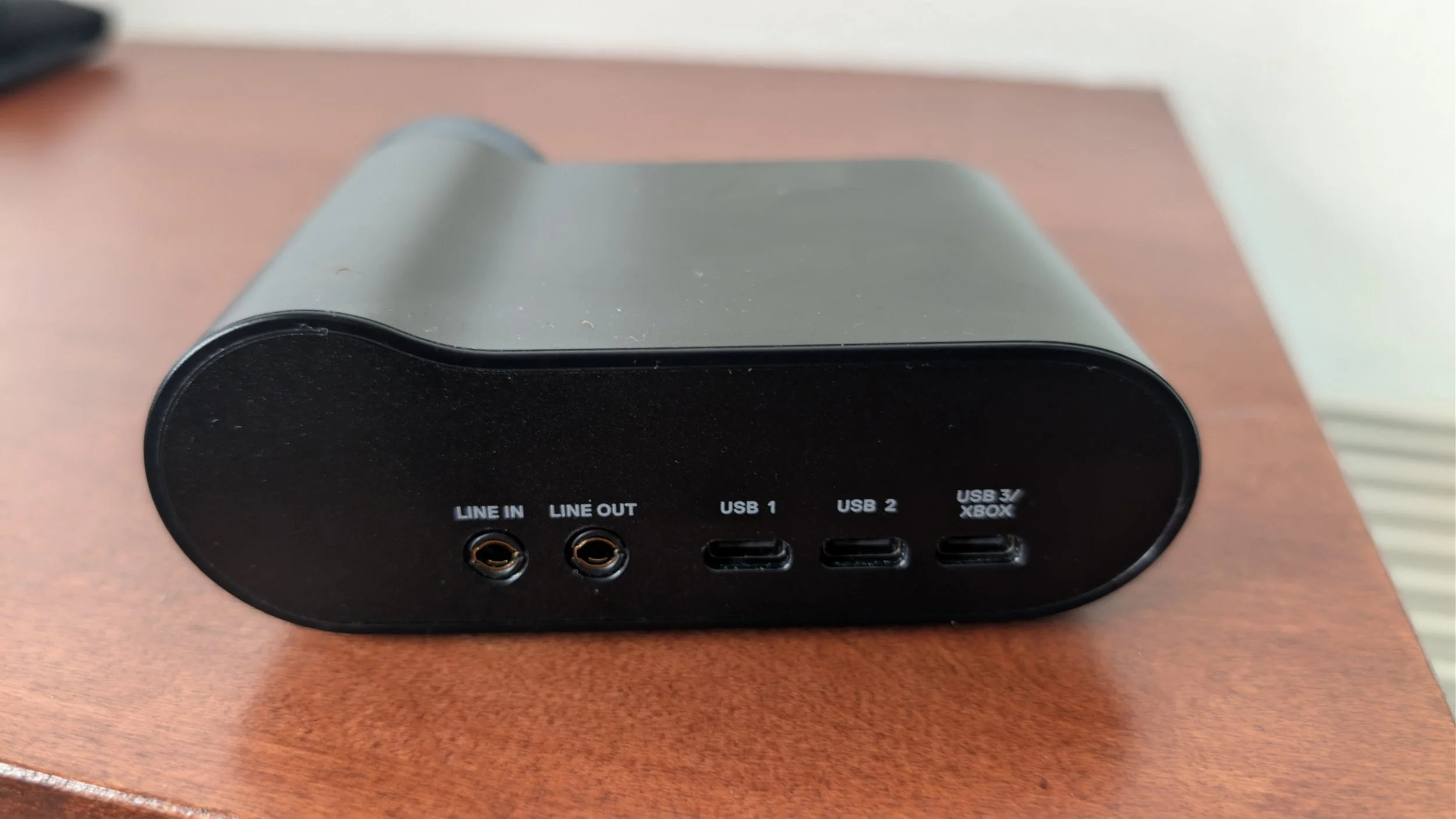
For wireless, they all come with a 2.4 GHz transceiver. These connect to a console or PC using USB. Aside from transmitting headphone and mic audio, you can adjust different settings such as the sidetone, equalization, ANC, and other small functions using the wheel and the small button at the bottom.
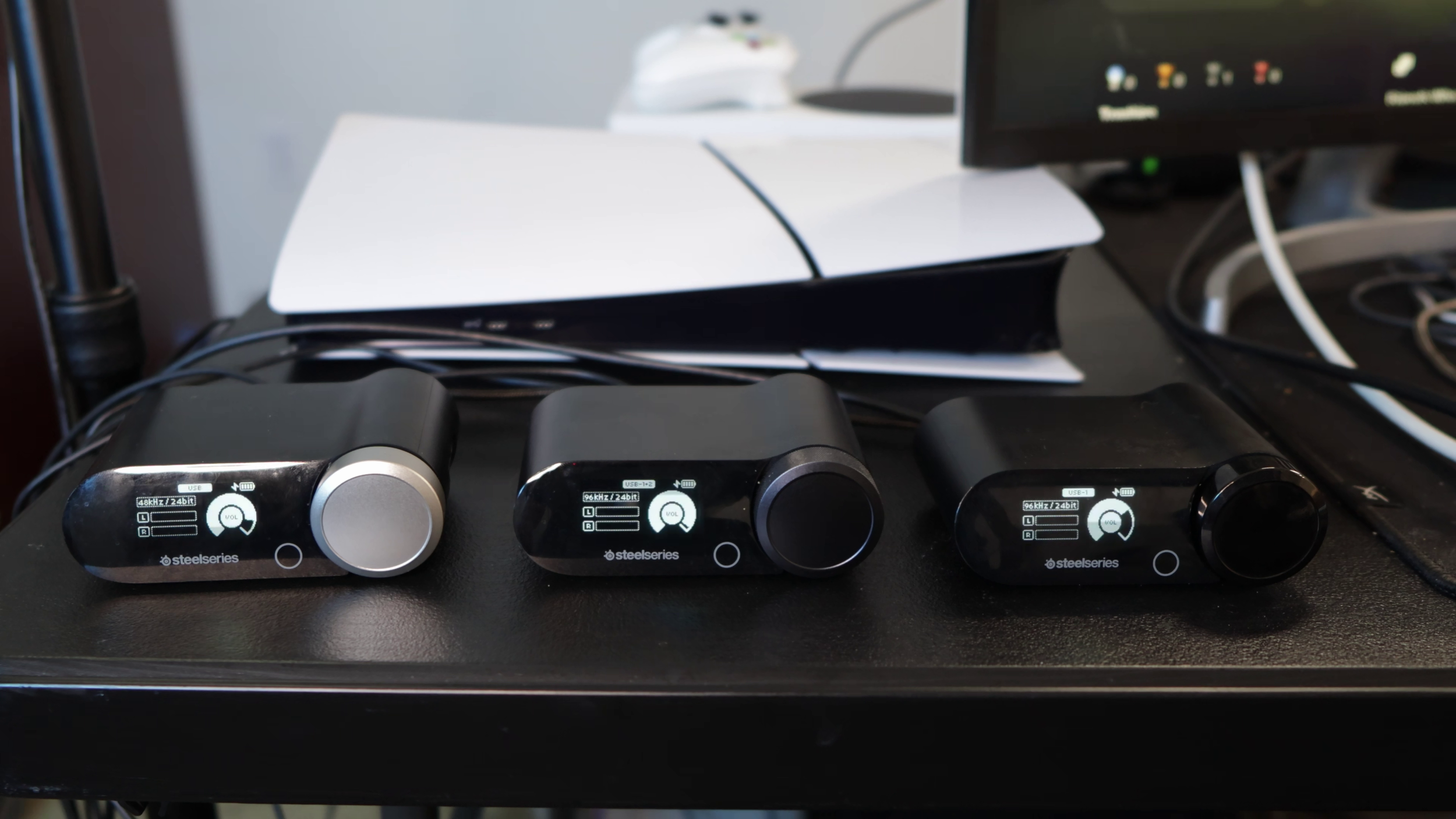
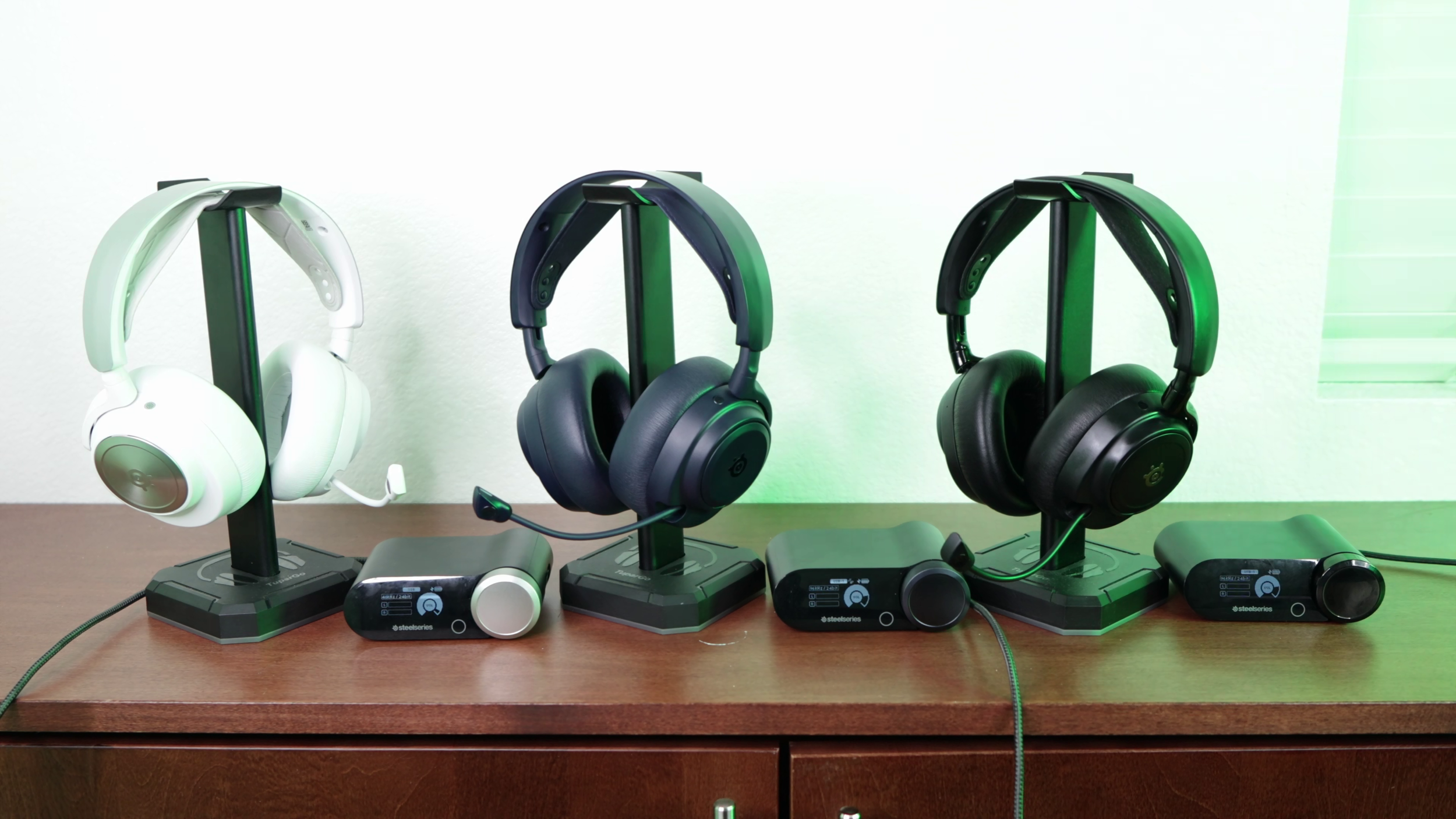
Transceivers for the Nova Pro, Omni, and Elite left to right.
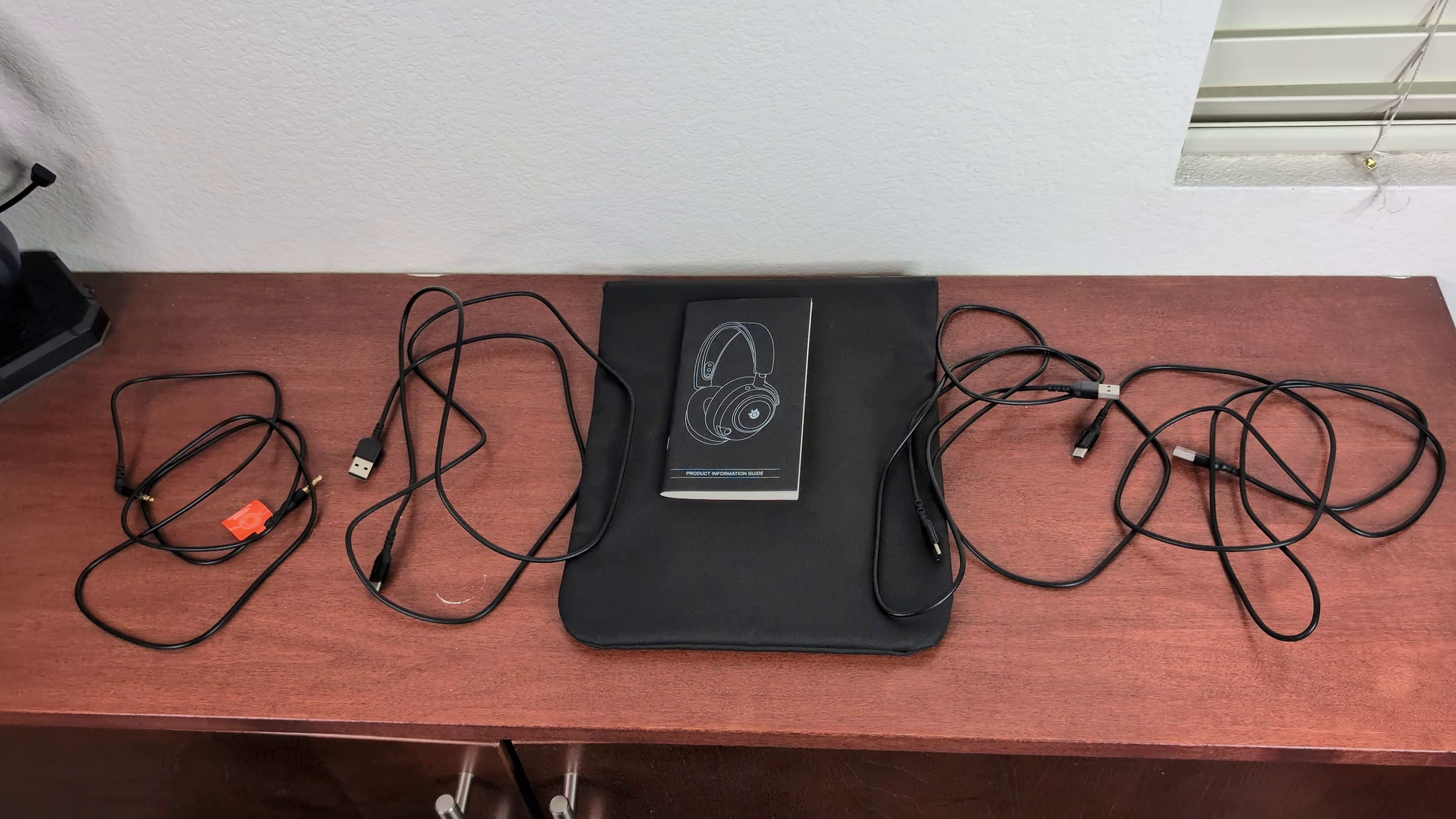
3.5 mm cable and three USB-C to A cables.
There are two 5-ft USB-C to A cables included in the Pro and Omni boxes. The Elite comes with three of those cables.
The transceivers can all be used to adjust game/chat volume mixing on Xbox and also PC if you have Sonar fully enabled. This function does not work on PS5. The Nova Pro Omni and Elite can mix audio from two different systems at once and the volume of each can be controlled on the transceiver.
Nova Pro
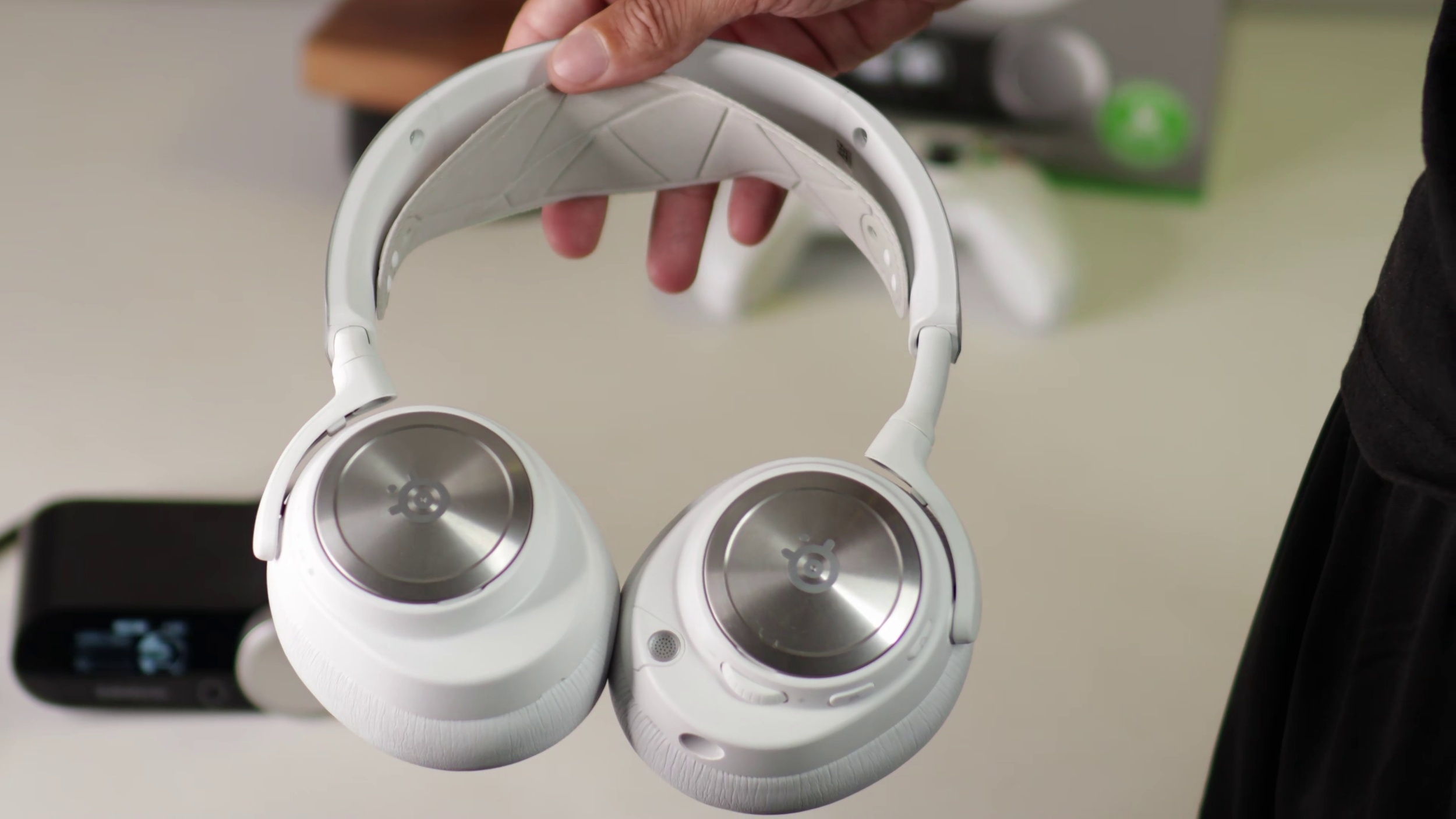
System compatibility: (Xbox Version) Xbox, PS5, Switch 2, PC (PlayStation Version) PS5, Switch 2, PC
2.4 GHz transceiver: “Base Station”. 2 USB slots. Plays audio from once source at a time.
Transceiver bit rate and sample rate: (PC) 24-bit, 48 KHz (PS5) 24-bit, 48 KHz (Xbox) 16-bit, 48 KHz
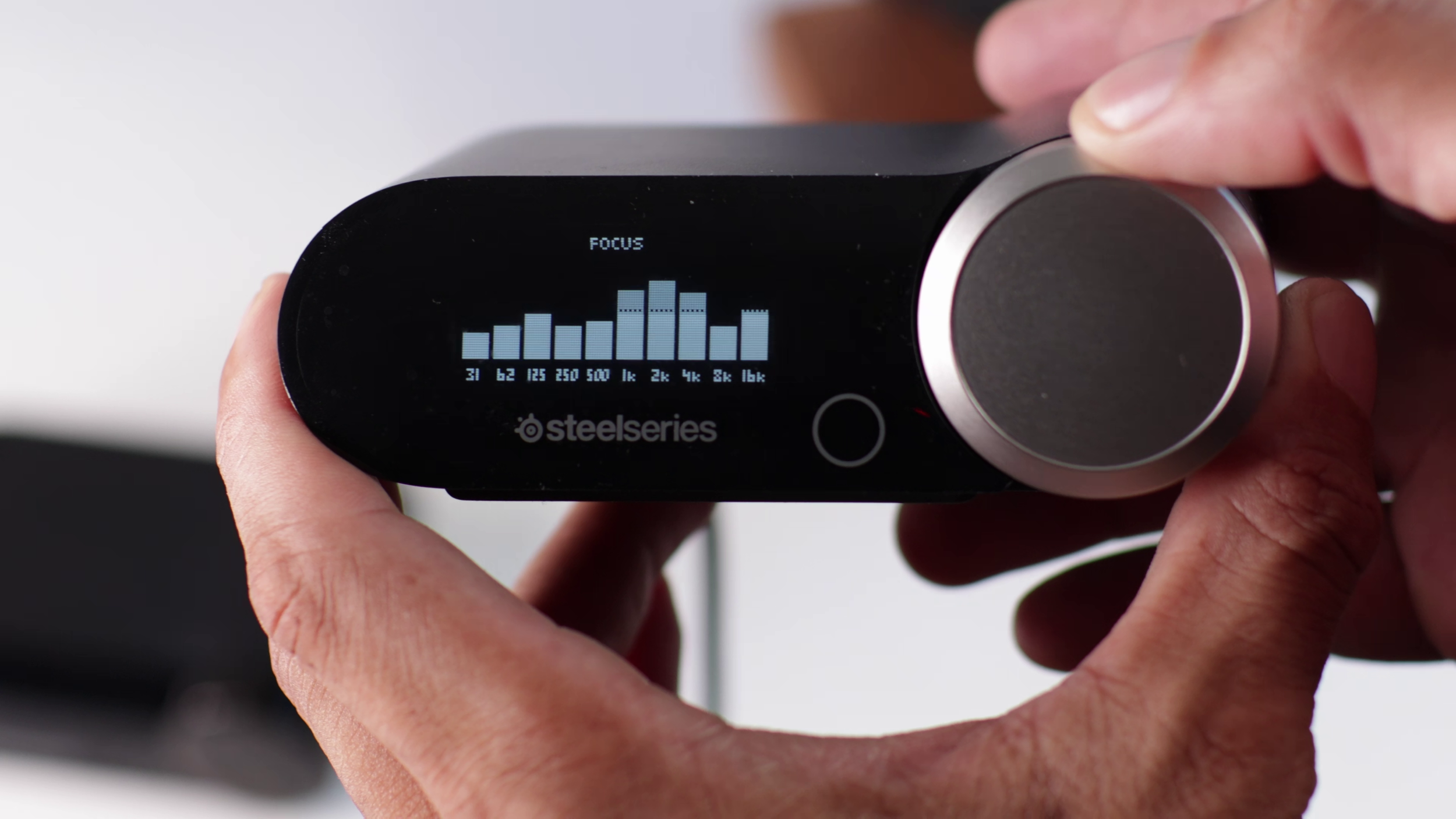
The Nova Pro Omni and Elite only have one version which works on Xbox, PS5, PC. All of these headsets work on the Switch 1 and 2.
Nova Pro Omni
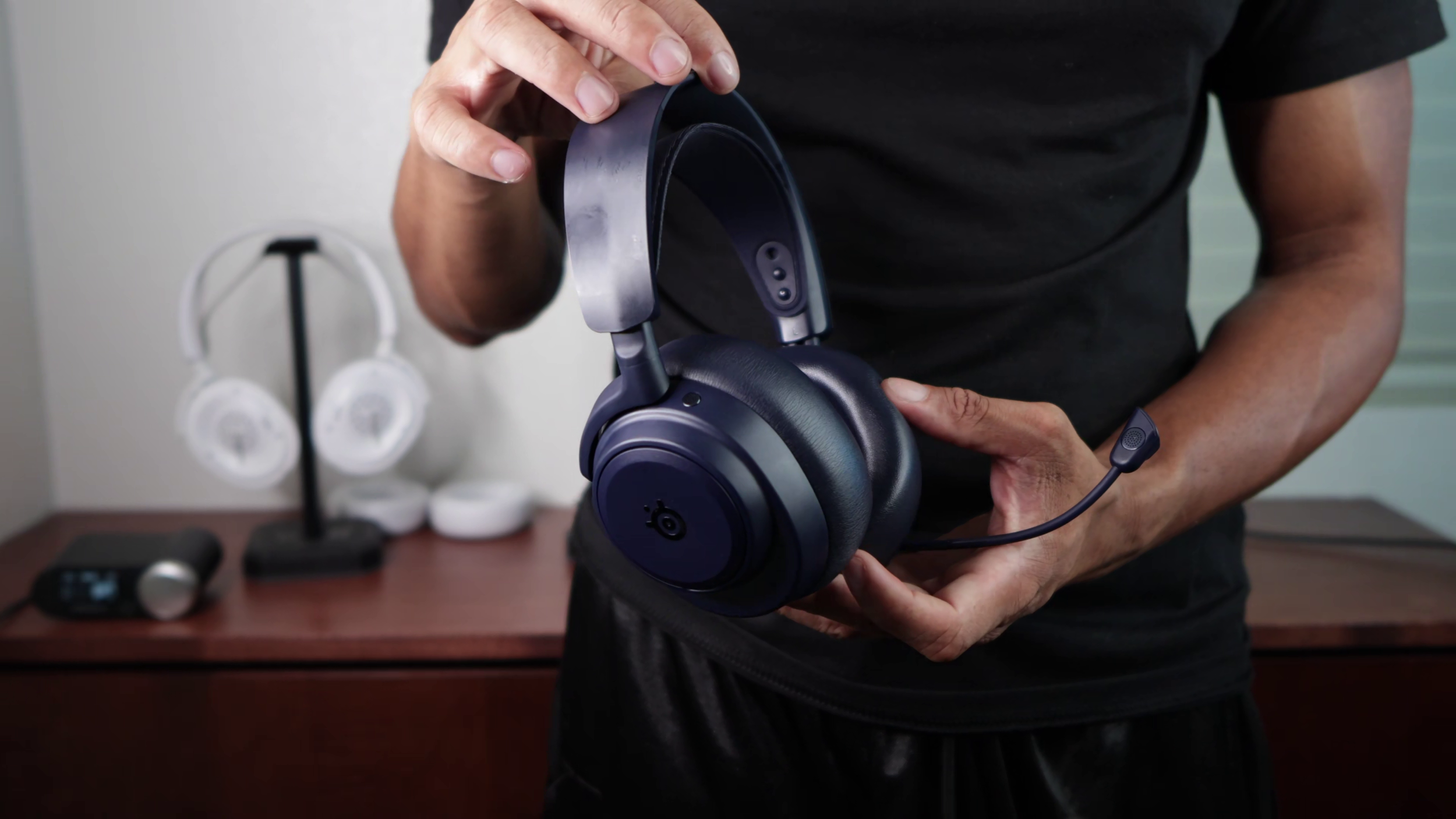
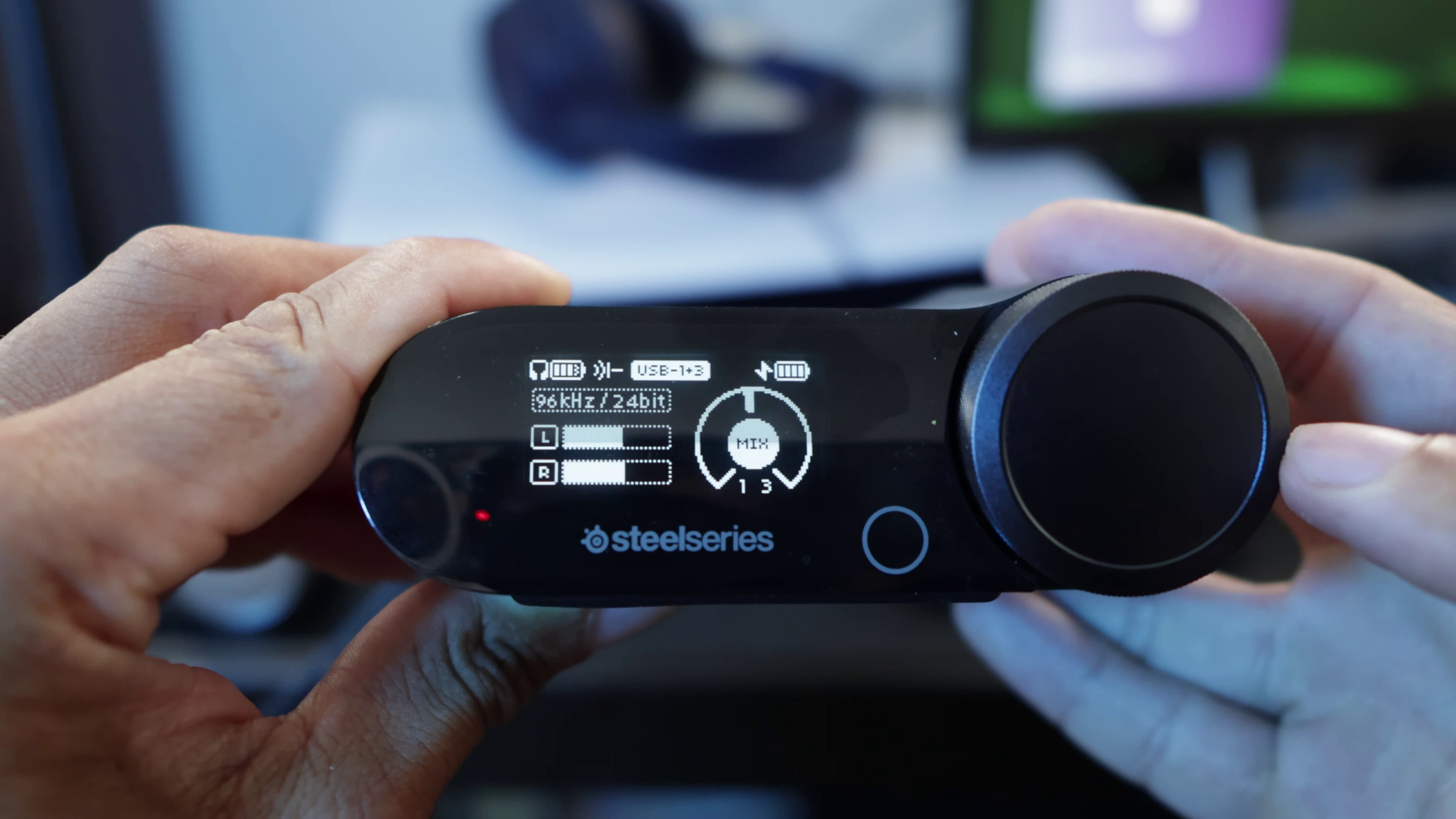
System compatibility: Xbox, PS5, Switch 2, PC
2.4 GHz transceiver: “Gamehub”. 3 USB slots. Plays audio from two sources at a time.
Transceiver bit rate and sample rate: (PC) 24-bit, 96 KHz (PS5) 24-bit, 48 KHz (Xbox) 16-bit, 48 KHz
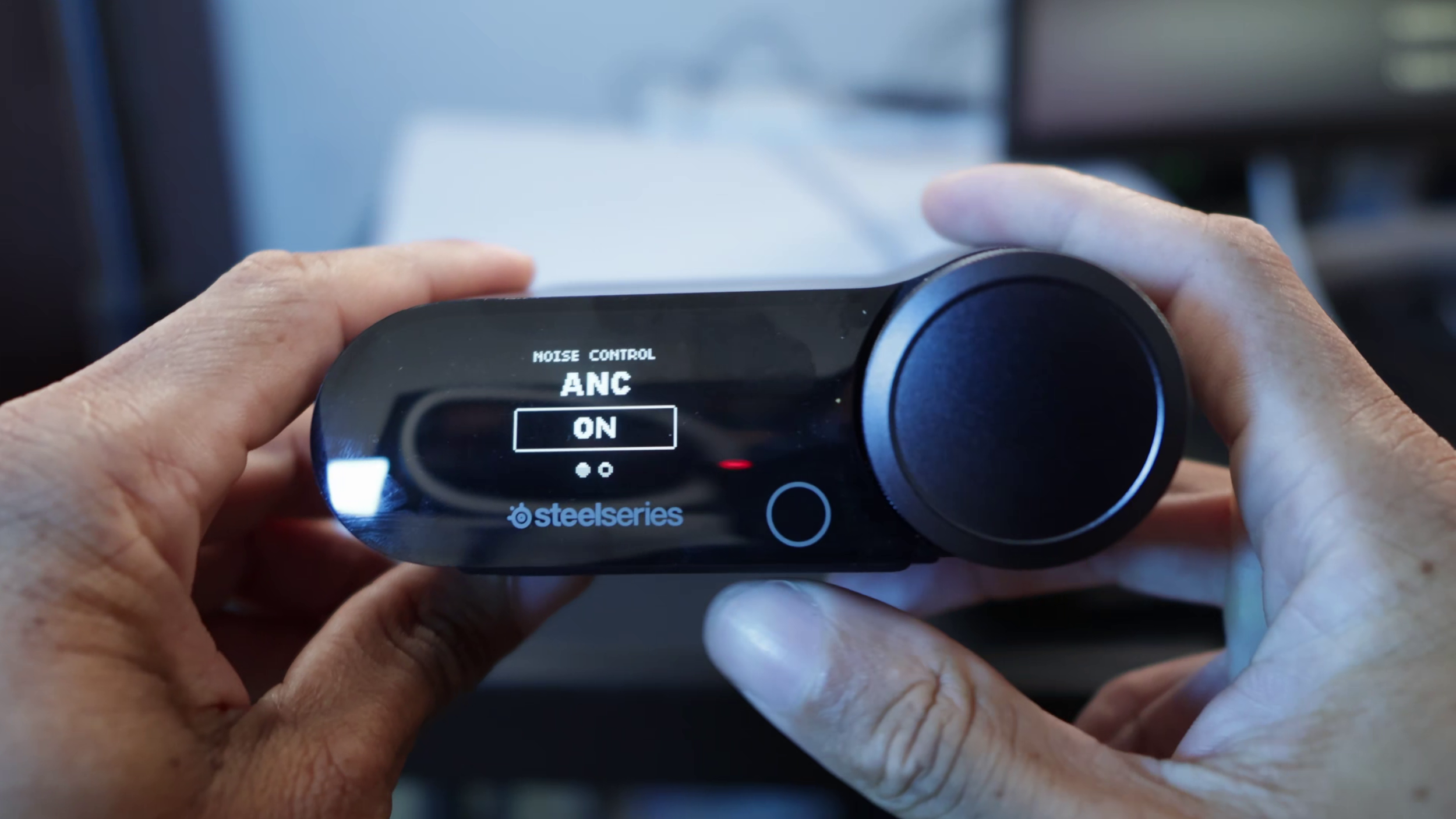
The Nova Pro Omni’s Gamehub wheel is more tactile than the others.
Nova Elite
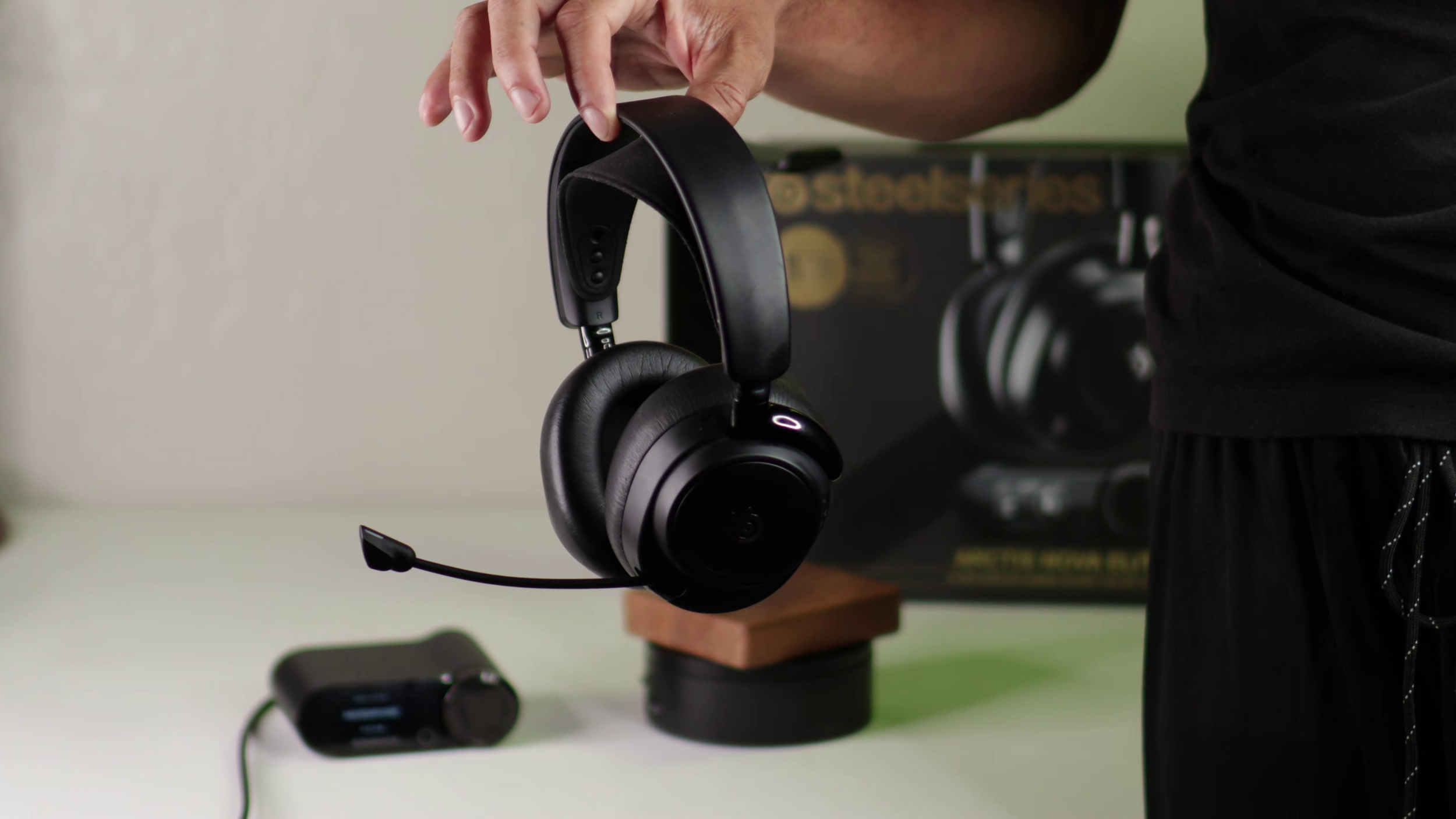
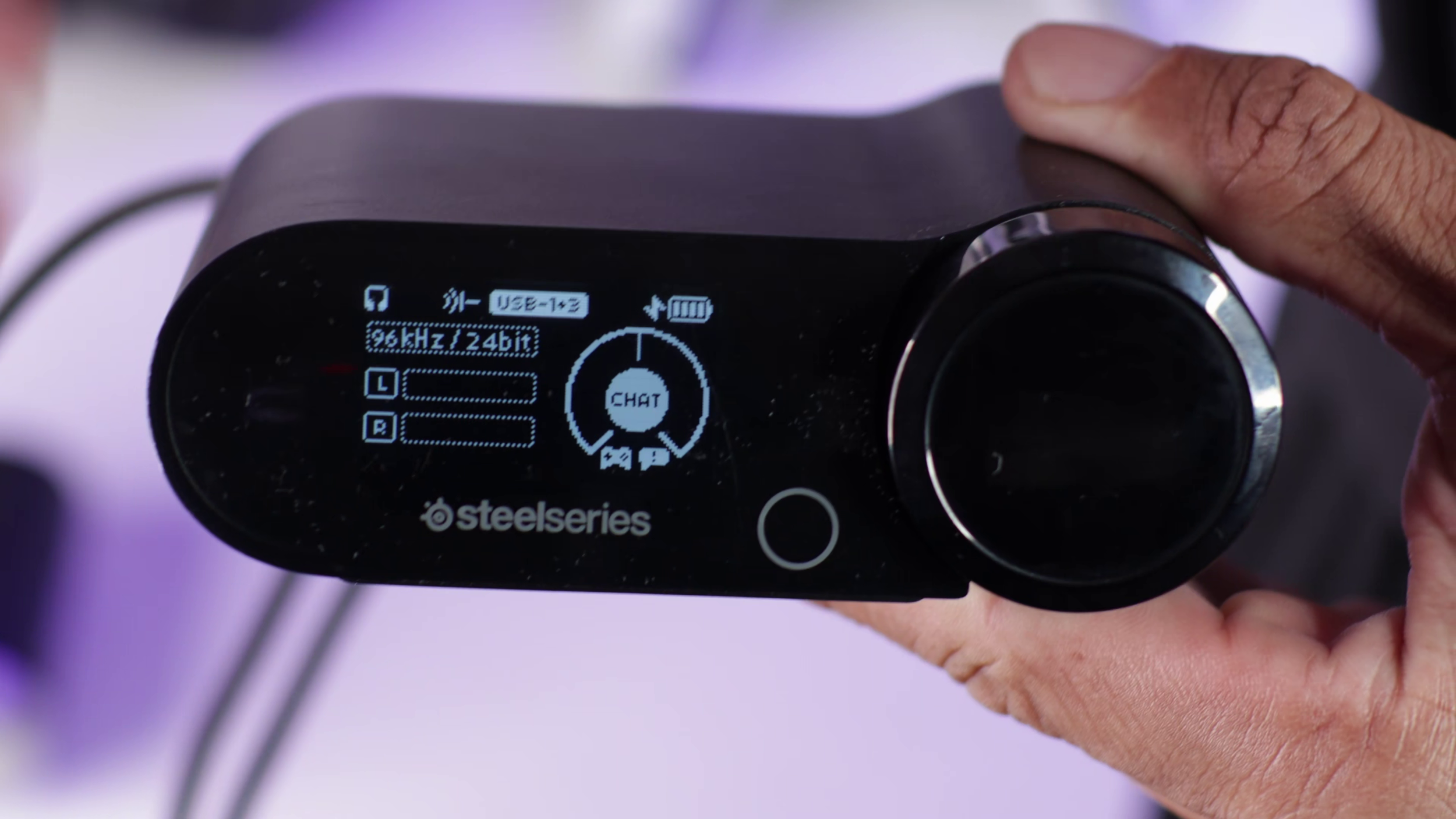
System compatibility: Xbox, PS5, Switch 2, PC
2.4 GHz transceiver: “Gamehub”. 3 USB slots. Plays audio from two sources at a time.
Transceiver bit rate and sample rate: (PC) 24-bit, 96 KHz (PS5) 24-bit, 48 KHz (Xbox) 16-bit, 48 KHz
Hi-Res Audio Certification
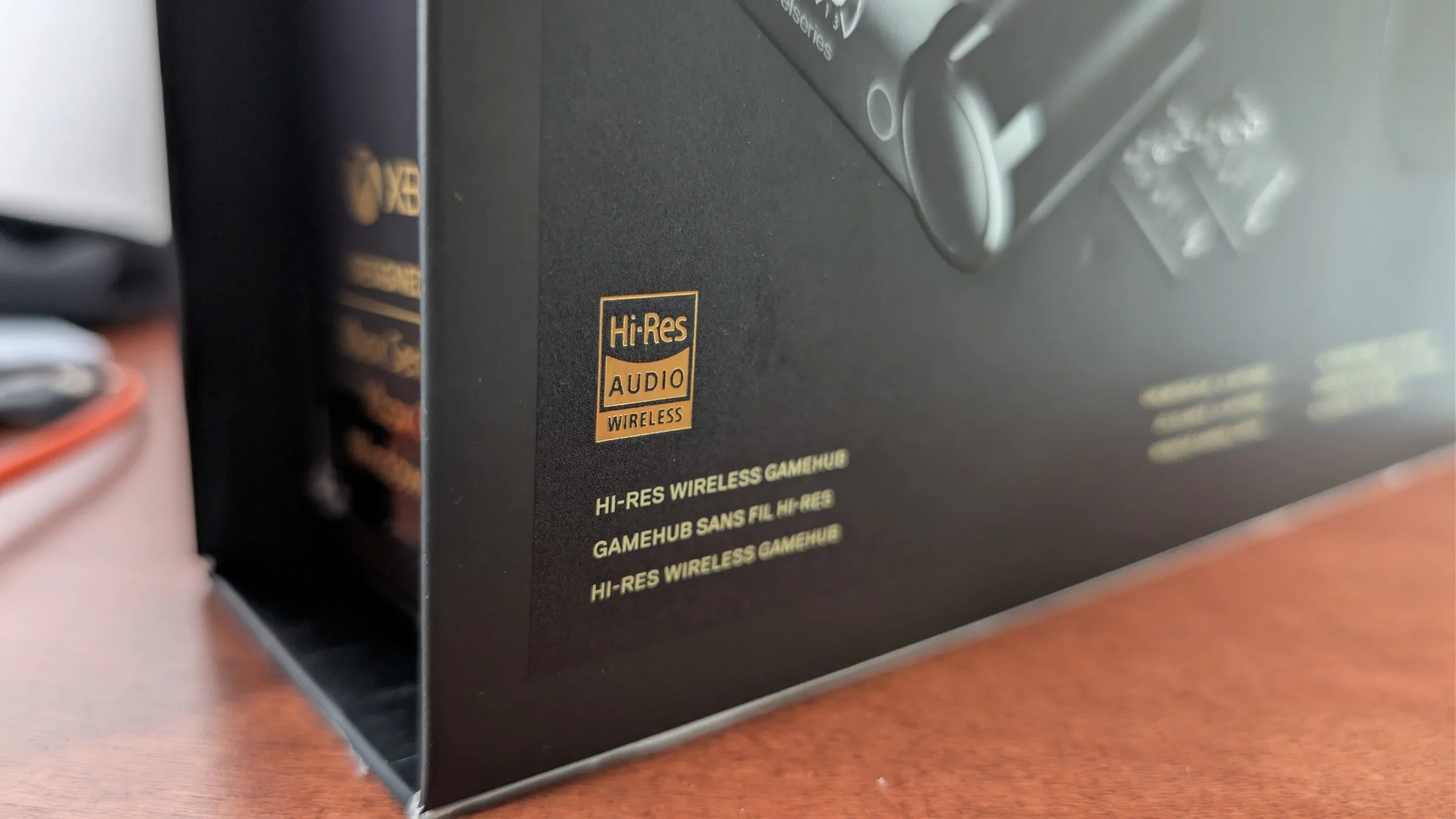
SteelSeries and much of the “audiophile” community on Reddit will claim that the 24-bit, 96 KHz “high resolution audio” of the Omni and Elite will make a significant difference that you can reliably hear in a blind test.
In reality, it’s marketing fluff. Just like how “surround” sound was the buzzword a few years ago. But if you insist on "“Hi-Res” audio, don’t let me stop you…
Battery Life
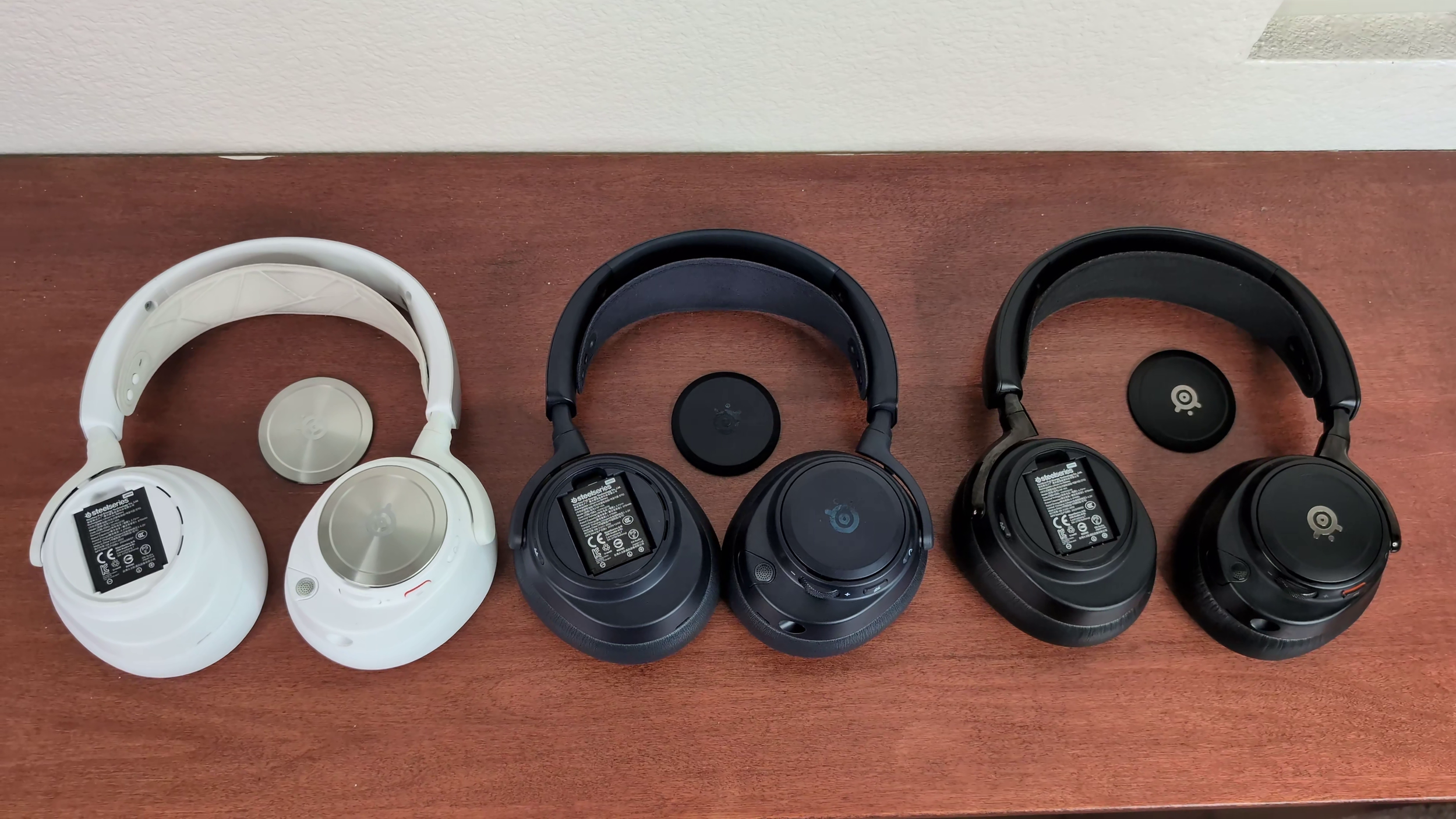
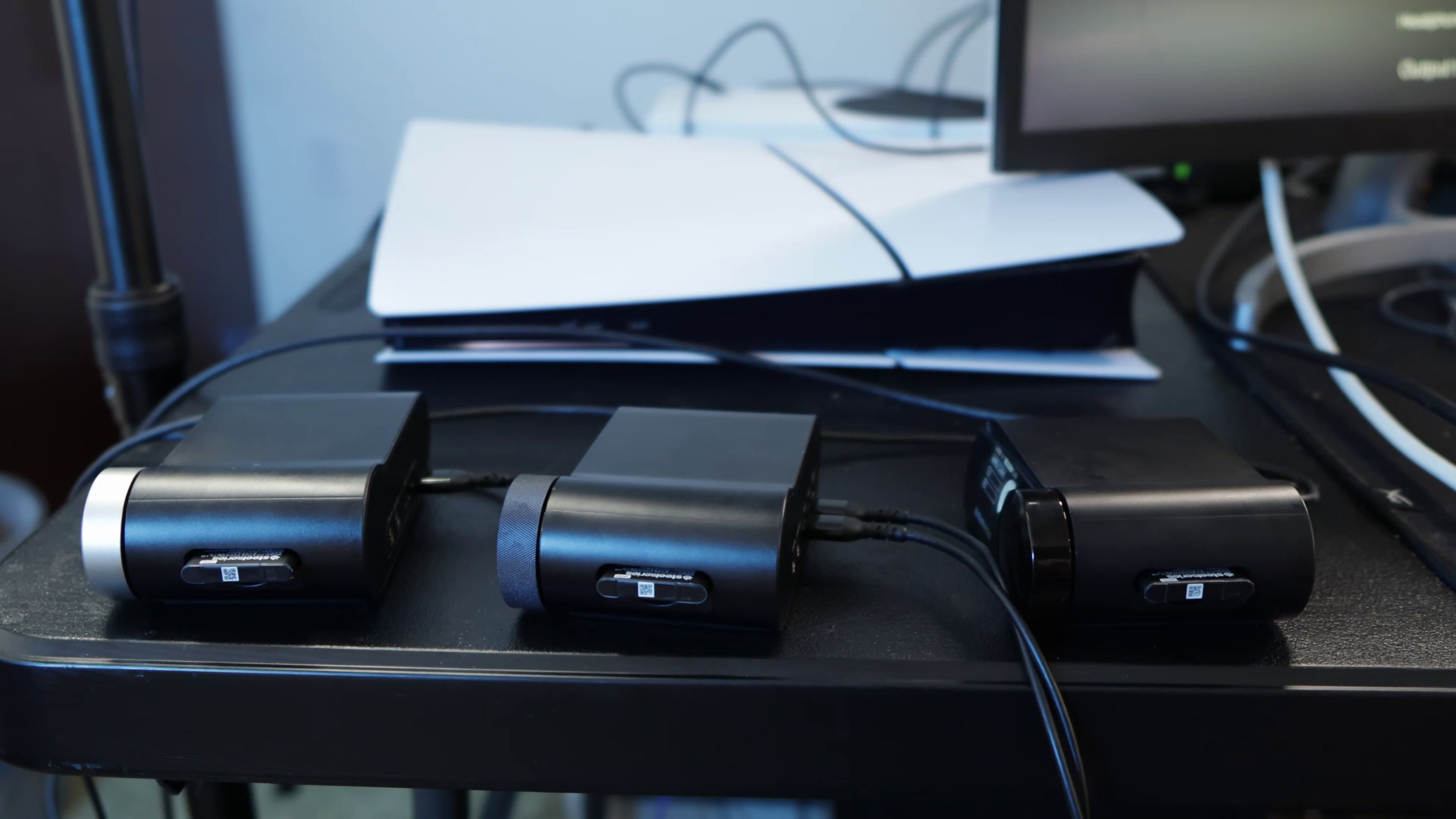
These come with two battery packs that can be swapped out in about 10 seconds. One stays in the transceiver to charge. One stays in the headset.
All three headsets have the same size 670 mAh battery, but different stated battery durations.
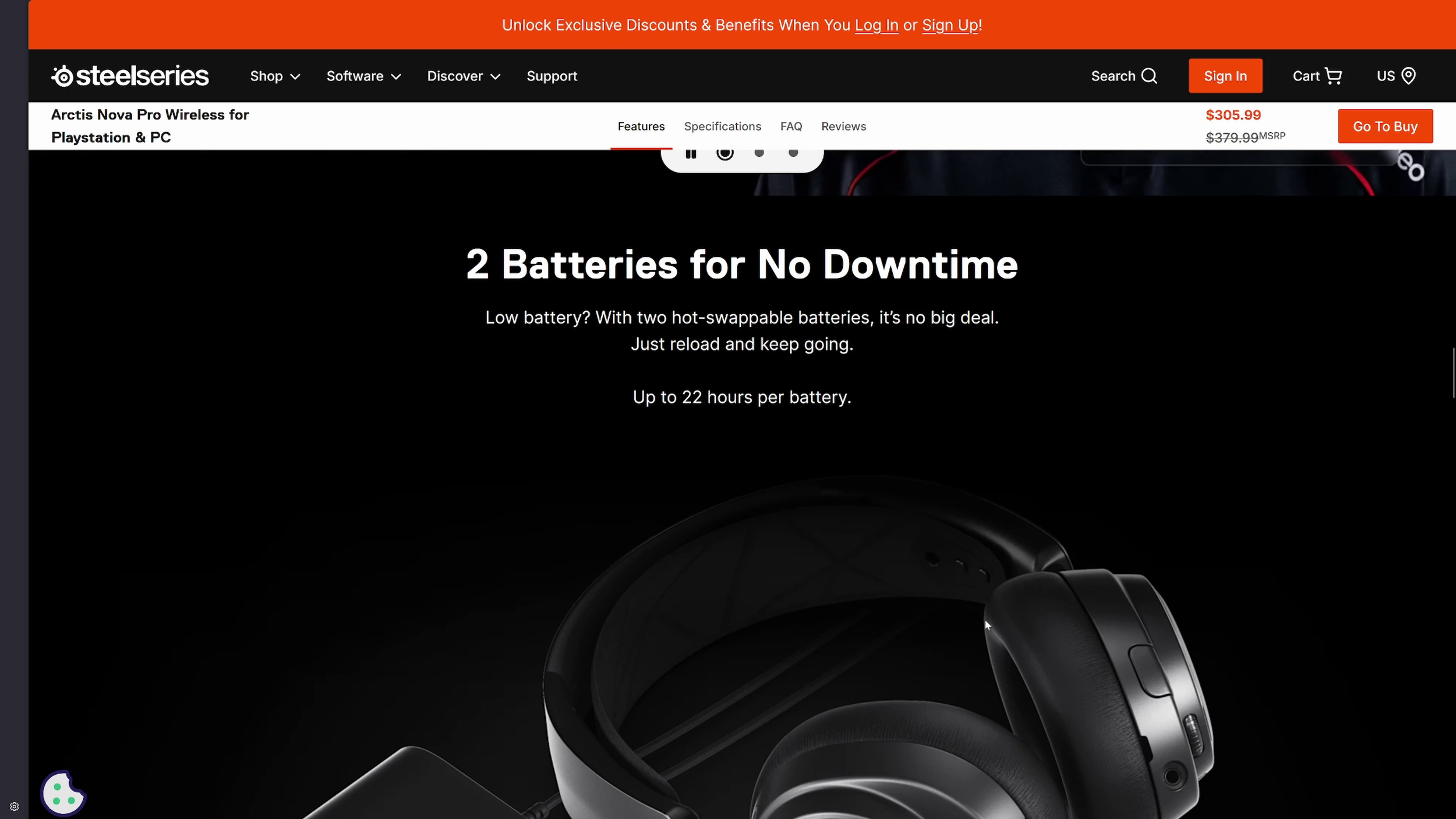
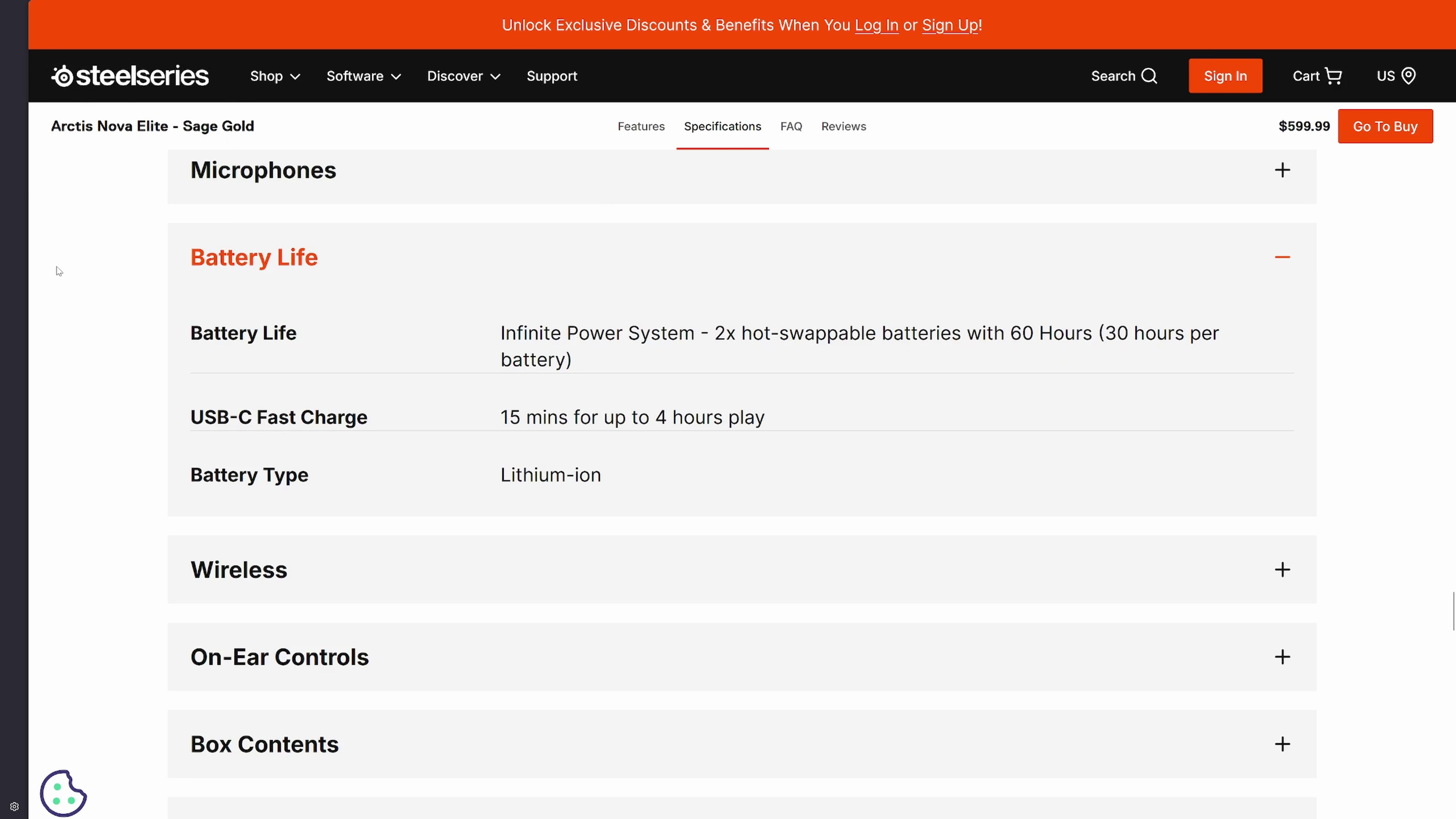
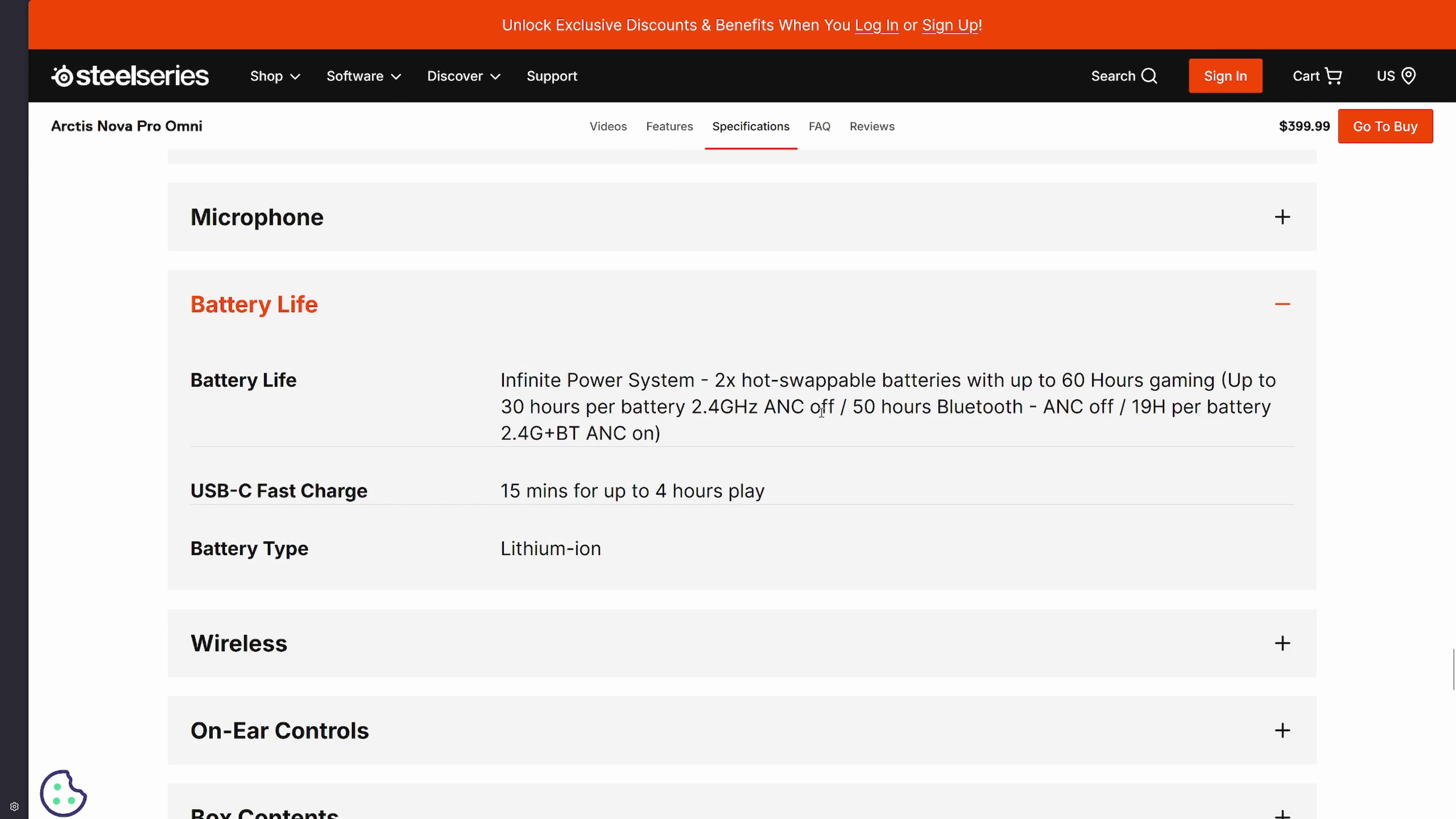
(From SteelSeries’ website. Click to scroll through.)
In my experience, these all get about 30 hours of use on one charge if you're only using 2.4 GHz. Bluetooth drops that down. On all 3, Bluetooth never auto powers off unless there's no Bluetooth device in range. This will continue to eat battery until it dies even if you turn off the 2.4 GHz portion of the device.
Headset Controls
The controls are the same on all three.
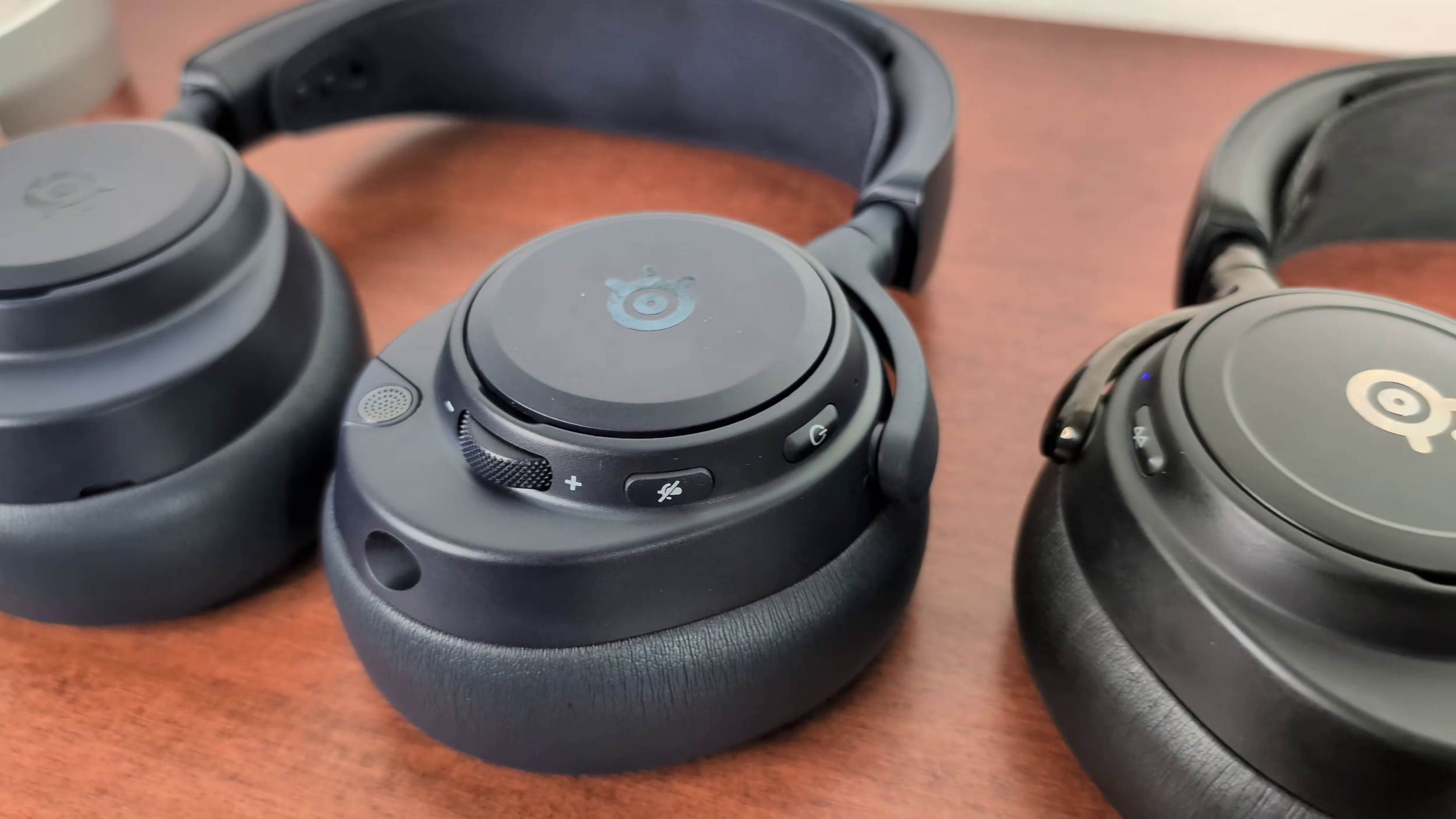
Power button. this toggles ANC on or off.
Mic mute. This turns the boom mics red.
Volume wheel. This can be pressed or held in just like the Base Station or Gamehub wheel to access different settings and adjust volume mixing or game chat mixing.
Bluetooth button. This also doubles as media controls for Bluetooth.
Headphone Audio Quality
Audio measurements taken with my miniDSP EARS (not industry standard).
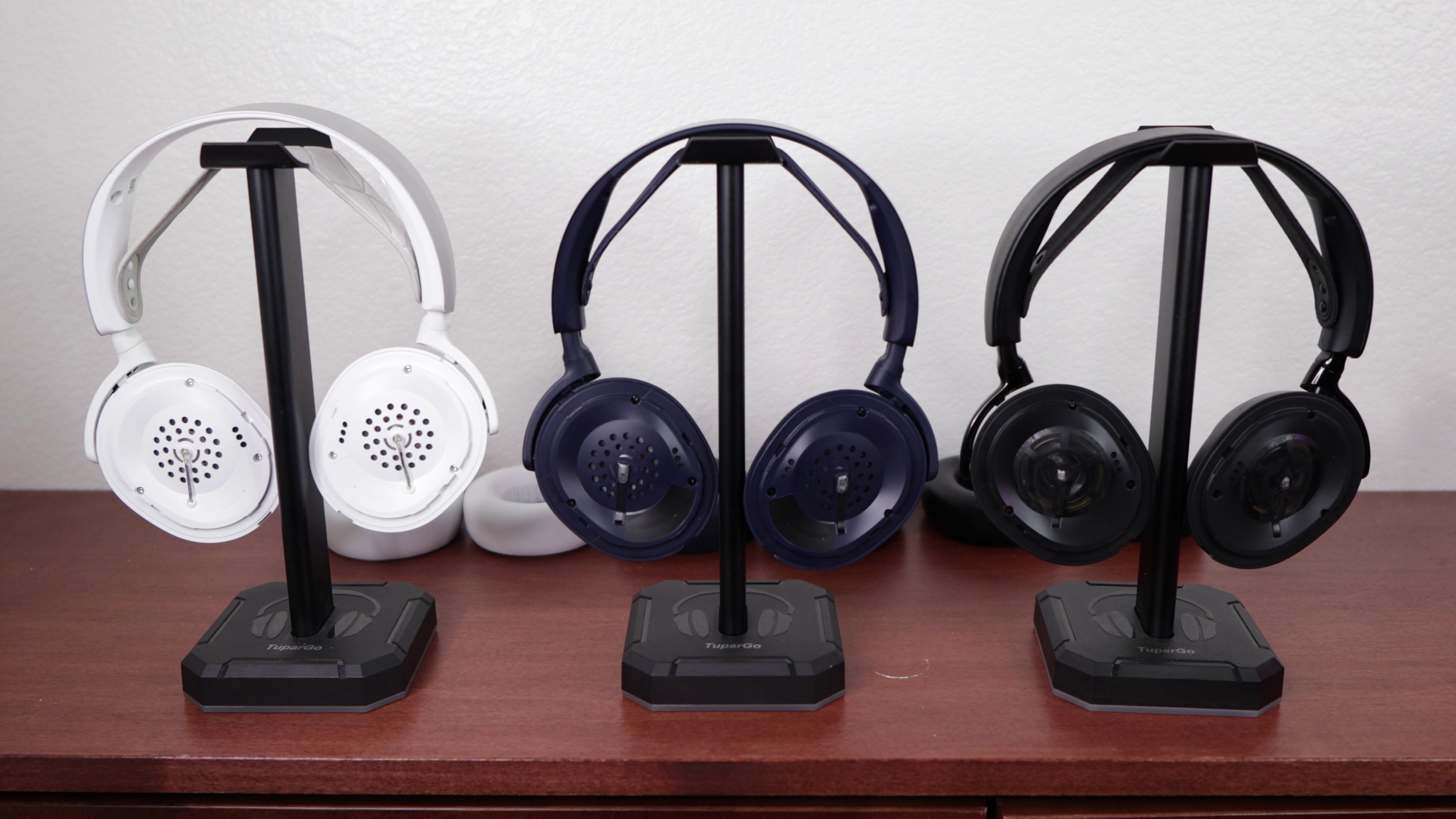
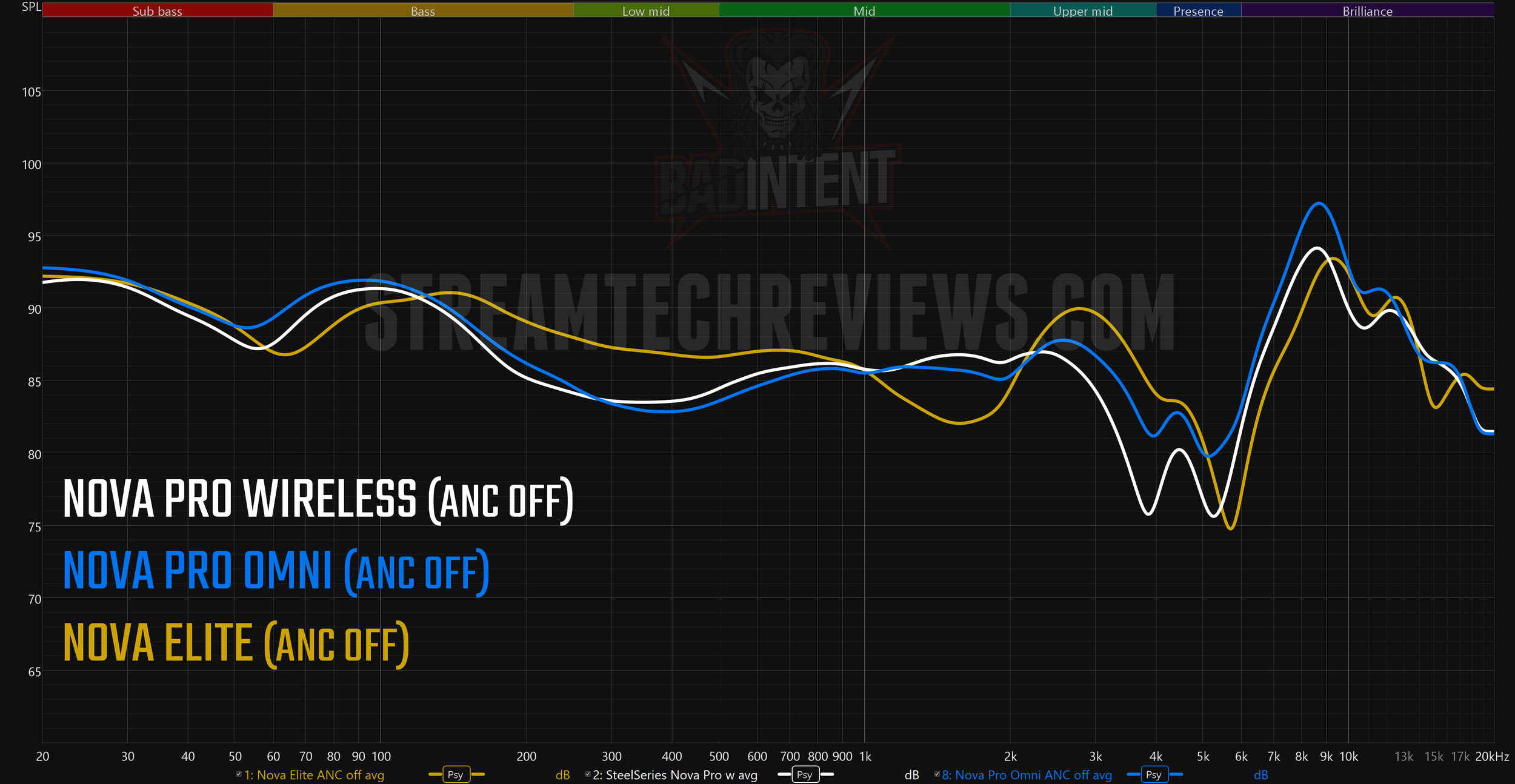
The Nova Pro wireless uses 40 mm neodymium drivers. The stated frequency response range is 10 Hz - 40 kHz wired and 10 Hz - 22 kHz wireless.
The Nova Pro Omni uses similar 40 mm neodymium drivers. These have a frequency response range of 10 Hz - 40 kHz even wireless. That, plus the bit rate of the Omni's Gamehub lets them market it as "Hi-Res Certified".
The Arctis Nova Elite has carbon fiber drivers with a brass surround ring. 10 Hz - 40 kHz wired or wireless.
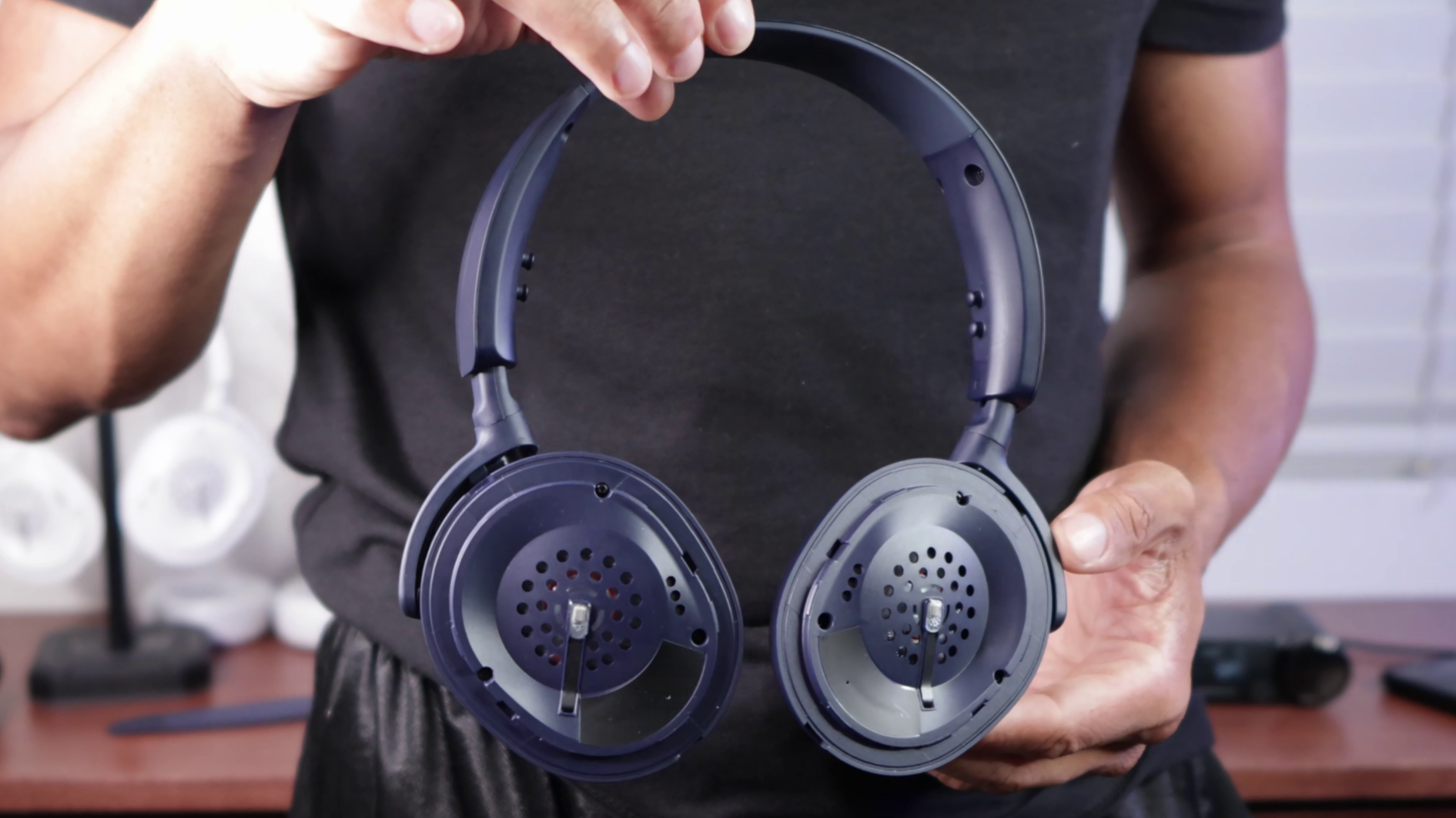
The range of human hearing is only 20 Hz - 20 kHz, so these numbers are mostly just specs flexing. My graphs didn’t quite line up with my subjective experience, as I’ll explain below.
While all 3 of these excel for shooters, I like the original Nova Pro the least. It's bass light and treble heavy. Still, the detail is undeniably good. The Nova Pro Omni uses similar drivers, but their tuning is "inspired by the Nova Elite". The main difference I noticed is the bass is a bit thicker. However, the sub-bass is still very weak.
The Elite drivers have way greater sub-bass thump and rumble when needed. Not overwhelming, not a ton of power like the Crusher PLYR 720 or A50 X, but they reach very deep.
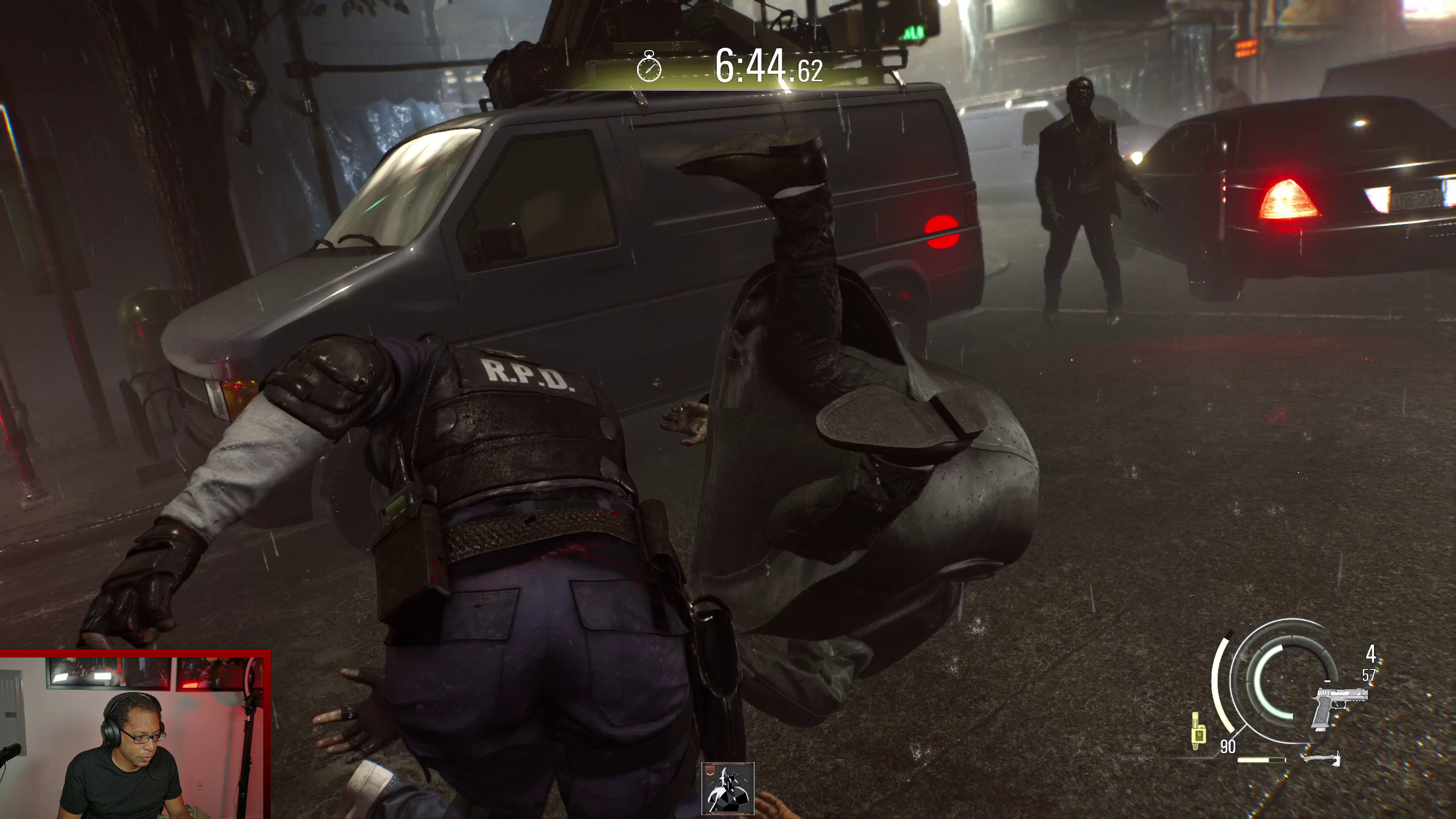
Resident Evil Requiem with the Nova Elite.
In Resident Evil Requiem, there are multiple sections where you can’t see enemies until it's too late. You have to listen out for the footsteps. And the sound design of that game really emphasizes the sub-bass. The Elite’s clear sound separation and very distinct low end makes it one of the best headsets overall for hearing footsteps.
All 3 headsets have a very sharp treble spike around 10 kHz, and prior to that, a dip from 4-6 kHz which contains the harshness a bit. The default tuning is still too top heavy for my preference.
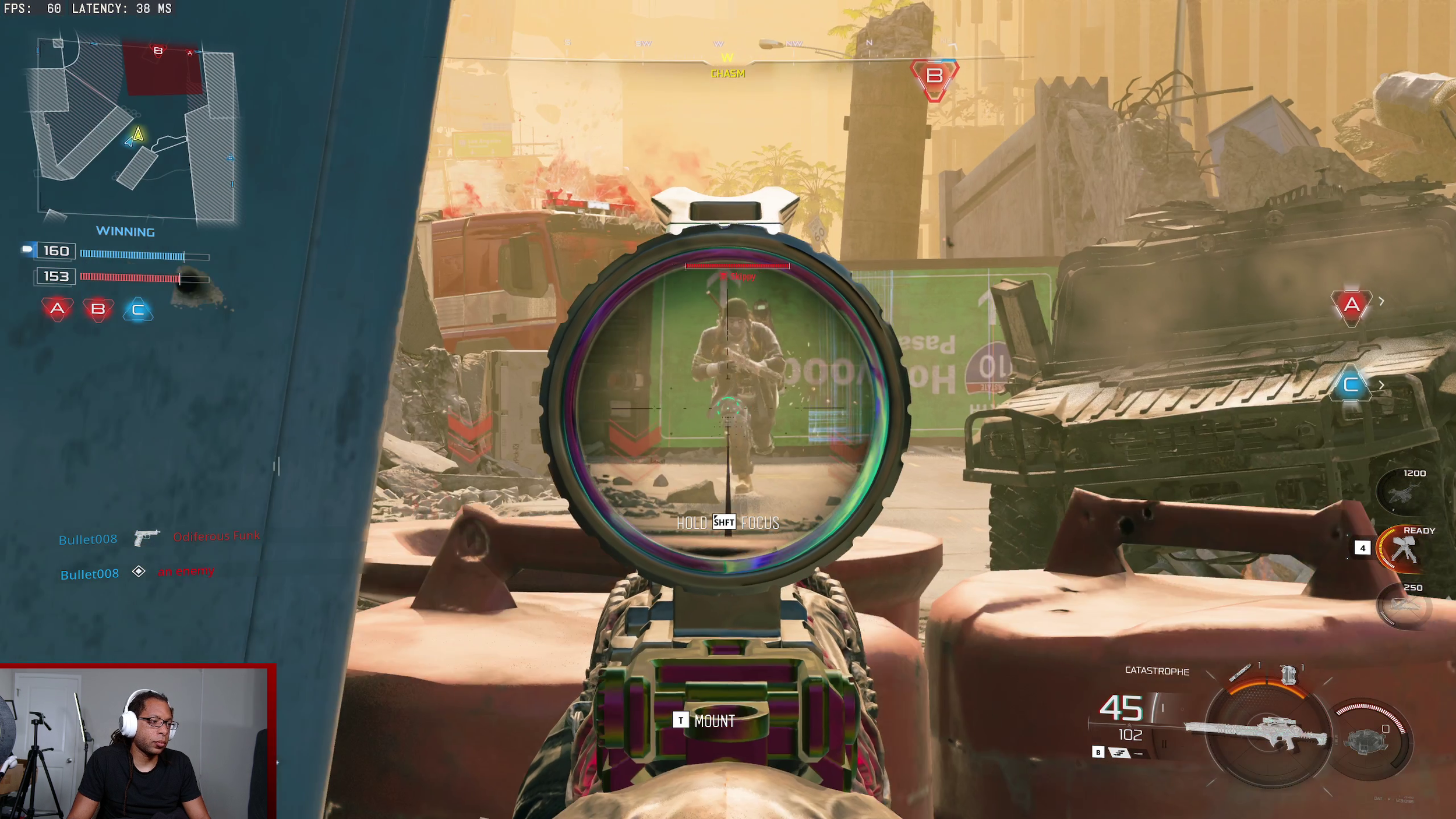
Black Ops 7 with the Nova Pro.
While the sub-bass didn't measure that differently on my rig, the bass of the Nova Elite did match up with what I heard. Everything from 120 Hz through the lower mids and up to 1K is stronger than the other two which results in a more full-bodied sound.
The Omni sounds like it's trying to recreate this, especially in the sub-bass, but the drivers simply can't match it. If you happen to have both the Omni and the Elite, a good test track is A Milli from Lil Wayne and you'll immediately hear the difference in the bass.
Audio tl;dr
In short, the Elite has the most capable and detail-retrieving drivers. It’s my favorite of the three tuning-wise. The Nova Pro and Nova Pro Omni have similar drivers, but the Omni has slightly more low end.
Active Noise Cancellation
The ANC on these headsets is laughably weak. It exists to tick a box for advertising purposes, but if you actually expect to block anything out with these, think again. PC fans still get through, and cars driving outside are crystal clear.
Gaming headsets have a very long way to go when it comes to ANC.
Microphone Audio Quality
Microphone Specs
Nova Pro mic: bidirectional 100 hz - 6.5 kHz
Omni mic: omnidirectional 50 Hz - 16 kHz
Elite mic: bidirectional: 100 Hz - 14 kHz
Elite on-ear: omnidirectional 100 Hz - 14 kHz
On paper, the Nova Pro Omni has the best mic. A few YouTube comments on my video comparison insist that it’s reason enough to get that version.
Honestly, nitpicking the audio differences between these mics is like comparing dog piss to cat piss. In other words, all of these mics are muffled, tinny, and worse than a $25 USB mic.
Software
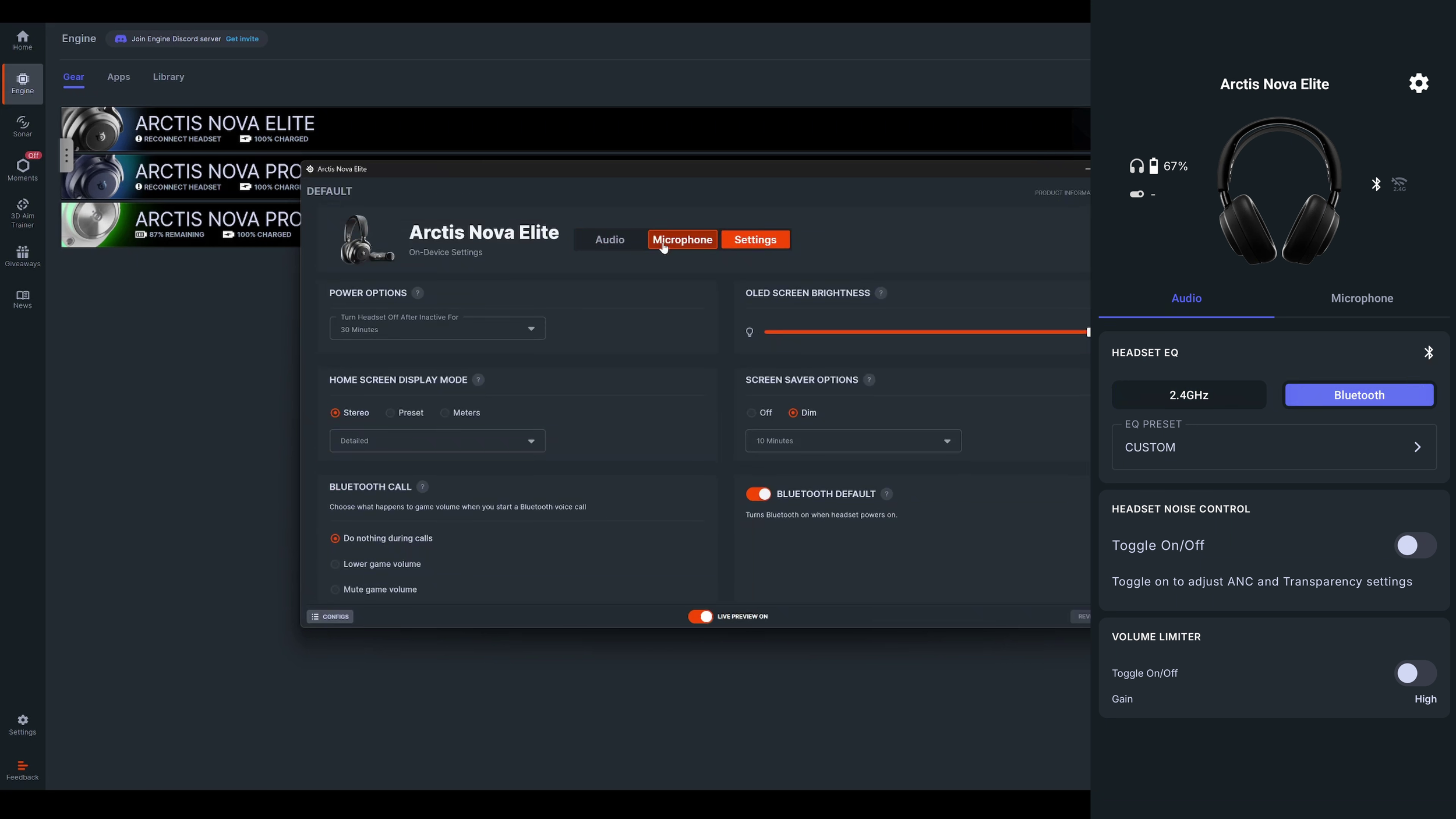
These all use SteelSeries Sonar and SteelSeries Engine on PC. It’s excellent software in many ways, but I won’t go into depth in this article. I will make an updated Sonar review article instead.
The Omni and Elite work with the phone app, but not the Pro.
Comfort and Build Quality
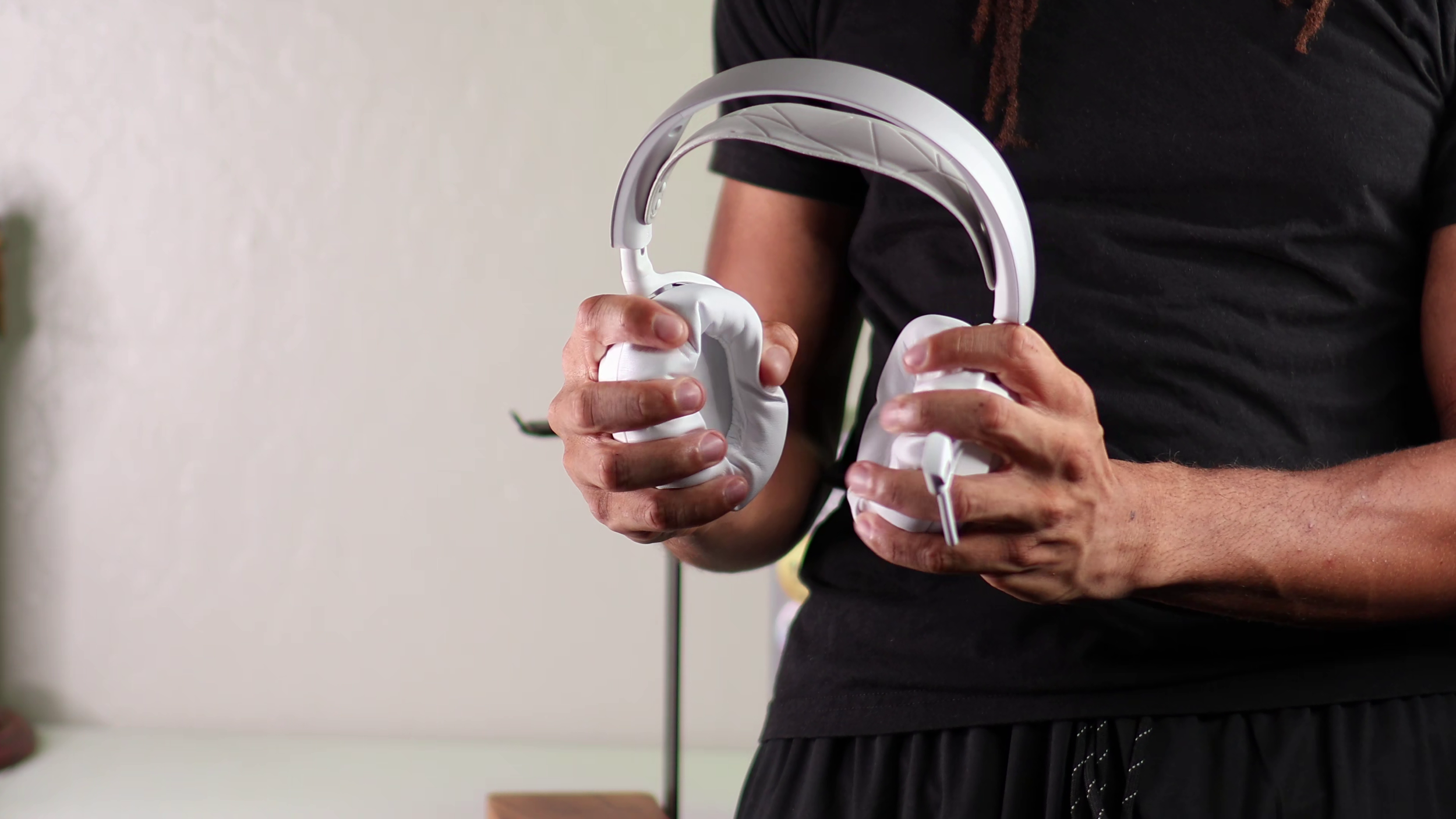

The overall design of these headsets is very similar.
The Nova Pro is plastic on everything except the strip of metal at the top and the outside of the speaker plates. The Omni is the same except the speaker plates are all plastic as well.
The Nova Elite has metal hinges and it adds a leatherette cover to the top of the headband, so I can't tell what the material is underneath.
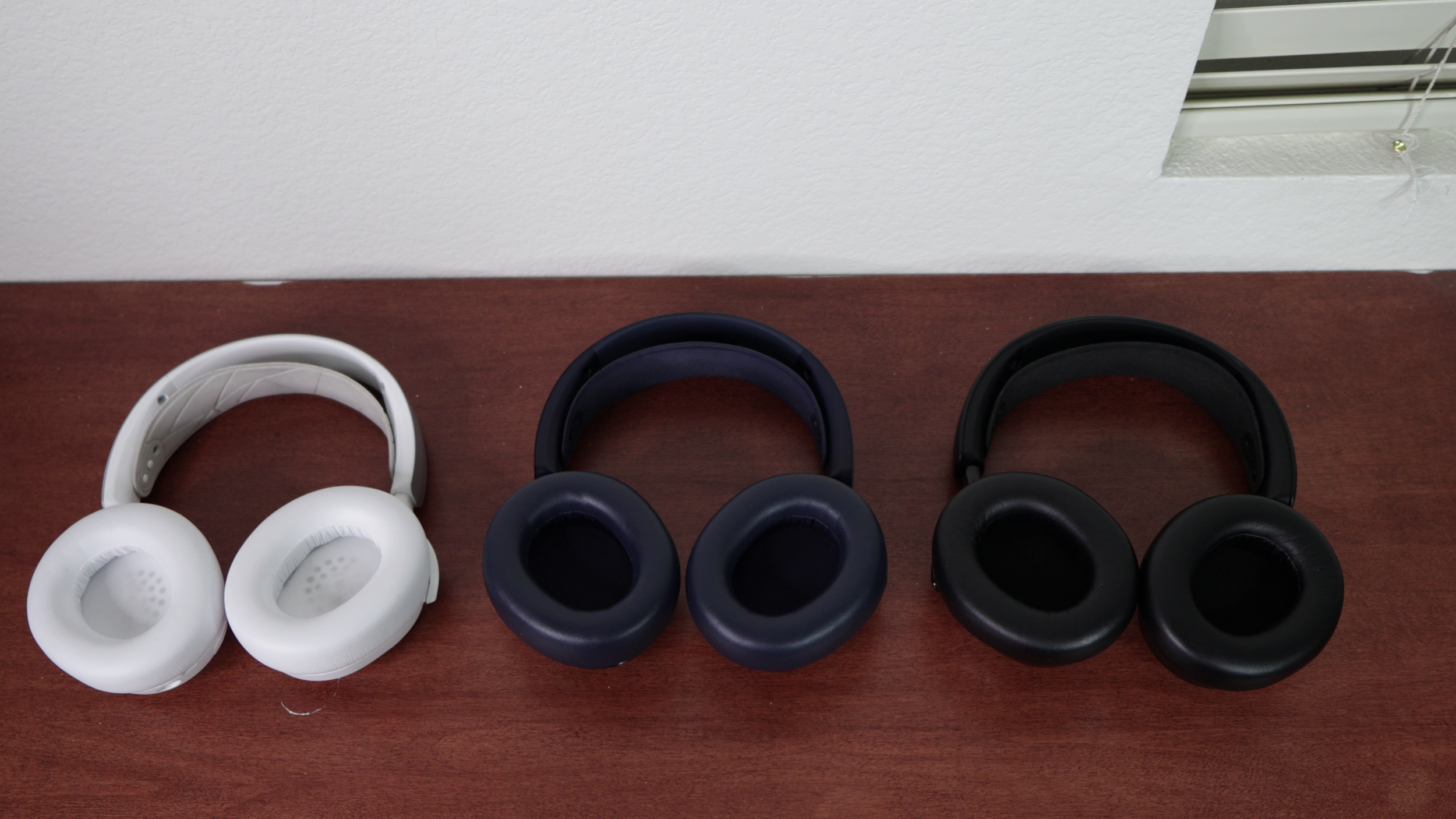
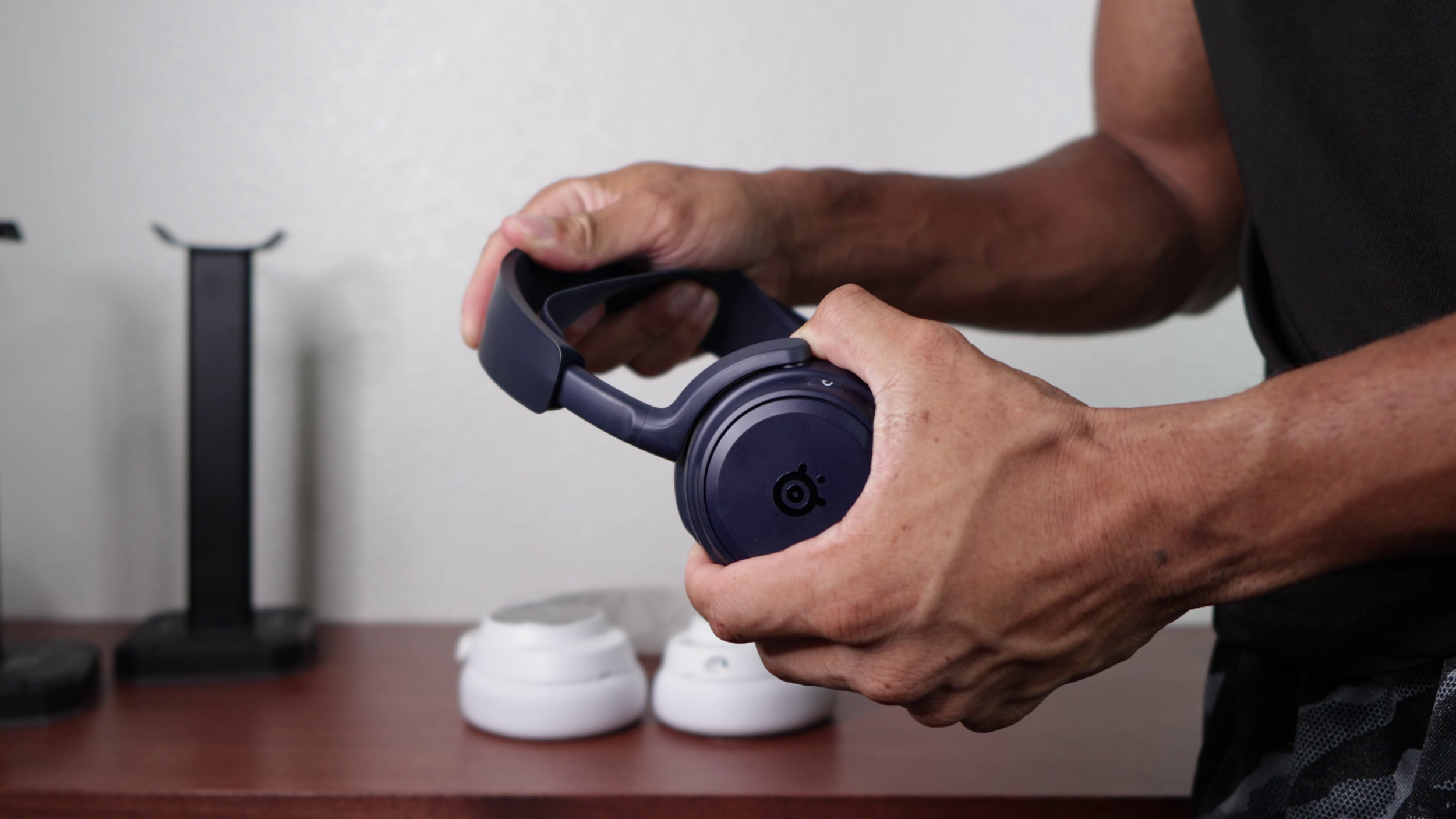
The ear cushions are pleather on all 3 but they feel different. The material on the Omni is slightly softer than the Pro and it has thicker memory foam inside.
The Nova Elite's pleather feels more like the HyperX Cloud series and it's almost sticky. Unfortunately, there's very little padding inside which doesn't go together well with its stronger clamping force and heavier weight.
These all use the same suspension headband, but you can adjust the frame length like traditional headsets as well.
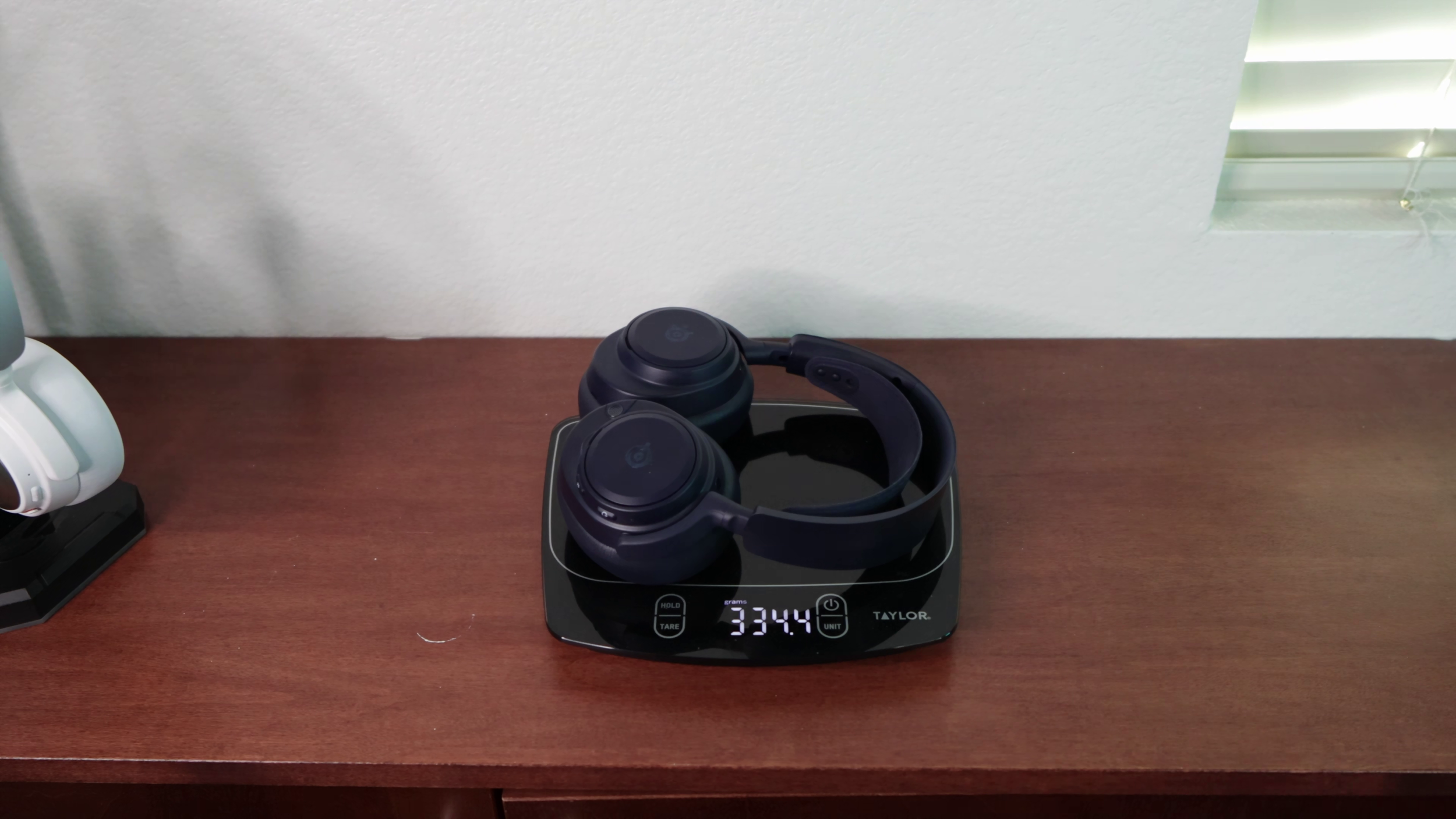
The Nova Pro is 341 grams, Omni 335, and the Elite 381. Metal adds durability, but also more weight.
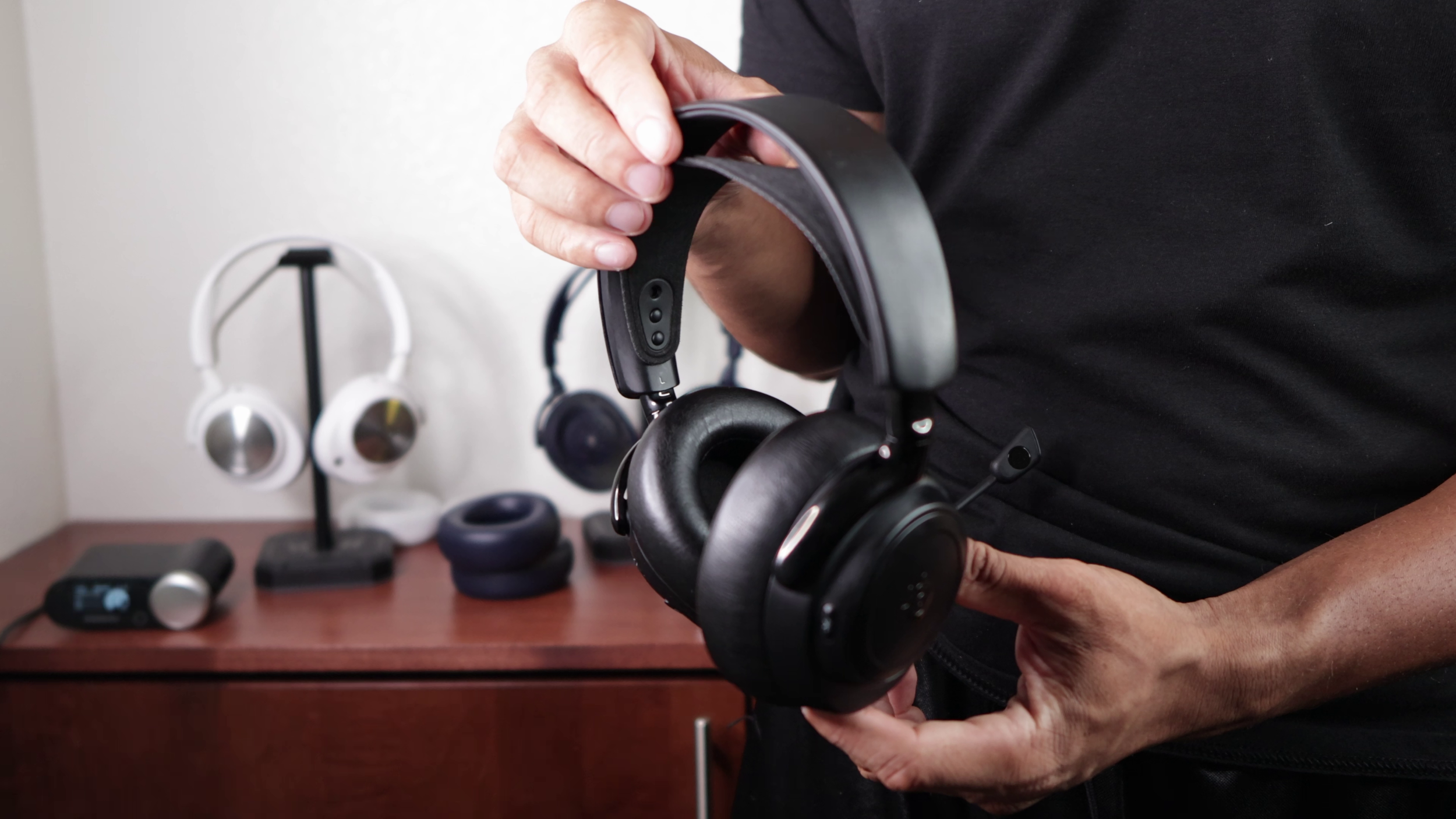
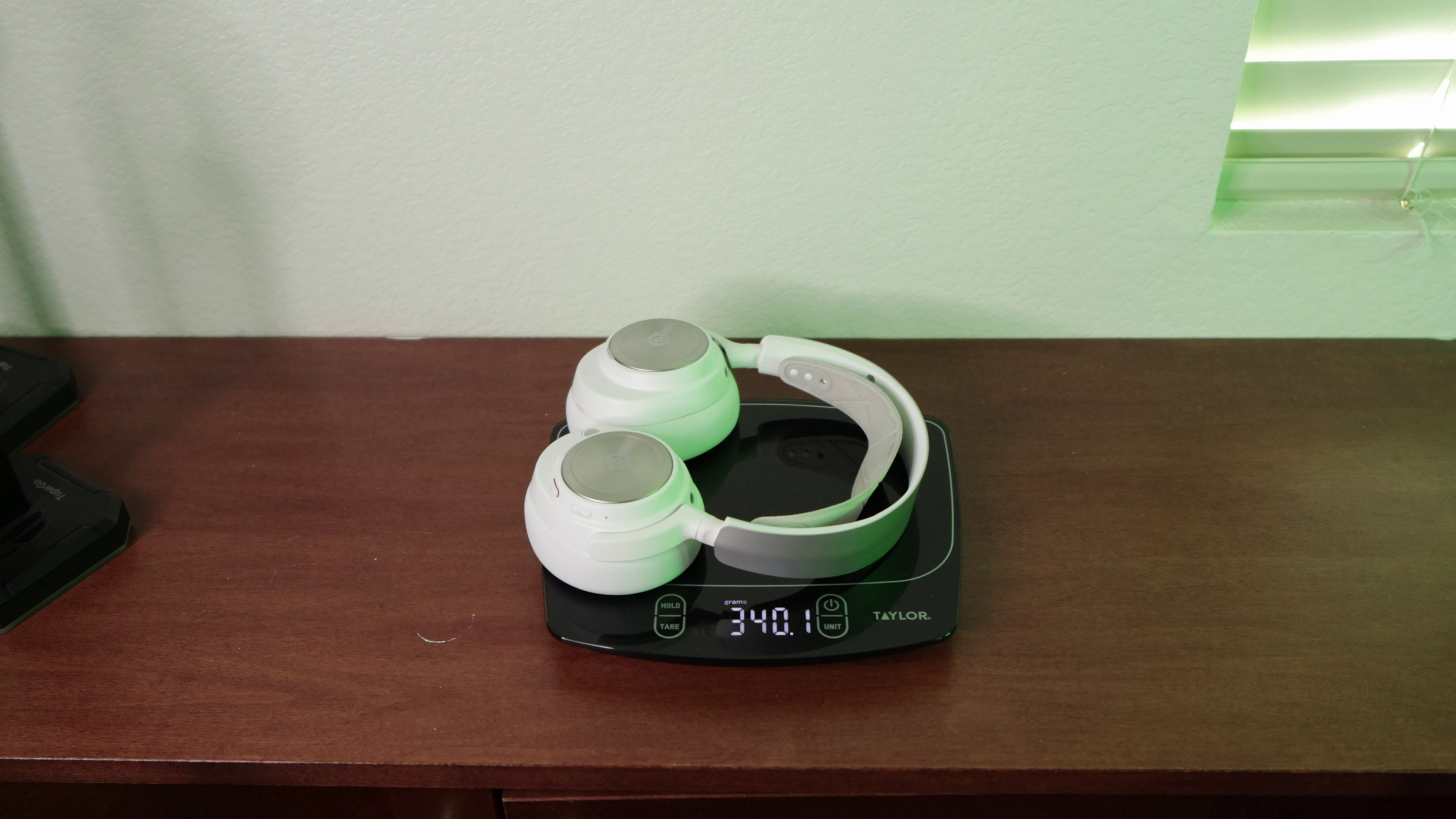
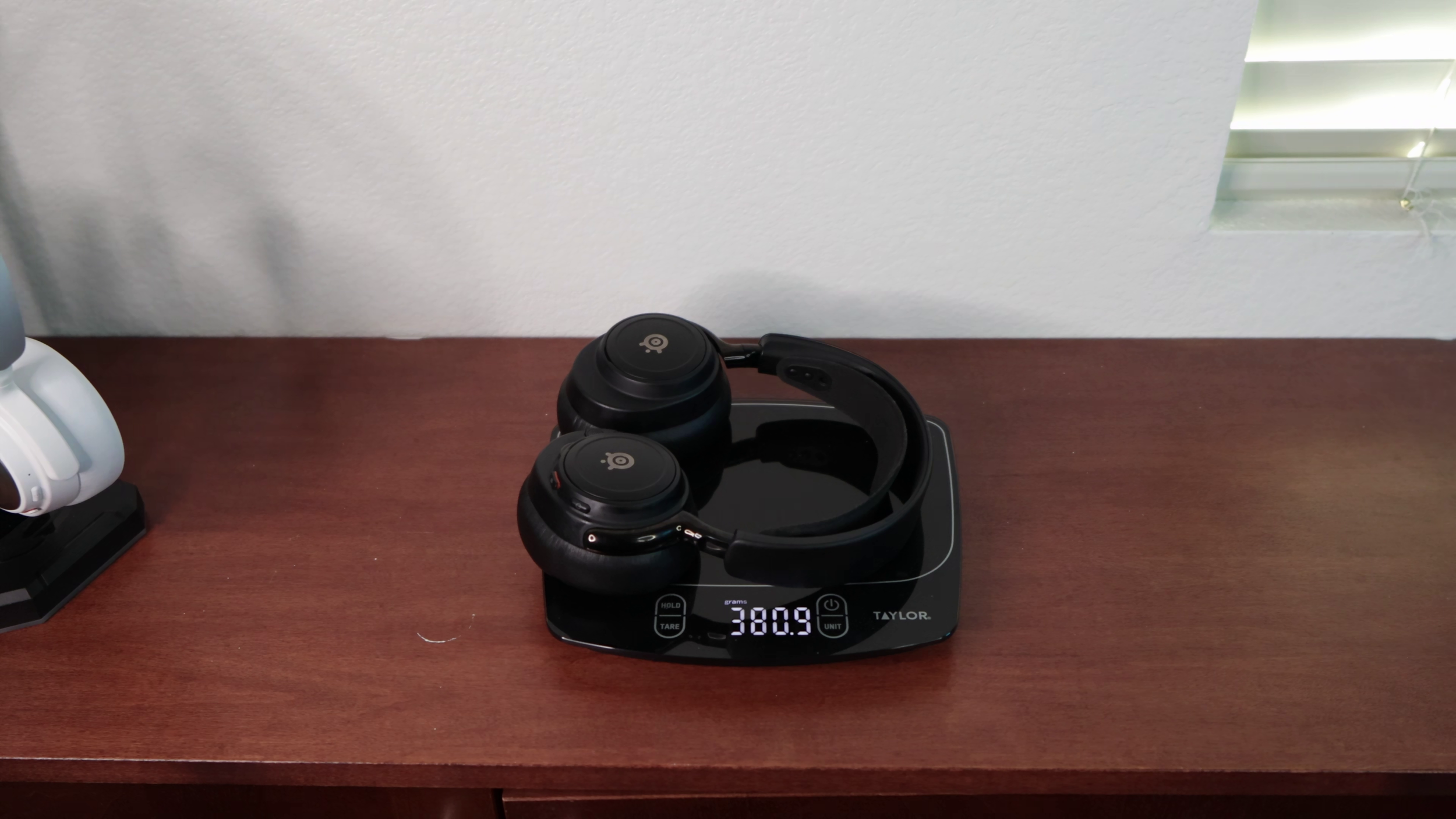
The Nova Pro Omni is definitely the most comfortable.
The Pro is next, and the Elite is just too heavy with too much clamping force. However, if you're coming from planar magnetics, you probably won't mind it at all.
Verdict
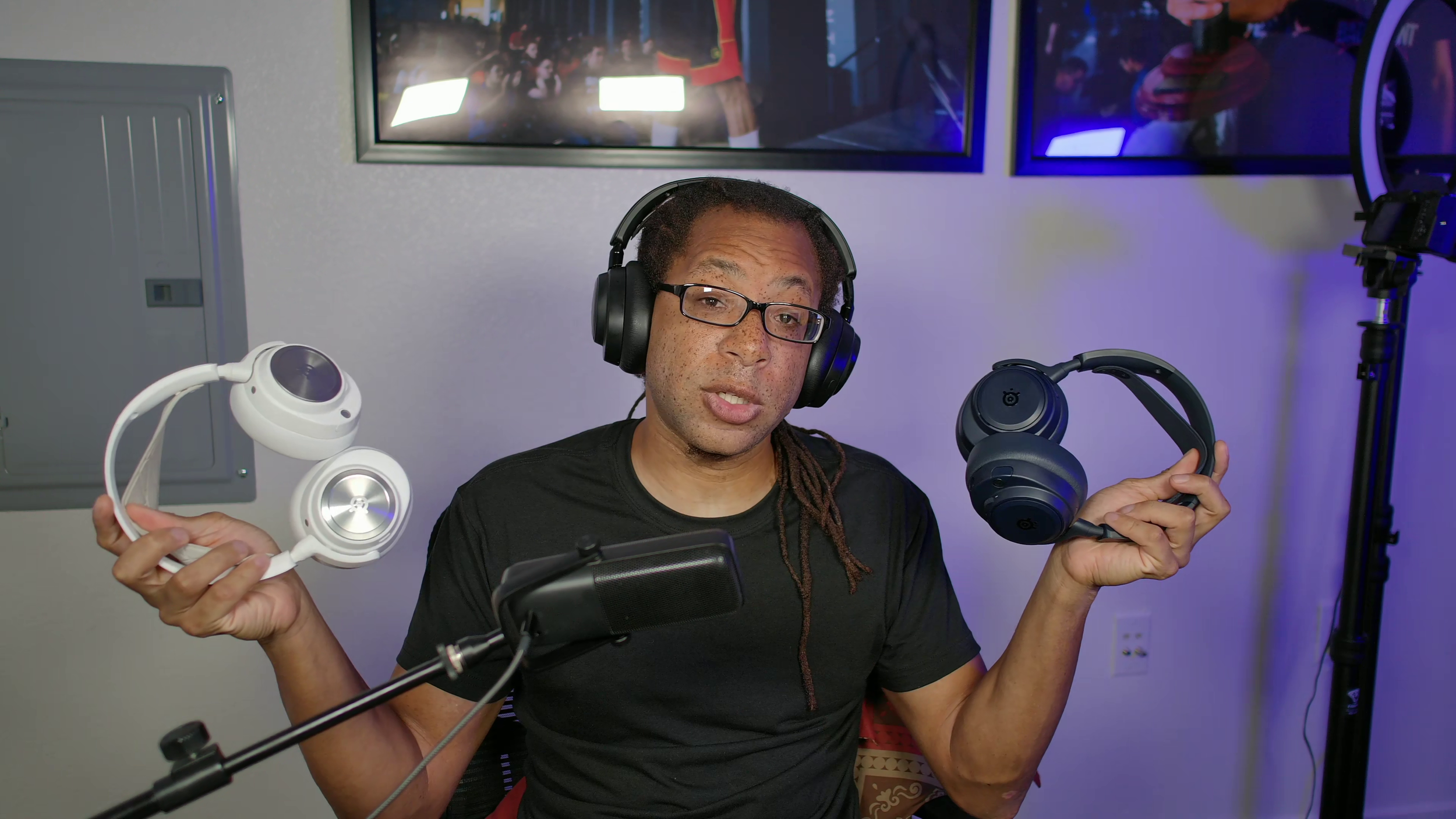
It's clear the order of best to worst is the Nova Elite at the top, Nova Pro Omni in the middle, and Nova Pro at the bottom.
I say either get the Pro if you don't need the extra features and are cool with the sound profile. Or get the Elite if you want the best overall headset out - even at its insane price.
The Omni is the most comfortable, but its drivers are a significant step down from the Elite. And for $400 I wouldn't want a step down from anything.