Top 5 4K Webcams 2026 [All Tested]
Amazon links in this article are affiliate links. As an Amazon associate, I earn from qualifying purchases
I’ve reviewed over 50 webcams on this website and on my YouTube channel. Here are the 5 best that record in 4K. This list will continue to be updated throughout 2026. All devices require USB 3.0 ports for their maximum performance.
[Last update: September 6, 2026.
Removed - Razer Kiyo Pro Ultra as it was discontinued. Added YOLOLIV YoloCam S7. Dropped S3 to #5 due to autofocus issues post-patch]
#5 YOLOLIV YoloCam S3
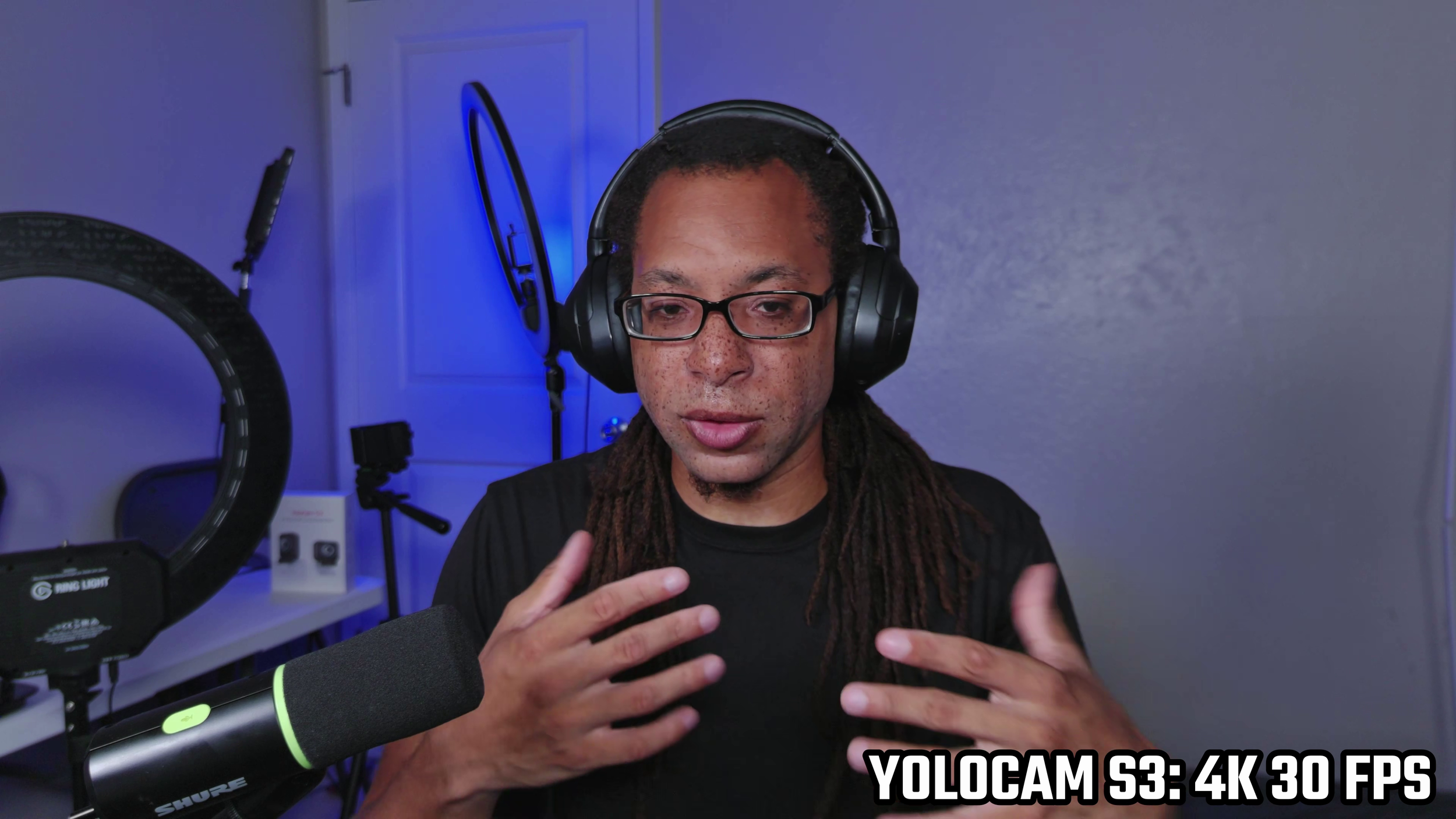
I couldn’t recommend the YOLOLIV YoloCam S3 at launch due to it being active 24/7 and not having a privacy cover. YOLOLIV has somewhat fixed this, as it now shuts off after 1 minute without use. There’s still no way to cover the lens entirely. Also, that last update changed the autofocus drive speed which completely broke the autofocus for me.
I WOULD RECOMMEND WAITING TO PURCHASE THIS UNTIL THE AUTOFOCUS IS FIXED/RESTORED.
The actual optics are quite impressive, and at launch it only was rivaled by Razer. It has some stiff competition now. This device doesn’t have an internal mic.
Specifications
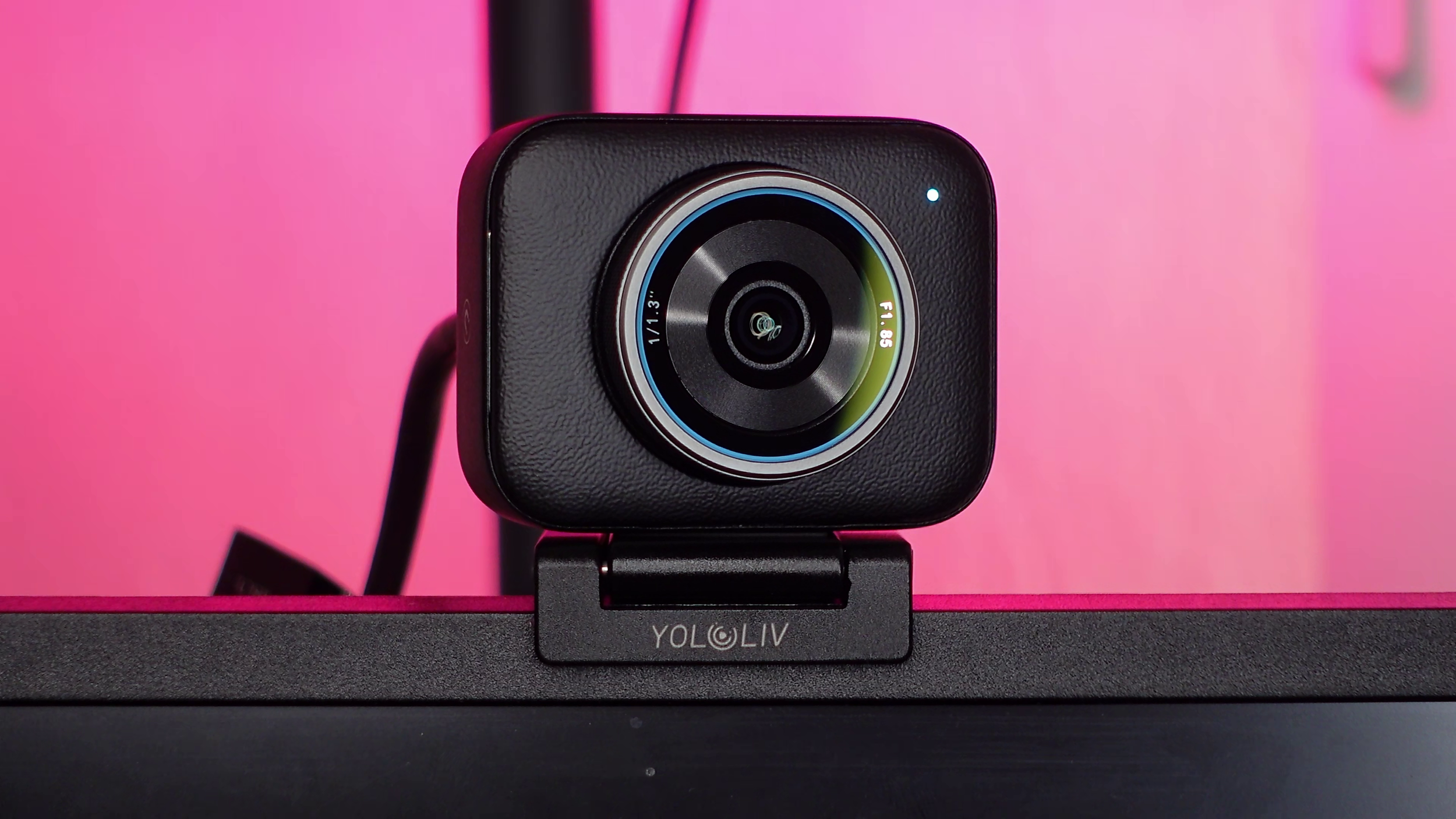
Maximum frame rate and resolution: 4K 30 FPS or 1080p 60 FPS.
Optics: f/1.85 aperture. 1/1.3” sensor. 84 degrees FOV.
Cable: 60 inch USB-C to USB-A cable. USB-C adapter included.
Pros
Legit bokeh without a filter.
Sharp image.
Excellent build and monitor mount.
Cons
Very contrasty image.
No privacy shutter.
Autofocus broke after one of the updates.
#4 Elgato Facecam 4K
The Elgato Facecam 4K is the successor the the Facecam Pro. Elgato was the first to make 4K 60 FPS webcams, and it took several years for any competition on that front to emerge.
The Facecam 4K’s colors are much improved over the Facecam Pro, but the optics are a mixed bag. The sensor is still 1/1.8 inches, but the more narrow f/4 aperture results in a grainy image. The lens is also fixed focus.
Just like Elgato’s other webcams, this one does not have a built-in microphone.
Specifications
Maximum resolution and frame rate: 4K 60 FPS.
Optics: f/4 aperture. 1/1.8” sensor. 90 degrees FOV.
Cable: 80 inch USB-C to C cable.
Pros
4K 60 FPS footage.
Great colors.
Feature packed software.
Compatible with 49 mm filters.
Cons
Very grainy image due to the optics.
FOV too wide to not have any bokeh.
#3 Insta360 Link 2 Pro
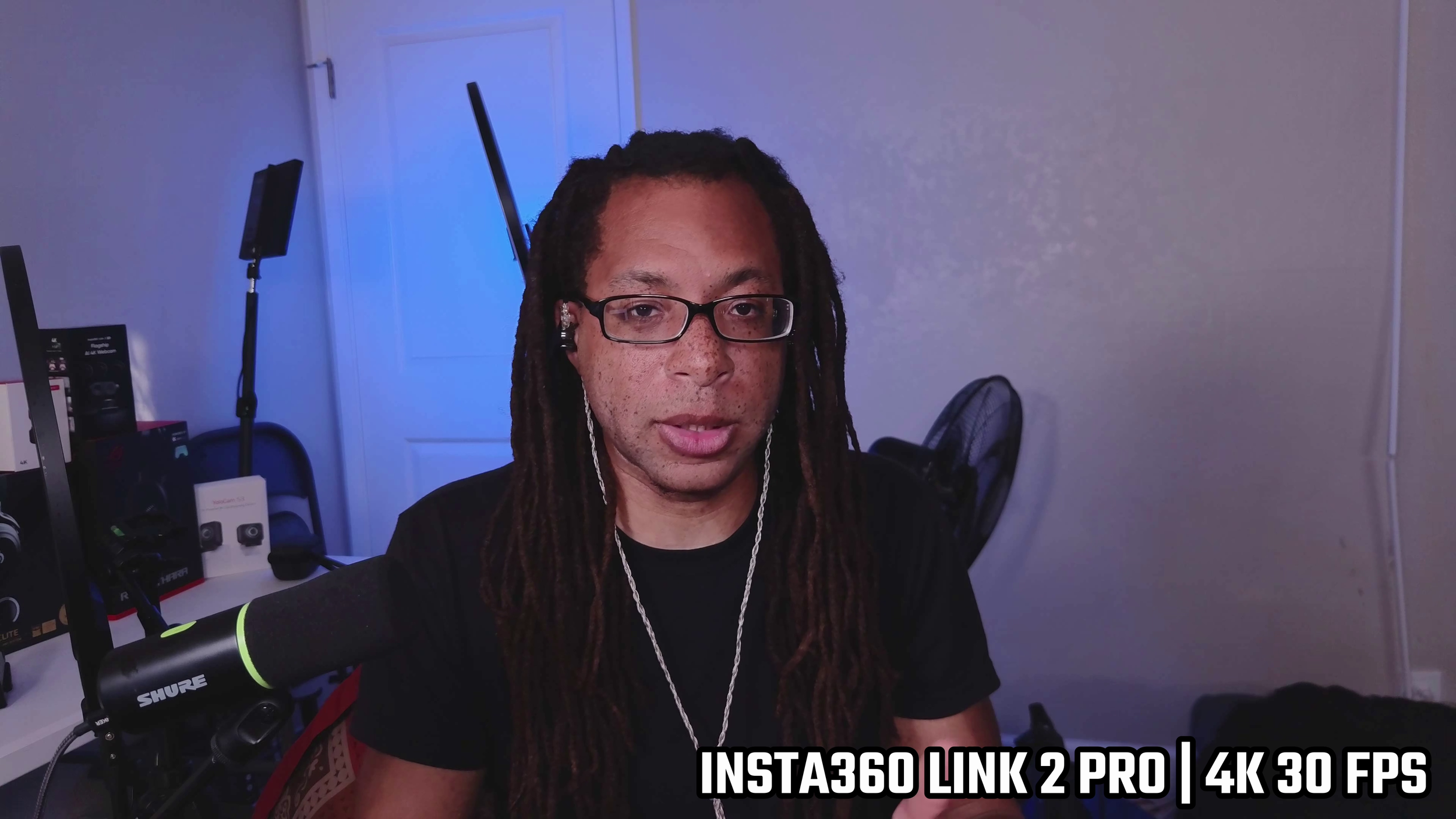
Upgraded from the Link 2, the Insta360 Link 2 Pro has significantly improved optics. Its main advantages are its sharpness and HDR. Unfortunately, without HDR on, it looks pretty meh. There’s very minimal background blur on this without relying on software effects.
Specifications
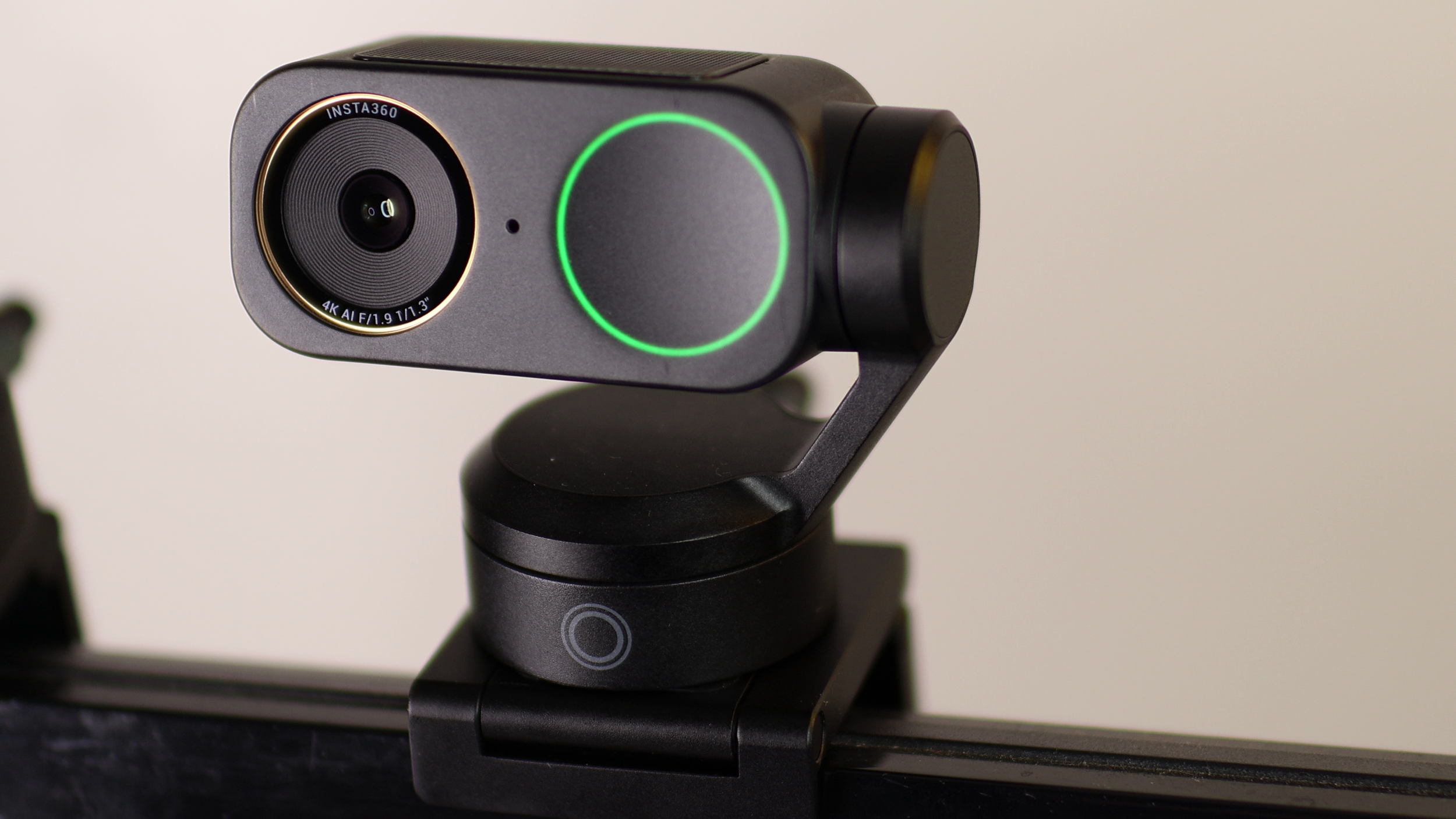
Maximum frame rate and resolution: 4K 30 FPS or 1080p 60 FPS
Optics: f/1.9 aperture. 1/1.3” sensor. 83.9 degrees FOV.
Cable: 60 inch USB-C to C. USB-C to A adapter included.
Pros
Physical, pan, tilt, and digital zoom with face tracking.
Impressive sharpness.
Great build with a magnetic monitor mount.
Snappy autofocus.
Cons
No privacy shutter.
Requires HDR to look good.
Alternate variation
The Insta360 Link 2C Pro has the same image quality and overall specs, but this one has a privacy shutter and no PTZ controls.
#2 OBSBOT Tiny 3
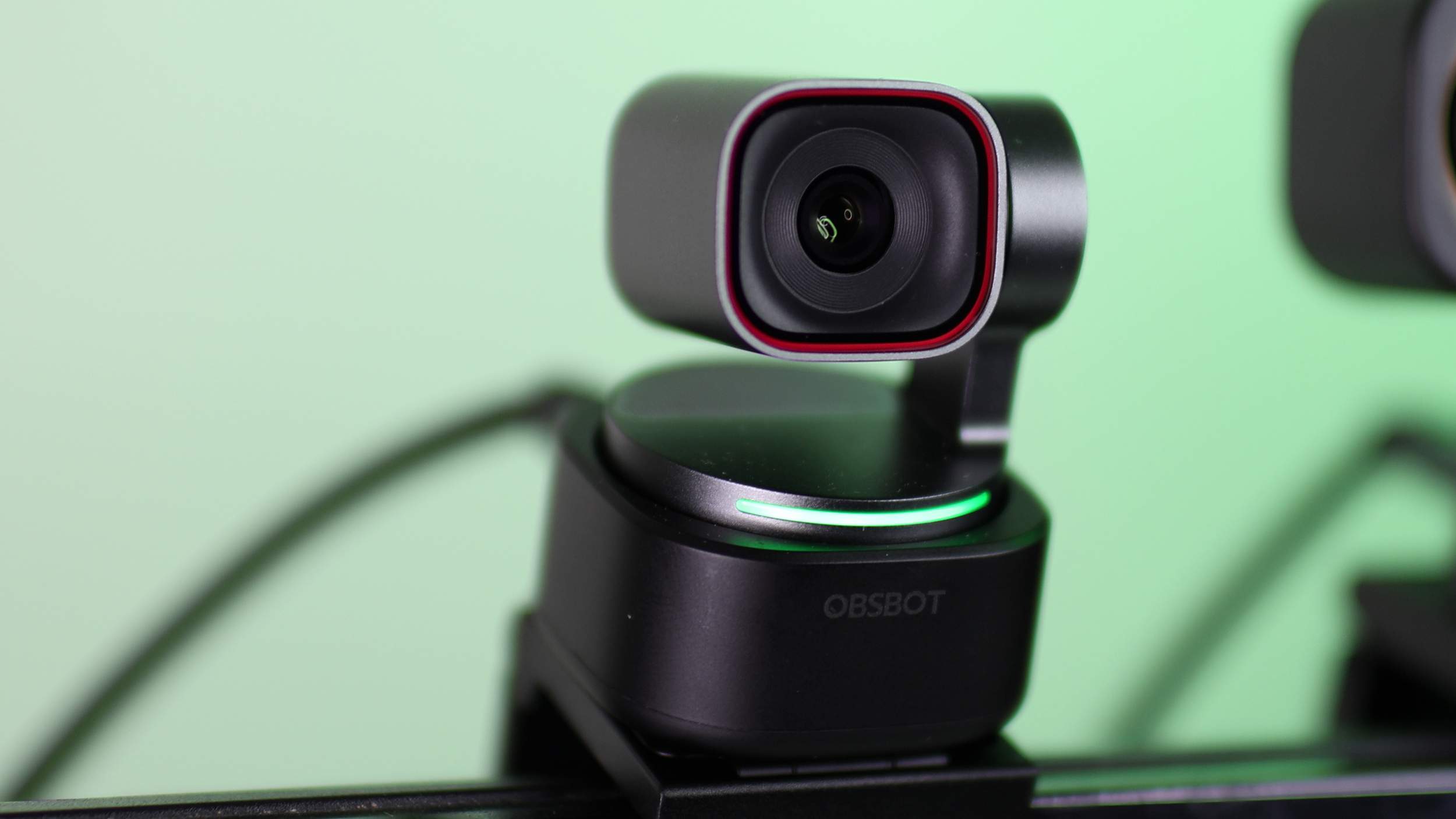
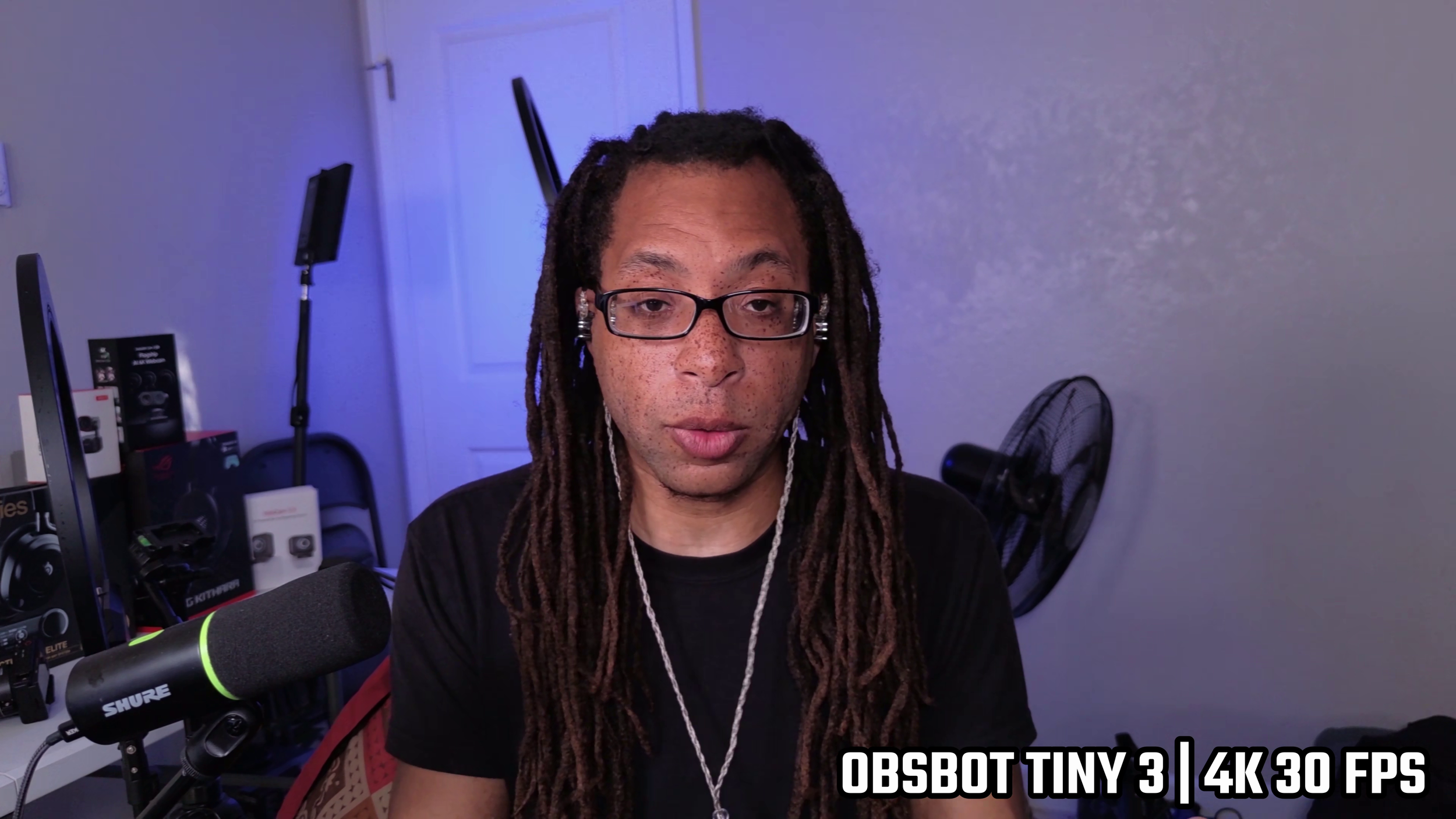
The OBSBOT Tiny 3 is a compact, well rounded webcam that does everything well… except having a privacy cover. Good sharpness, great colors, but pretty weak background blur.
Specifications
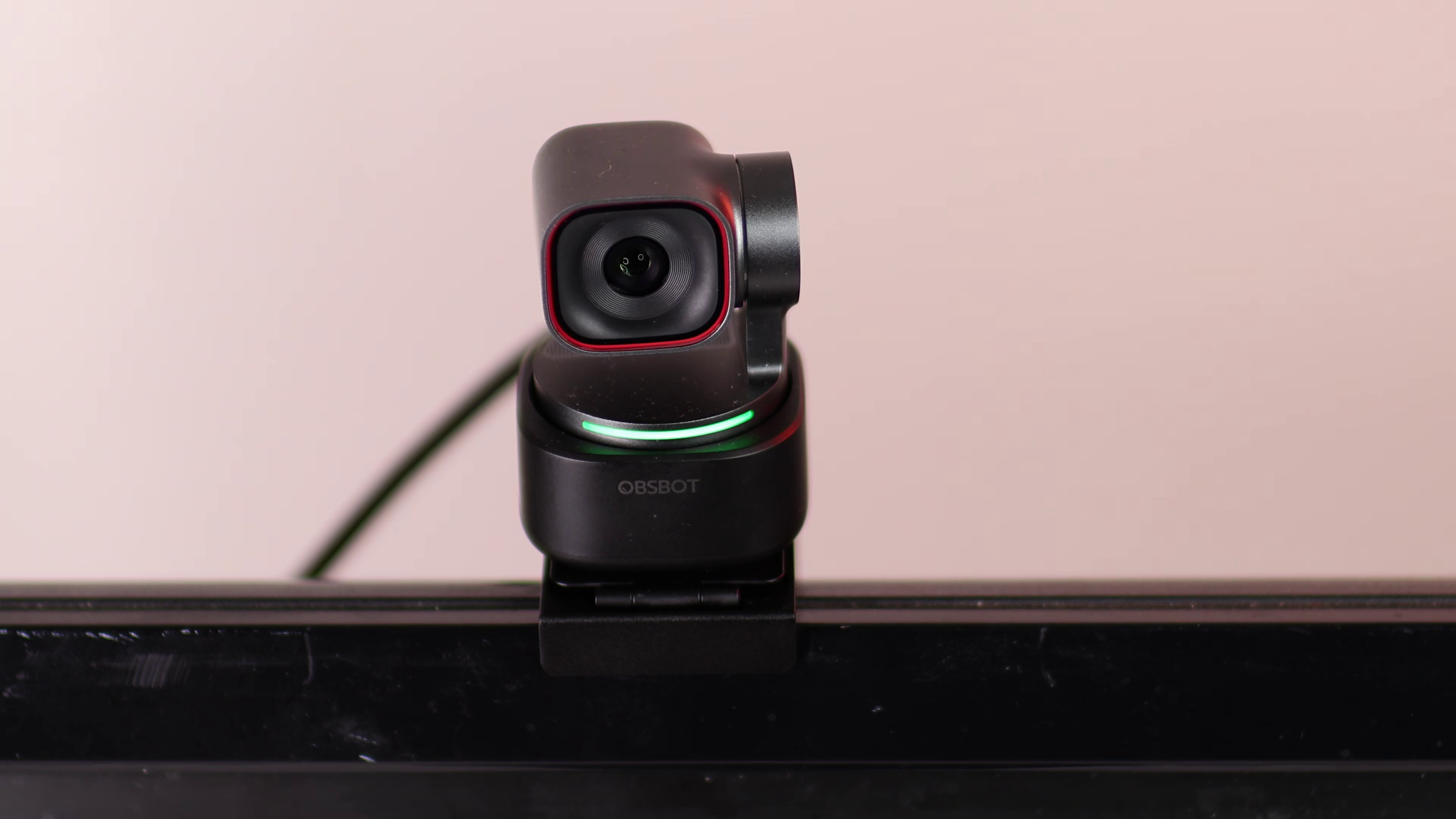
Maximum resolution and frame rate: 4K 30 FPS and 1080p 60 FPS.
Optics: f/1.8 aperture. 1/1.28” sensor. 79.4 degrees FOV.
Cable: 60 inch USB-C to C. USB C to A adapter included.
Pros
Physical, pan, tilt, and digital zoom with face tracking.
Excellent colors.
Great build with a magnetic monitor mount.
Snappy autofocus.
Cons
No privacy shutter.
#1 YOLOLIV YoloCam S7
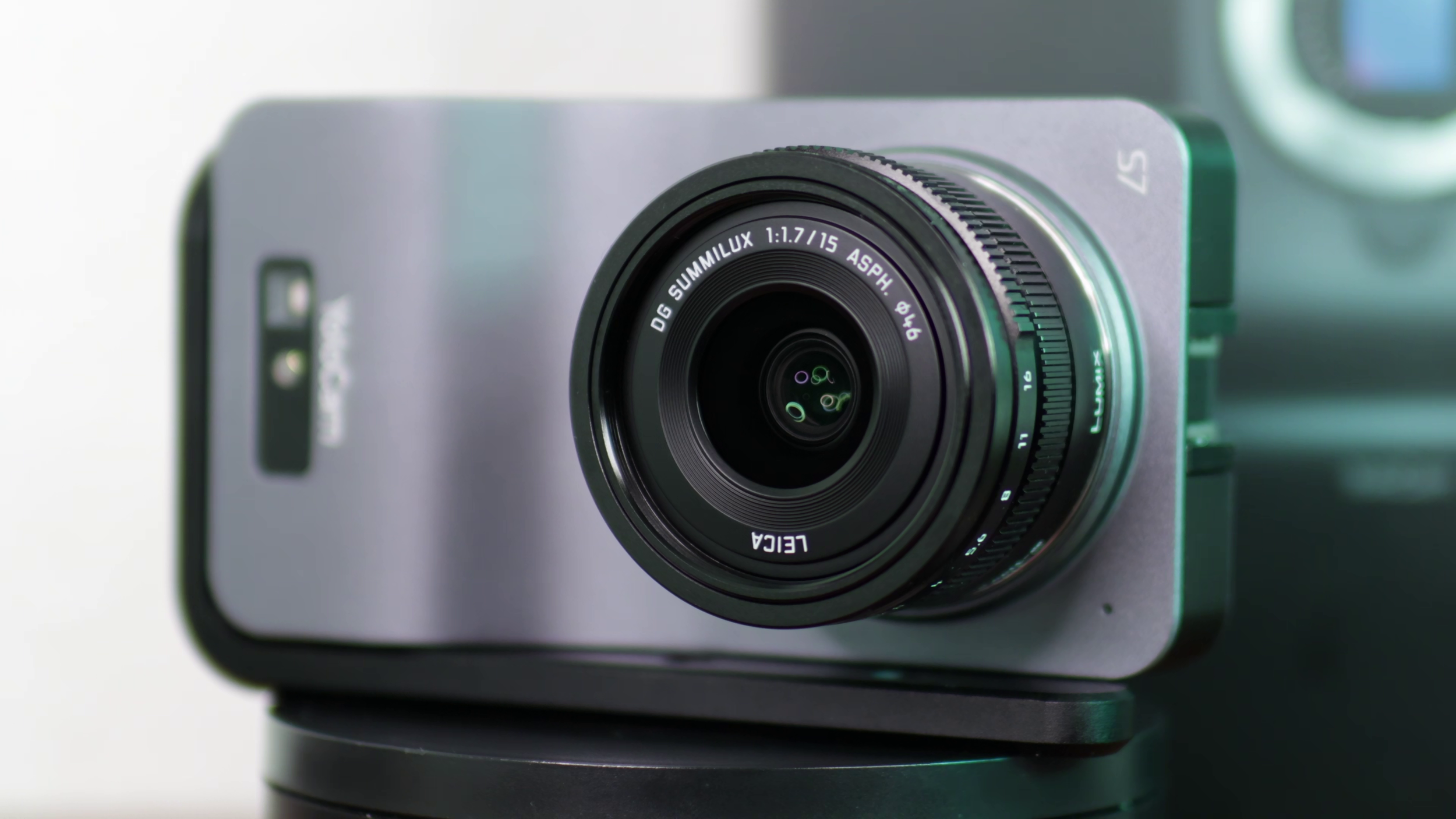

The YOLOLIV YoloCam S7 is the new best webcam out by an insane margin. It has by far the largest sensor of any webcam with a micro four-thirds sensor. It uses interchangeable lenses.
Recently YOLOLIV started offering an option to buy their own lens with this webcam. This is the most cost effective option. There is no internal mic, but it has a port and cold shoe for your own mic.
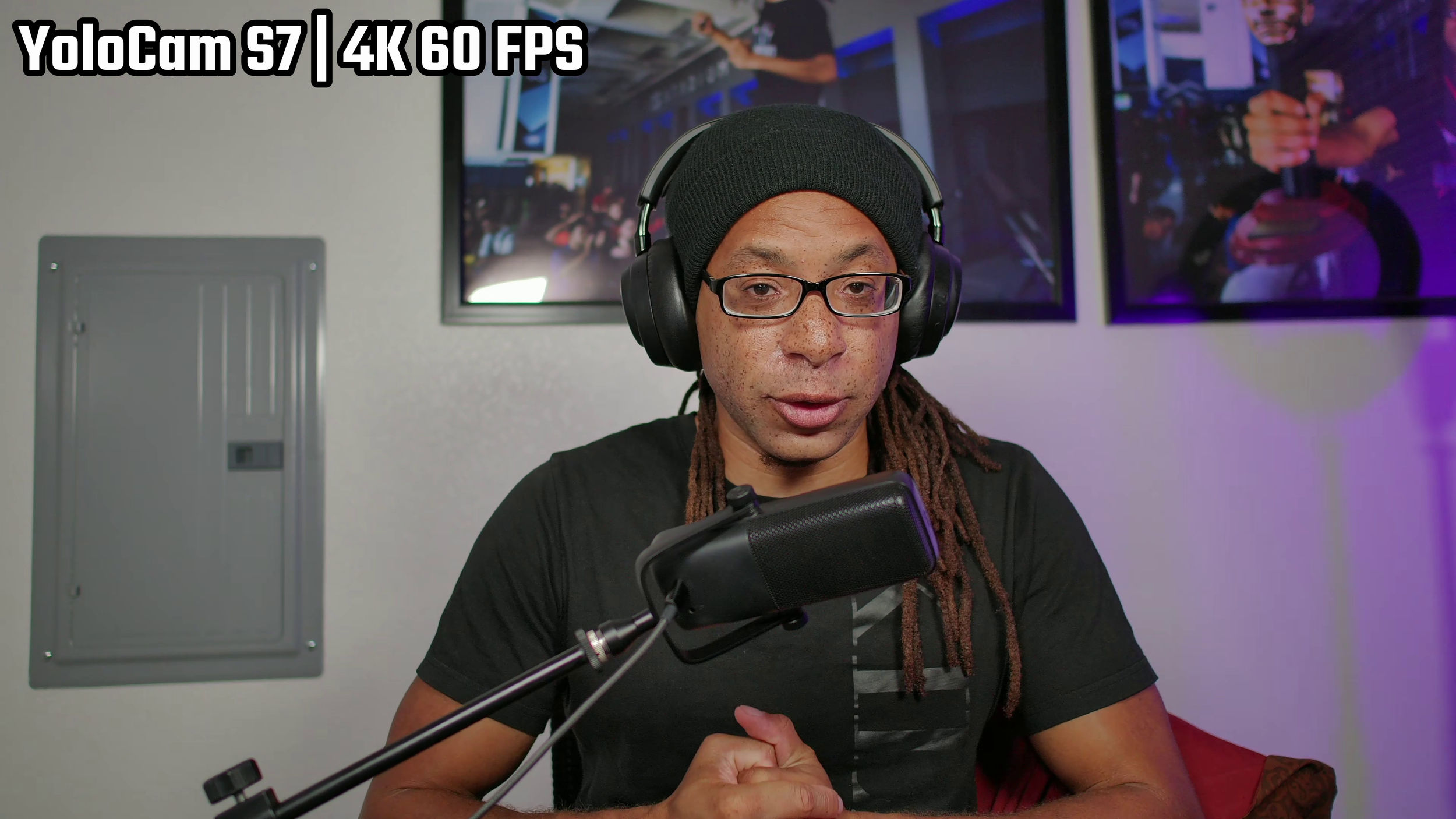
The S7 defaults to vertical recording which is great for YouTube Shorts and TikTok, but it can easily be switched to horizontal in the software.
Specifications
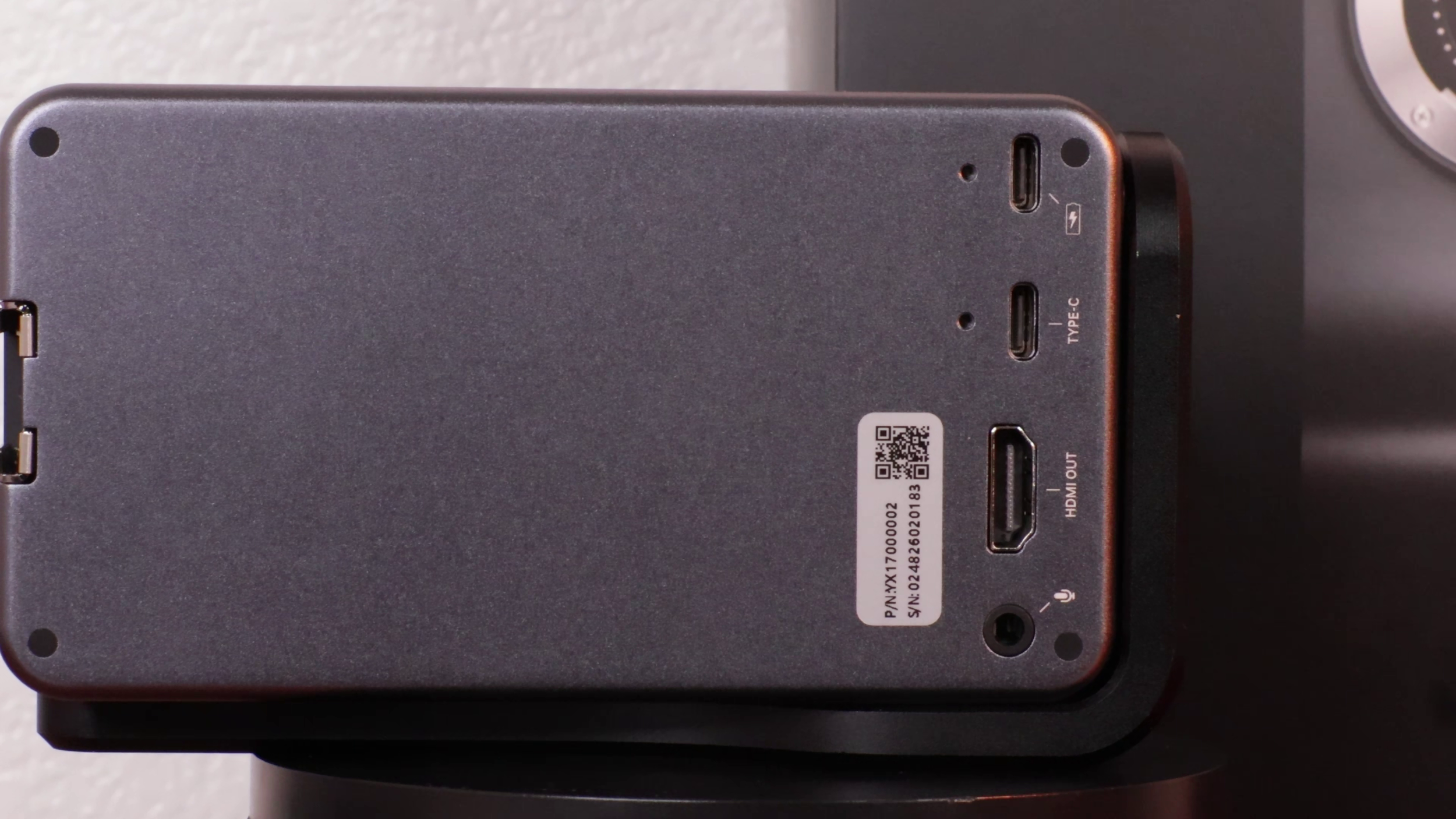
Maximum frame rate and resolution: 4K 60 FPS.
Optics: Micro 4/3 sensor. Interchangeable lenses. (Tested with Leica 15 mm, f/1.7, lens.)
Cables: 119 inch USB-C to USB-A UVC cable. 101.5 inch USB-C to USB-C power cable. HDMI out cable not included.
Pros
The best optics of any webcam by far with great bokeh.
4K 60 FPS through either USB 3.0 or HDMI out.
Interchangeable lenses.
Cons
Very expensive. I bought mine for $700 (just the body).
Autofocus is only good for faces.