Amazon links in this article are affiliate links. As an Amazon associate, I earn from qualifying purchases.
Quick Summary
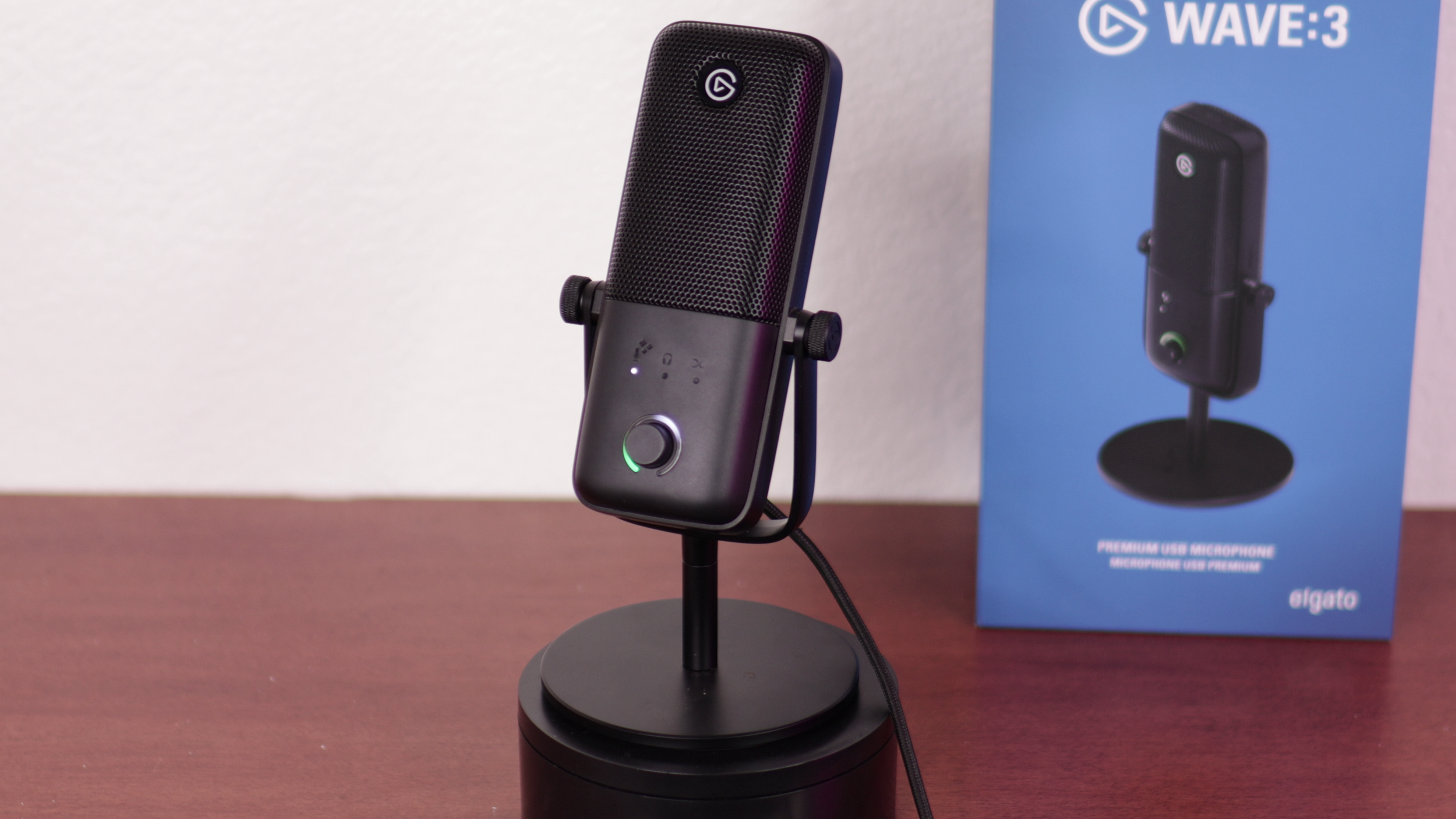
Out the box, the Elgato Wave:3 MK.2 isn't my favorite mic. It's super sibilant, and the sharp detail exposes the lack of audio treatment in a recording space.
However, the drastically improved Wave Link software handles both equalization and signal cleanup. So if you're willing to try a bit of trial and error, the Wave:3 MK.2 can sound incredible.
Scroll a bit to get to the audio samples.
Specifications
capsule: 16 mm condenser
polar pattern: cardioid
frequency range: 70 Hz - 20 kHz
bit rate: 24-bit
Sample rate: 48 kHz
What's different about MK.2 compared to MK.1?
In short, the Wave:3 MK.2 gets onboard DSP, VST Inserts, and Clipguard 2.0. These are pretty technical, so they’re mostly important for power users.
#1 Onboard Digital Signal Processing
The MK.2 has onboard Digital Signal Processing (DSP). This means there are certain effects like the equalization, compressor, and the other effects listed below, that are done by the hardware itself.
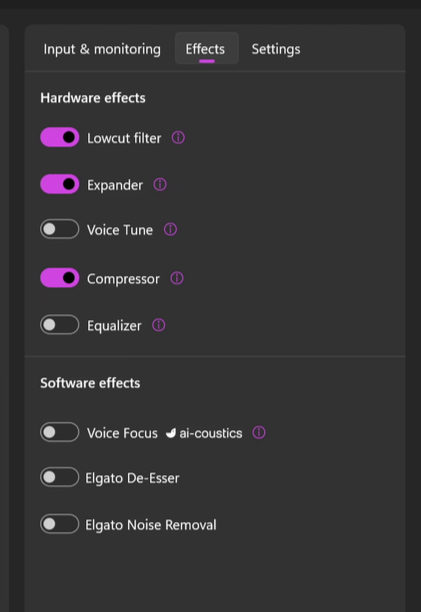
This means these settings will work if you plug the Wave:3 into your phone, your PS5, or even the same computer you used to Wave Link on if the software crashes. And you can do all this without having to select a virtual audio device like “Wave Link Stream”.
#2 VST Inserts
VST stands for "Virtual Studio Technology". VSTs are essentially audio effects that you can apply to your microphone.
Examples are noise reduction filters, sibilance reduction, and reverb.
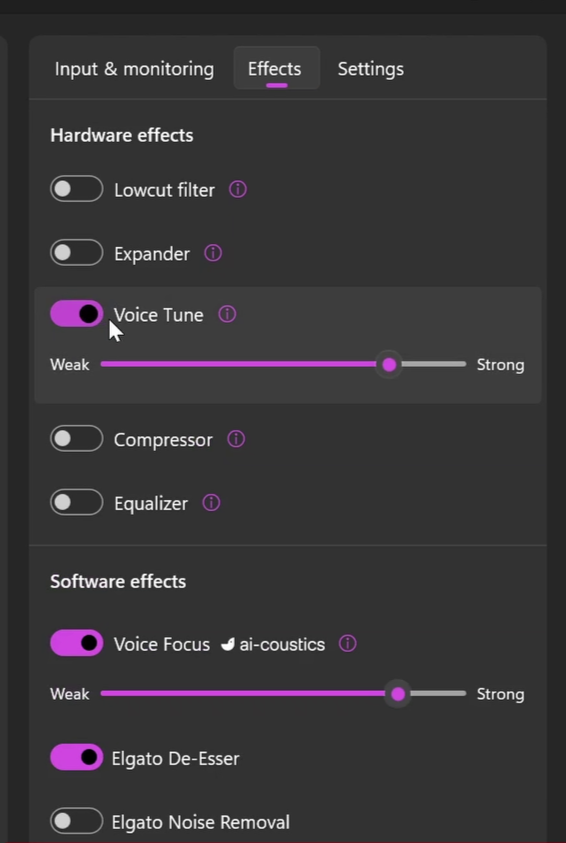
The reason it's called "inserts" is because instead of these existing entirely in the Wave Link software, the integration with the Wave:3 MK2 allows it to take that fully processed signal and route it back through the hardware.
This happens before any other software receives the audio, so all they get is the fully processed signal.
This also lets you listen back to your live processed sound with both the hardware and software effects with low latency monitoring if you plug in wired headphones.
#3. Clipguard 2.0
The MK.2 uses Clipguard 2.0 instead of 1.0 on the original. This stops the mic levels from maxing out and distorting. You still have to keep an eye on the recording levels in your software. My OBS levels were consistently higher than what Wave Link showed.
Whatever Elgato gives you for your auto gain, it might be good to drop that by a few dB just in case.
Build Quality
The Wave:3 MK.2 is mostly plastic except the grille which is metal. It comes with a stand to use on your desk, but it's really short and not that useful.
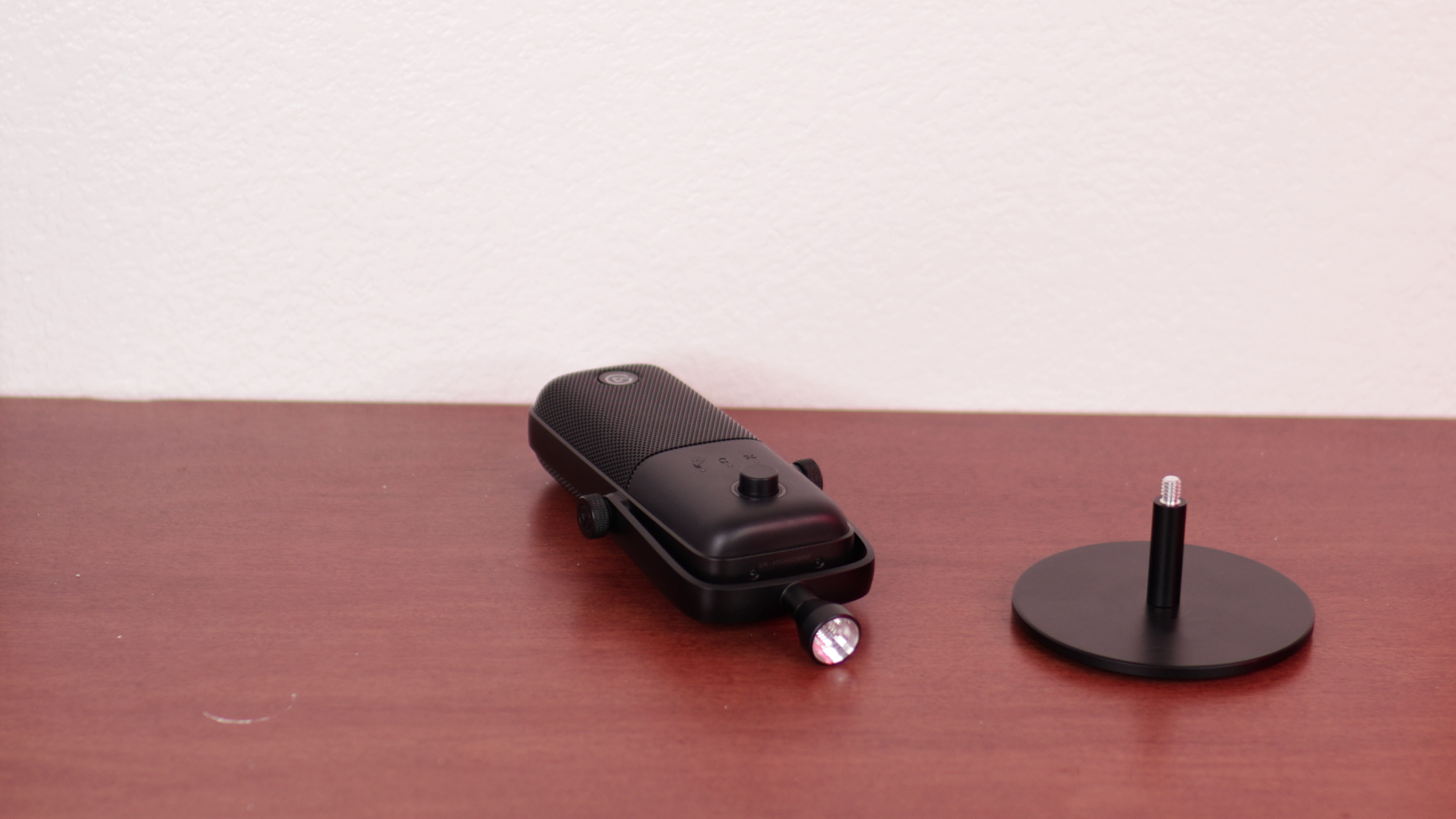
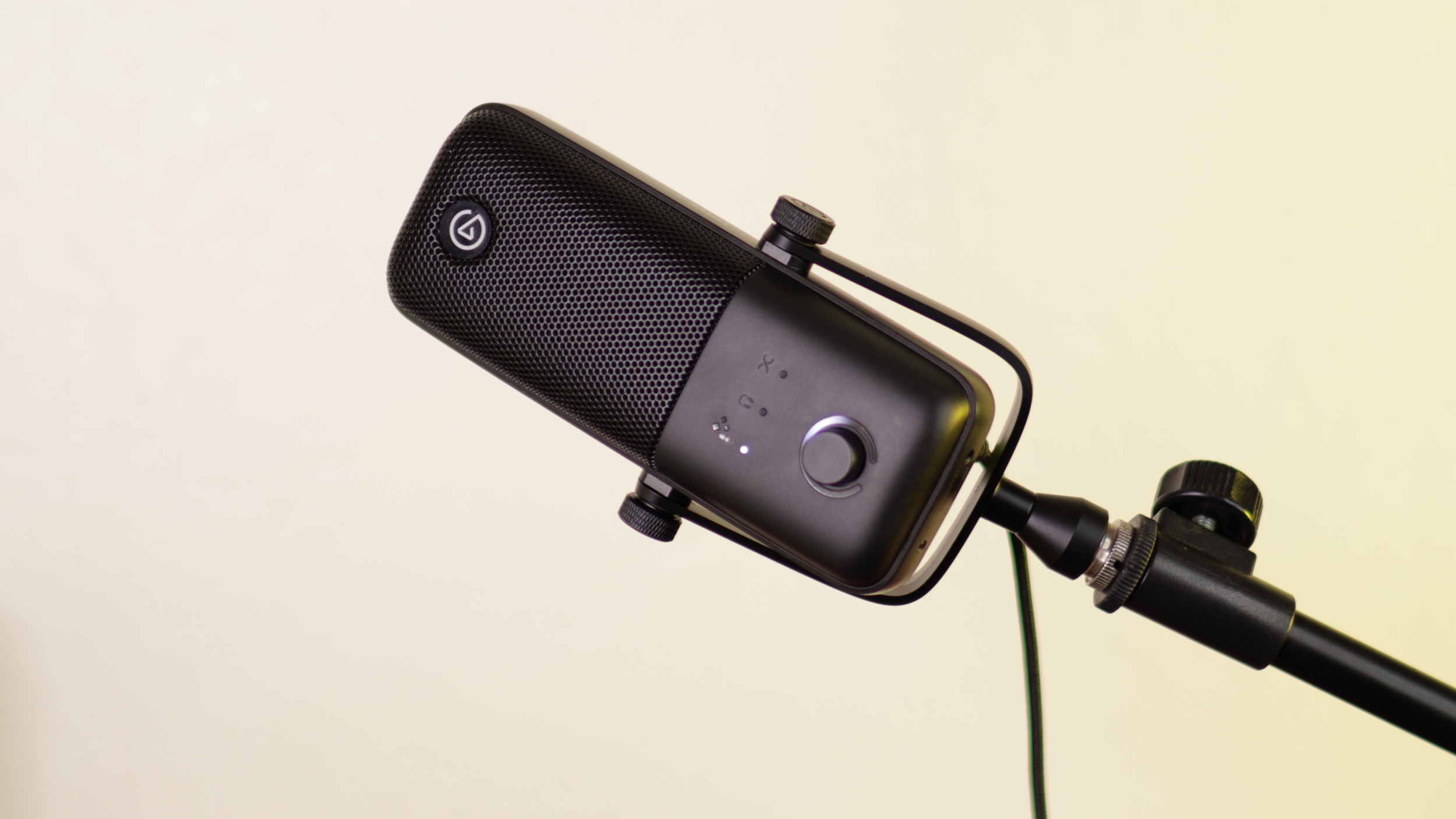
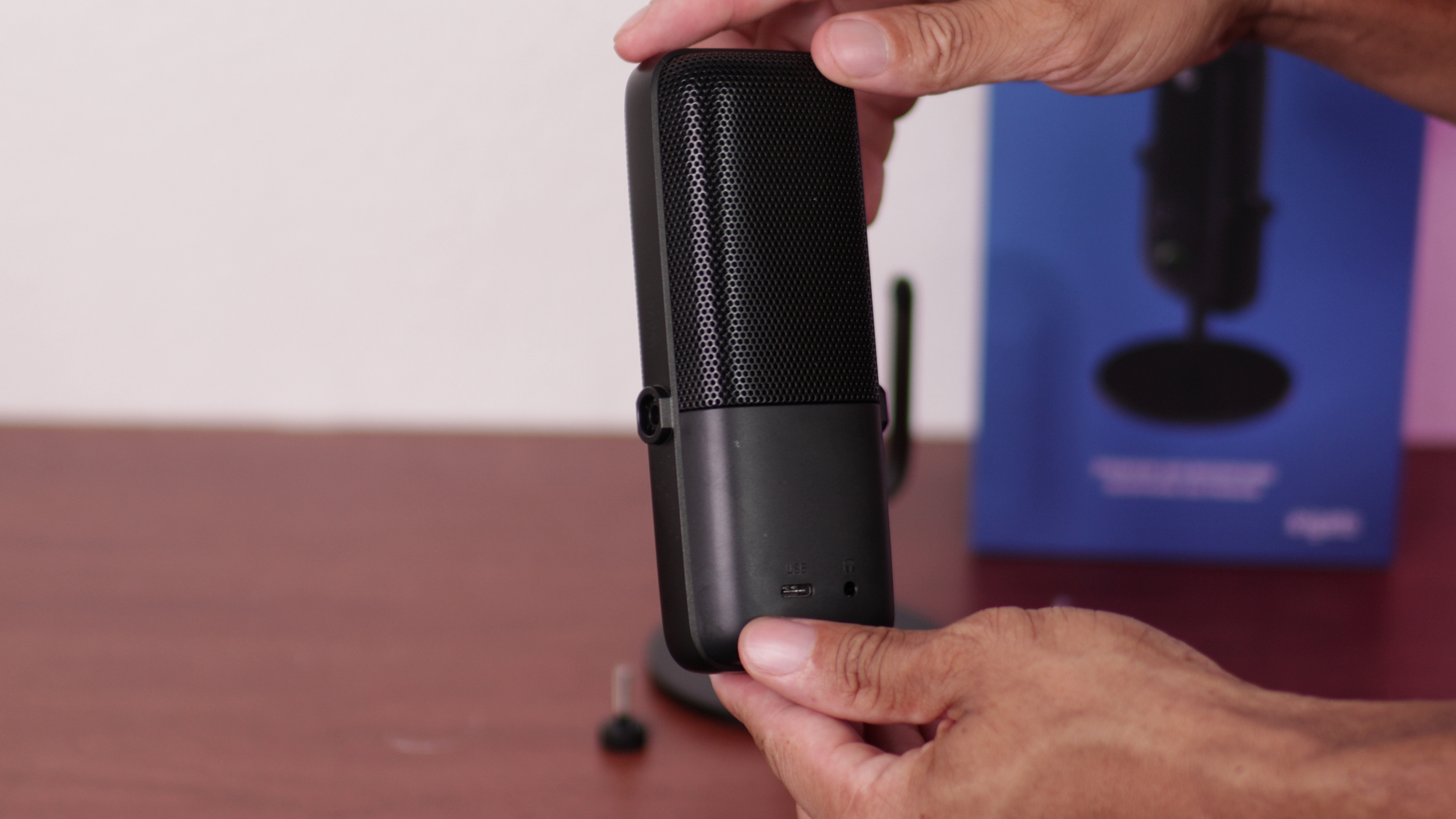
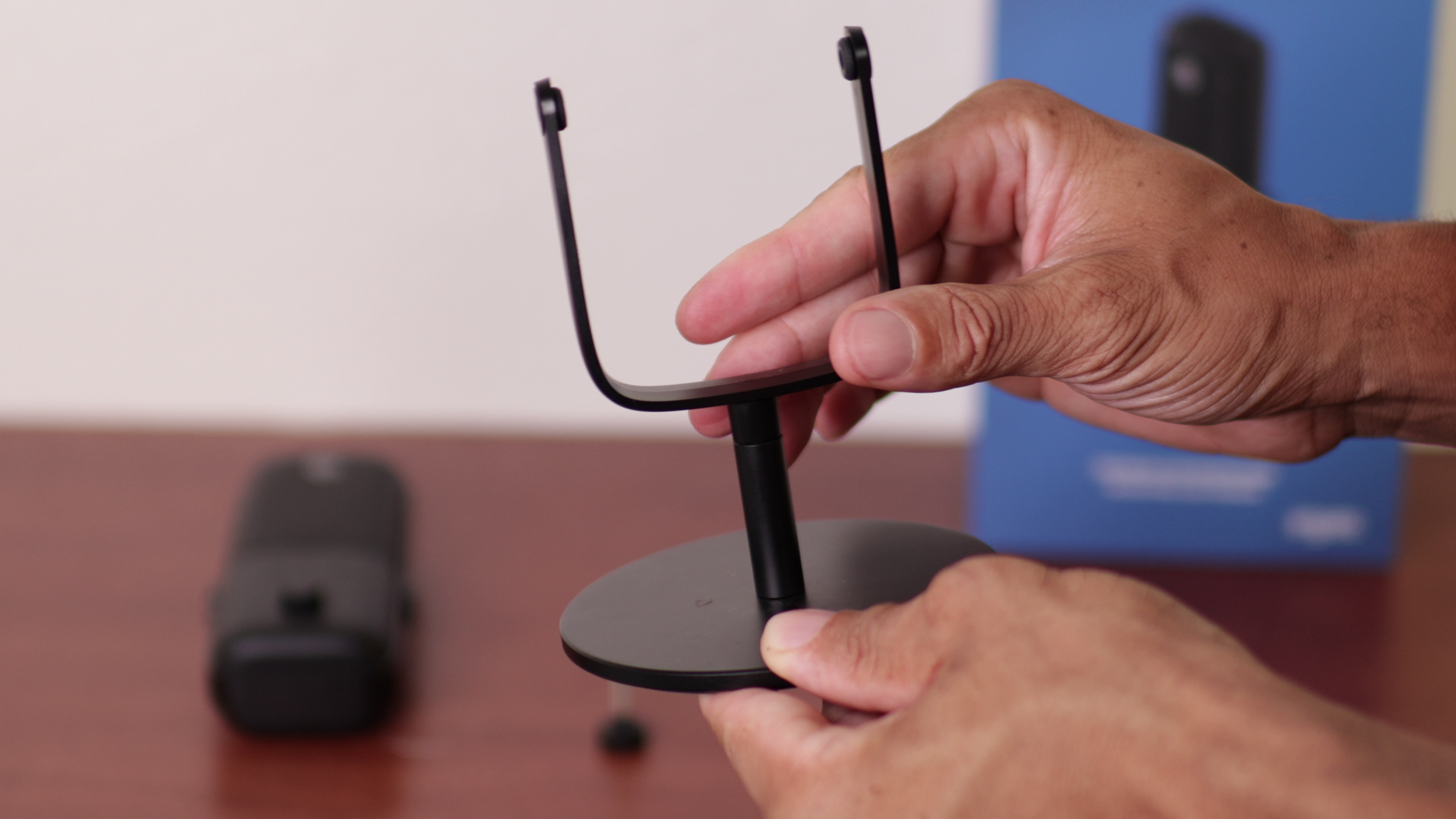
The dial isn't the most premium feeling, but it's clicky enough. The rear ports are 3.5 mm and USB-C.
Controls
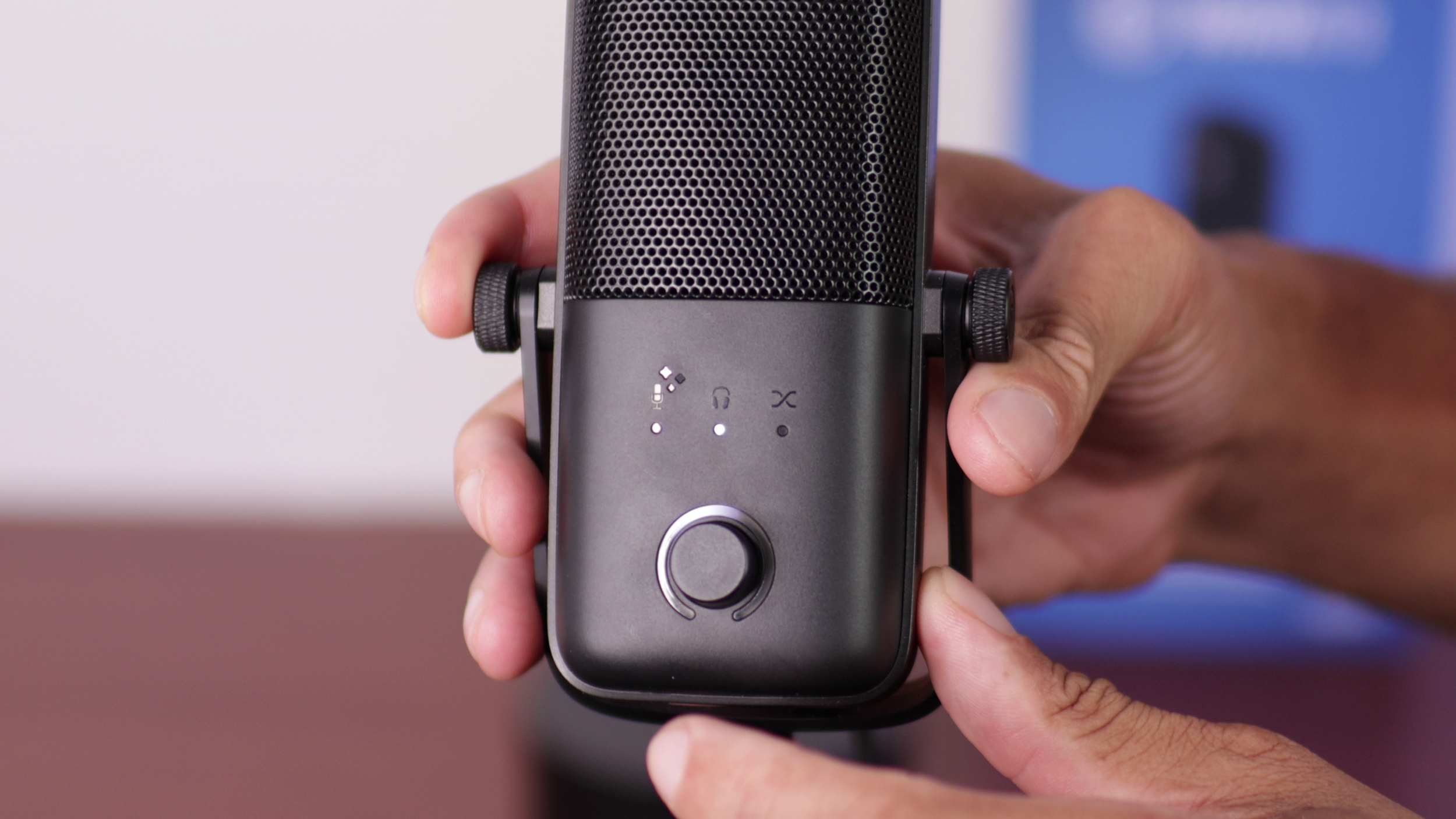
Clicking in the wheel toggles between the different modes. It’s infinite scroll for adjusting the values of each setting.
The mic icon is for the gain. You can lock other apps from adjusting it, but ironically, you cannot lock it on the mic itself so you don't accidentally change it. As you speak, the green LED will show your current volume level.
The headphone icon is for if you're using headphones plugged into the 3.5 mm port on the back. That will be your main system audio volume.
The third icon is for monitor mix. This is how loud you'll hear your own voice back in your headphones. You can drop it to 0 to turn mic monitoring off.
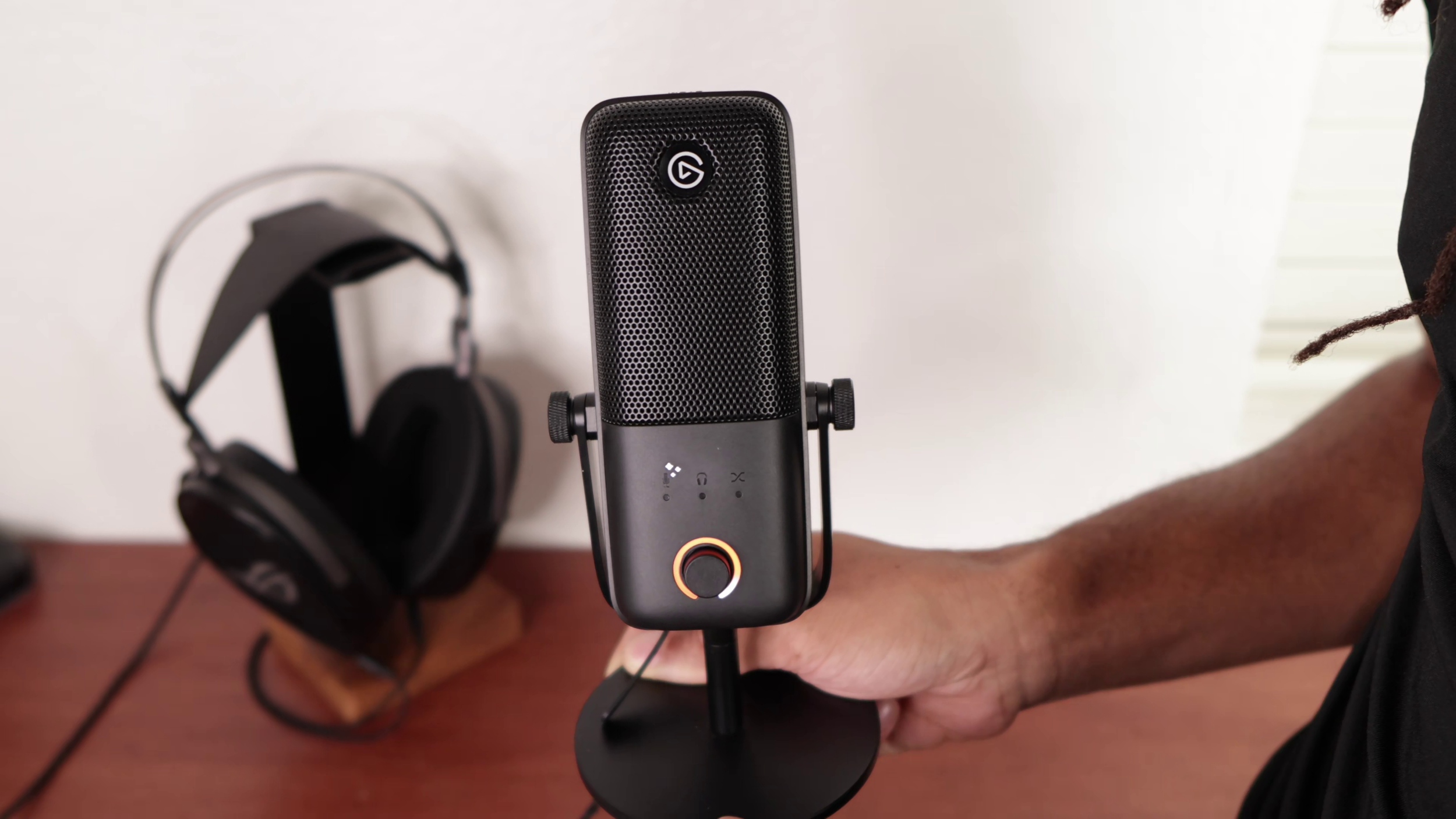
The three stars are for "Voice Tune". It adds “gentle harmonic warmth and analog style compression”. I have a sample of it in the sound quality section, but I don’t like it much.
Be aware that if you disable this toggle in Wave Link, you'll lose the ability to adjust it until you go back in Wave Link and re-enable it.
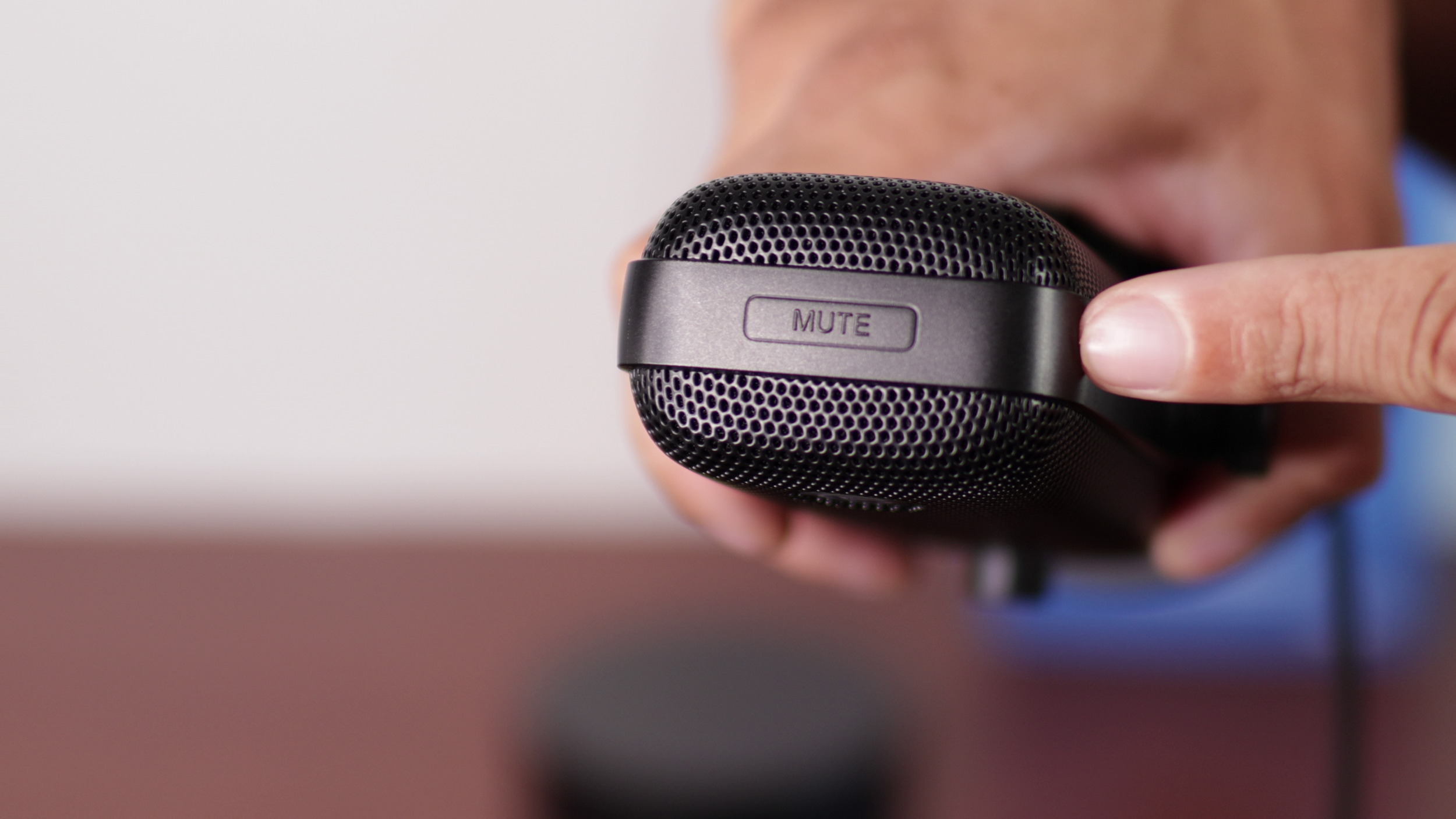
There's a capacitive mute button on the top of the mic which changes the LED color to whatever you want.
Sound Quality
The best way to describe the overall sound of the Wave 3 MK.2 is sharp, harsh in the highs, but very detailed. “S” sounds are out of control with this.
The proximity effect is very powerful with this, so getting too close to the mic can make your voice muffled quickly. However, staying too far back exacerbates how much room tone this picks up.
Wave Link Overview
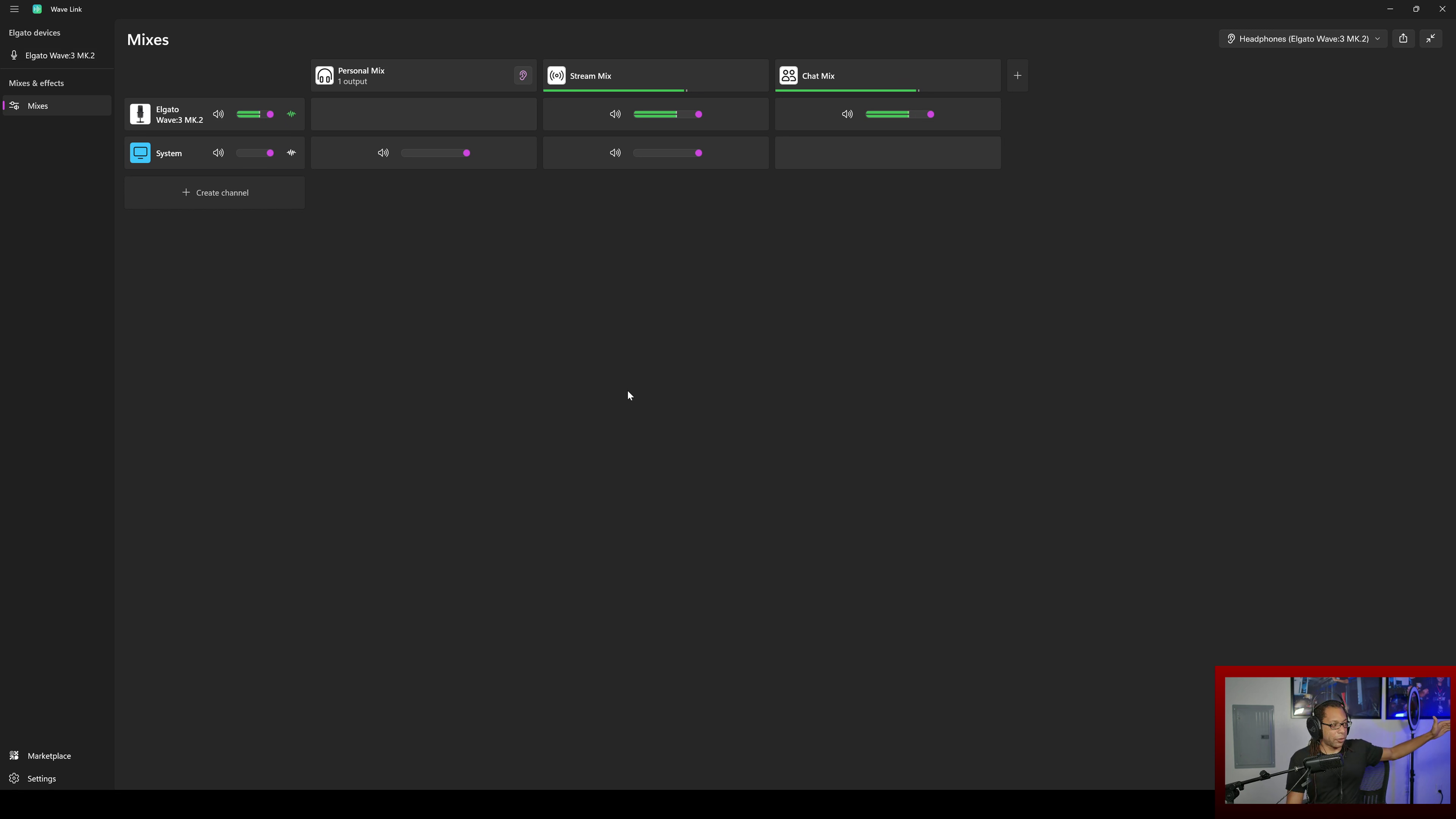
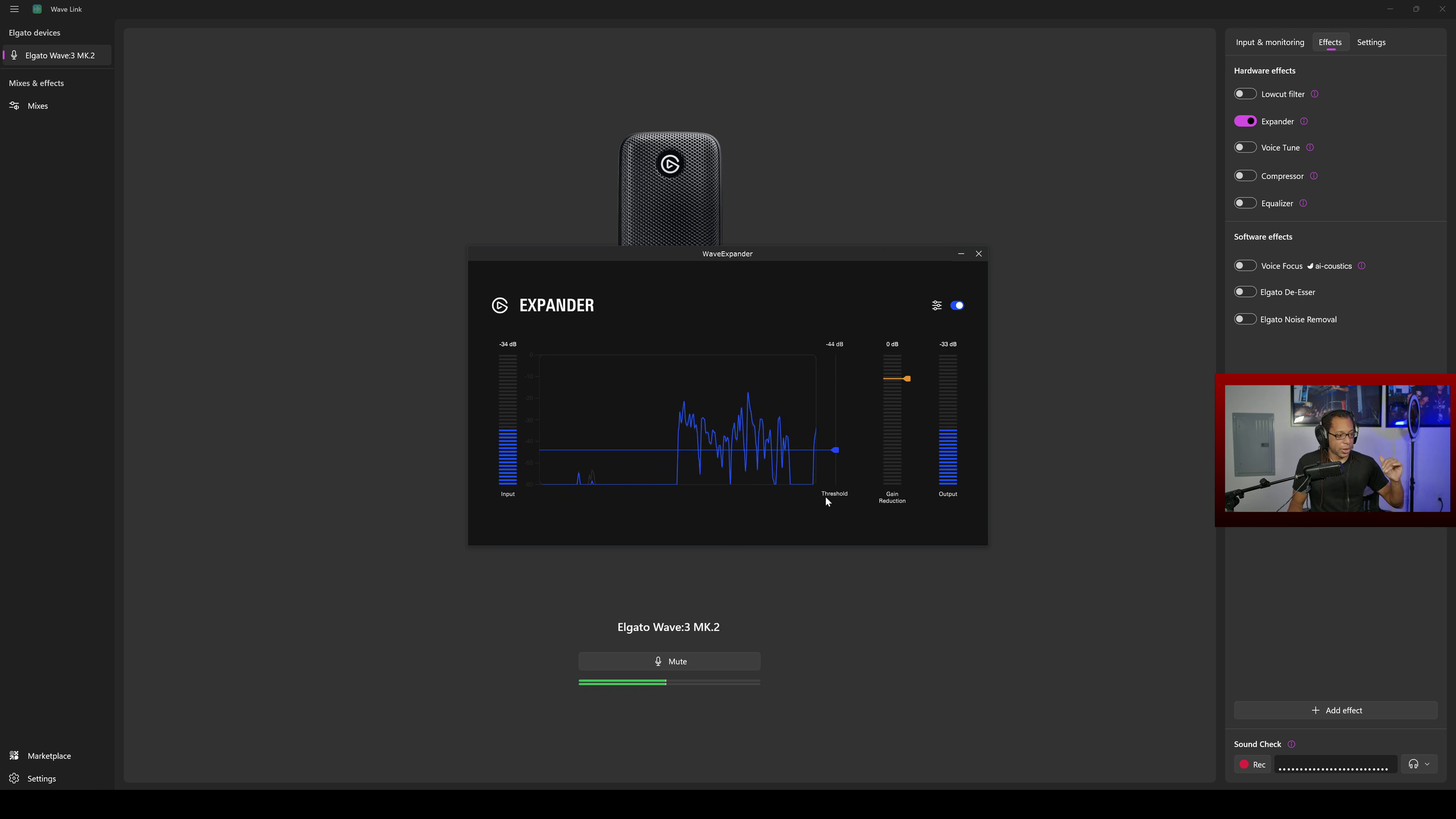
Wave Link requires its own separate article. It now works with any microphone, so it’s not Wave device specific anymore.
The main things you can do in here are add all the hardware and software effects that I’ve shown above, download more software effects from the marketplace, and add all your audio sources to various mixes.
Verdict

The Wave:3 MK.2 hardware is great, and the Wave Link software makes it even better. I highly recommend this mic.
If you already have the MK.1, it’s not a must upgrade unless you absolutely love the new features.