OBSBOT Tiny 3 vs Tiny 3 Lite | Surprising Results
Amazon links in this article are affiliate links. As an Amazon associate, I earn from qualifying purchases.
Quick Summary
The OBSBOT Tiny 3 objectively does several things better than the Tiny 3 Lite. The Tiny 3 has a larger sensor, less grain, and a slightly wider field of view. However, the Tiny 3 Lite has superior sharpness and detail, and frankly it looks better at a glance.
Most people will be fine with the Tiny 3 Lite, but if you’re a pixel peeper, the Tiny 3 is a better choice.
Specifications
Tiny 3
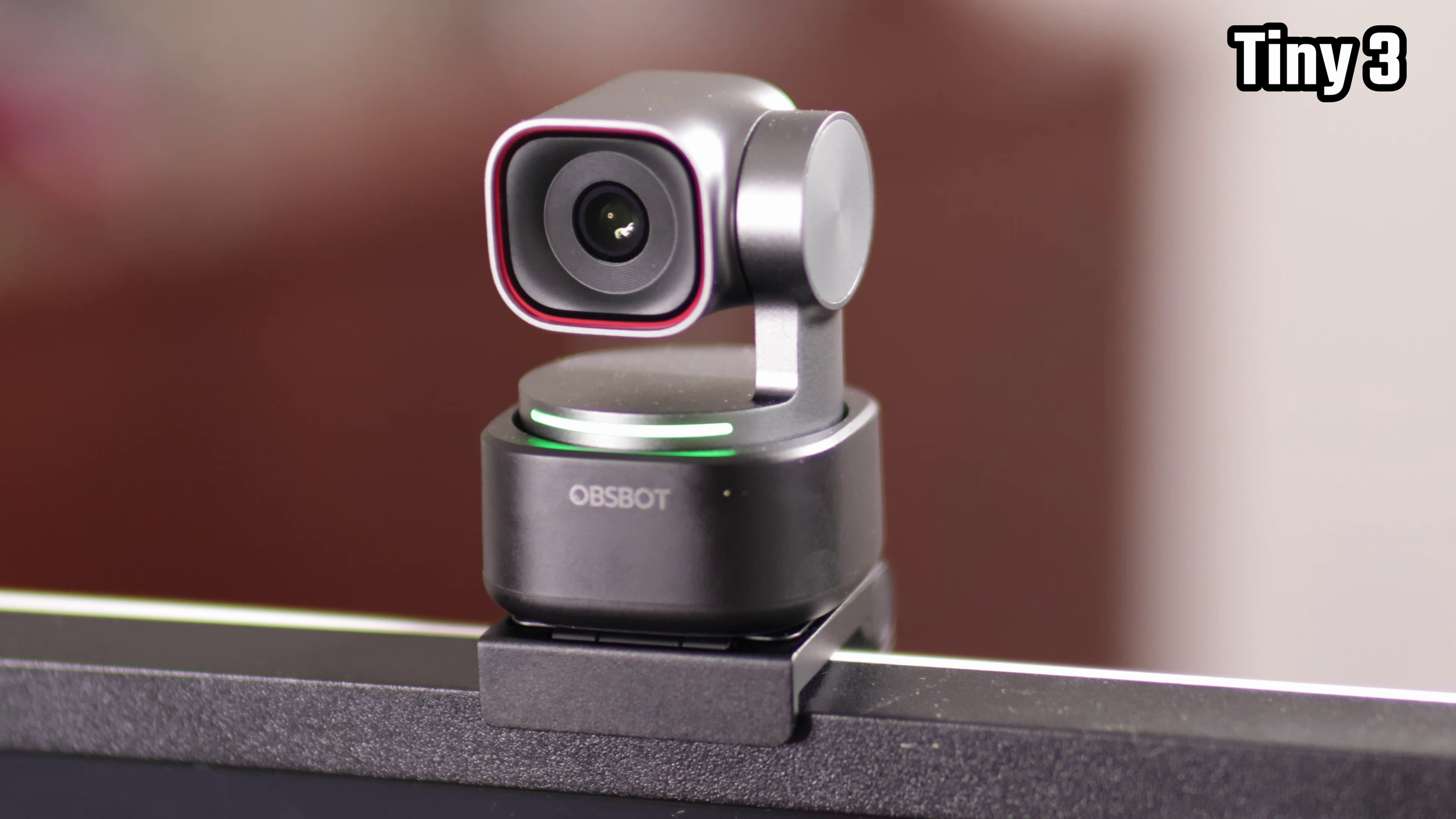
Max frame rate and resolution: 4K 30 FPS or 1080p 120 FPS
Video format: MJPEG
Sensor size: 1/1.28 inch
Aperture: f/1.8
Focal length: not listed, but 24 mm full frame equivalent
1/4 inch tripod threading: ✅
Pan-tilt-zoom: ✅ (zoom is digital)
Tiny 3 Lite
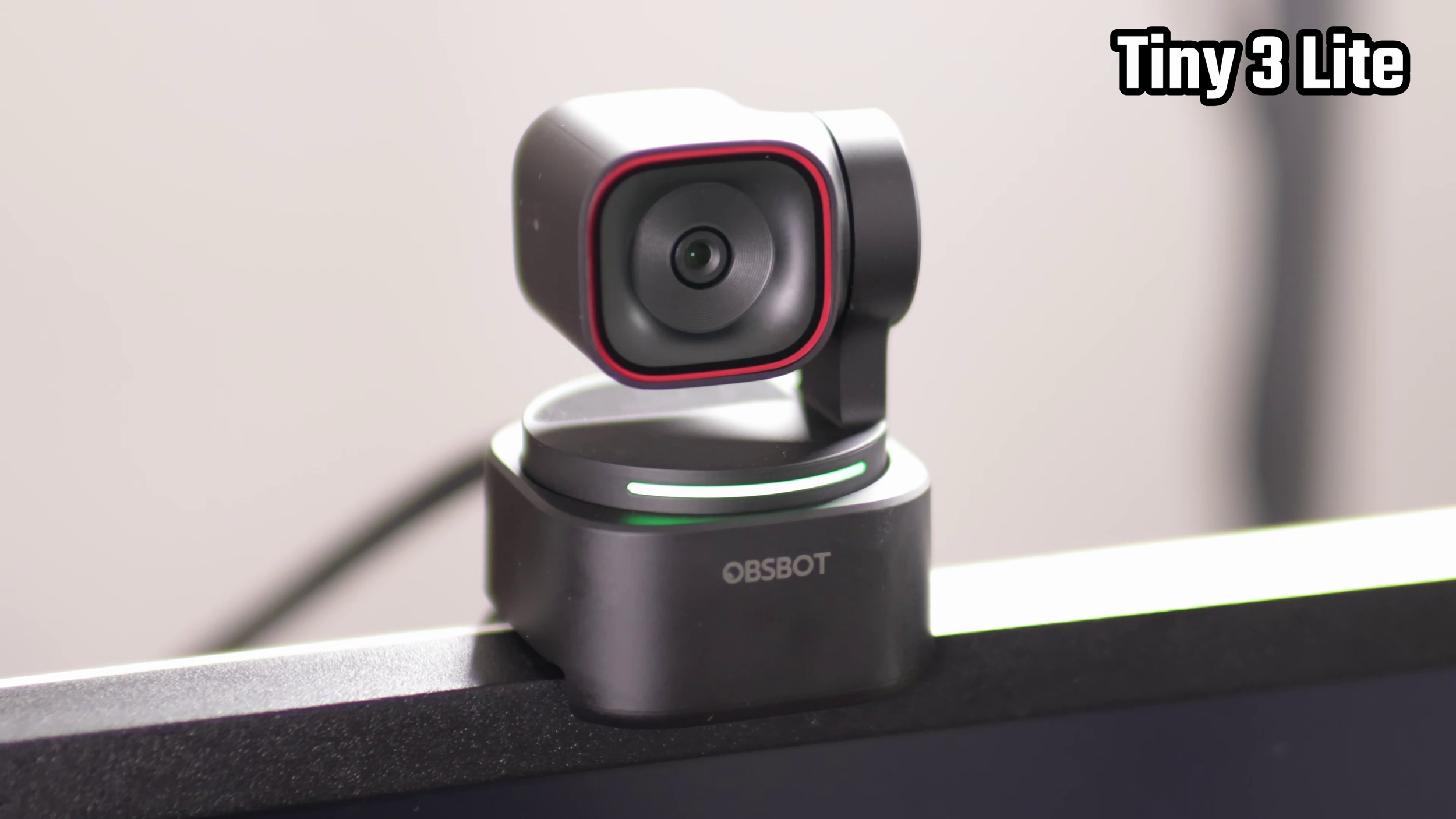
Max frame rate and resolution: 4K 30 FPS or 1080p 120 FPS
Video format: MJPEG
Sensor size: 1/2 inch
Aperture: f/1.8
Focal length: not listed, but 25 mm full frame equivalent
1/4 inch tripod threading: ✅
Pan-tilt-zoom: ✅ (zoom is digital)
The main difference here is really just the sensor on the Tiny 3 is larger.
Image Quality
Sharpness and Detail
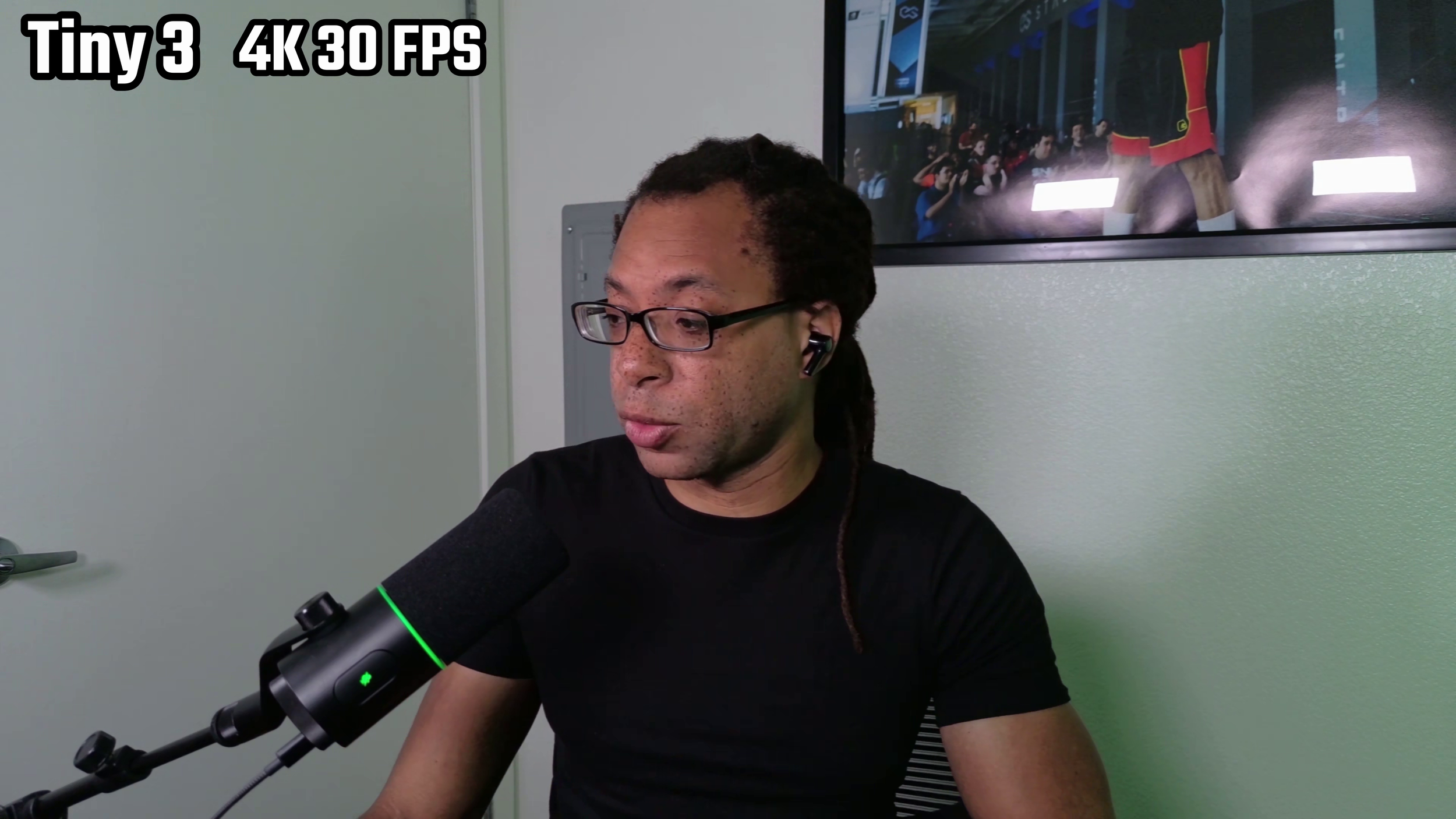
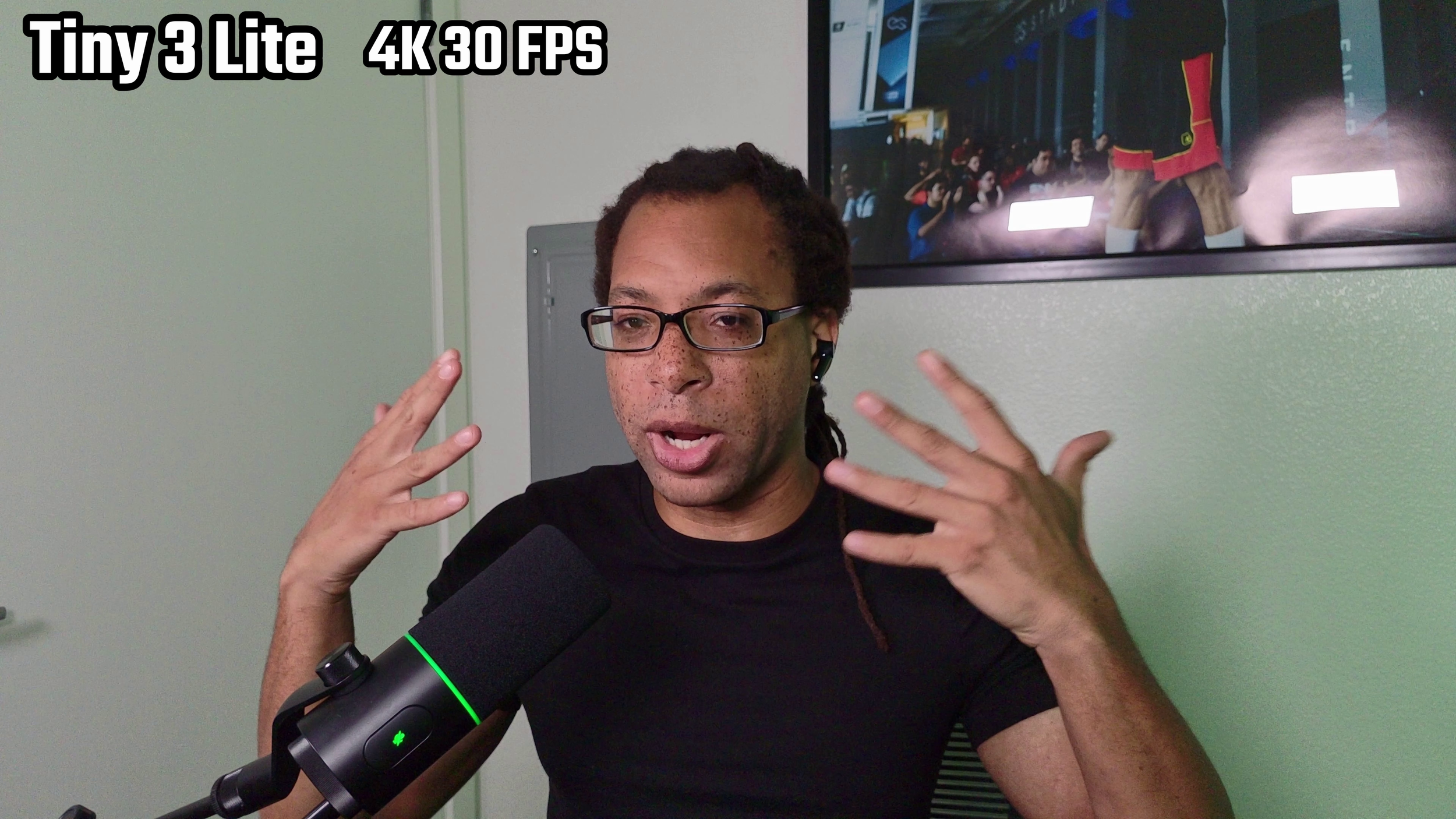
The Tiny series of webcams have always looked pretty soft despite them being 4K. The Tiny 3 has the same issue.
The Tiny 3 Lite fixes this, but it has that artificial, post-processed sharpening effect similar to what's on the Insta360 Link webcams.
In real life, my pores don't pop out like crazy and my freckles aren't as defined as they appear on the Tiny 3 Lite. Conversely, the Tiny 3 is just too blurry compared to what you would see in reality.
Colors and Contrast
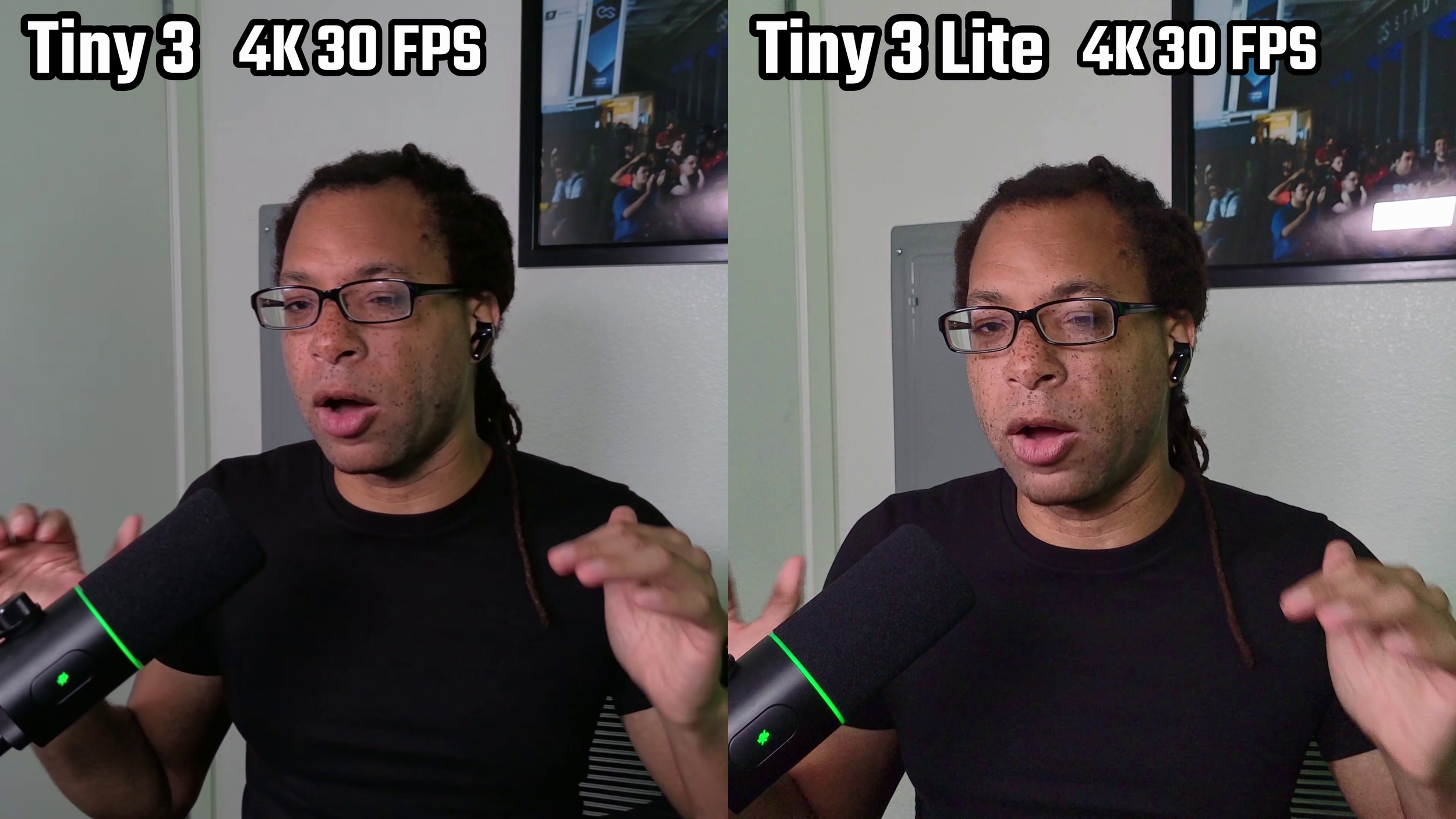
Both have pretty decent color accuracy, but the Tiny 3 makes everything a little too red by default.
The Tiny 3 is better at reproducing blacks. They're a bit lighter and hazier on the Tiny 3 Lite. The Tiny 3 goes a bit overboard by default with the highlights and shadows by default, so I personally like to drop the contrast down in the software.
High Dynamic Range
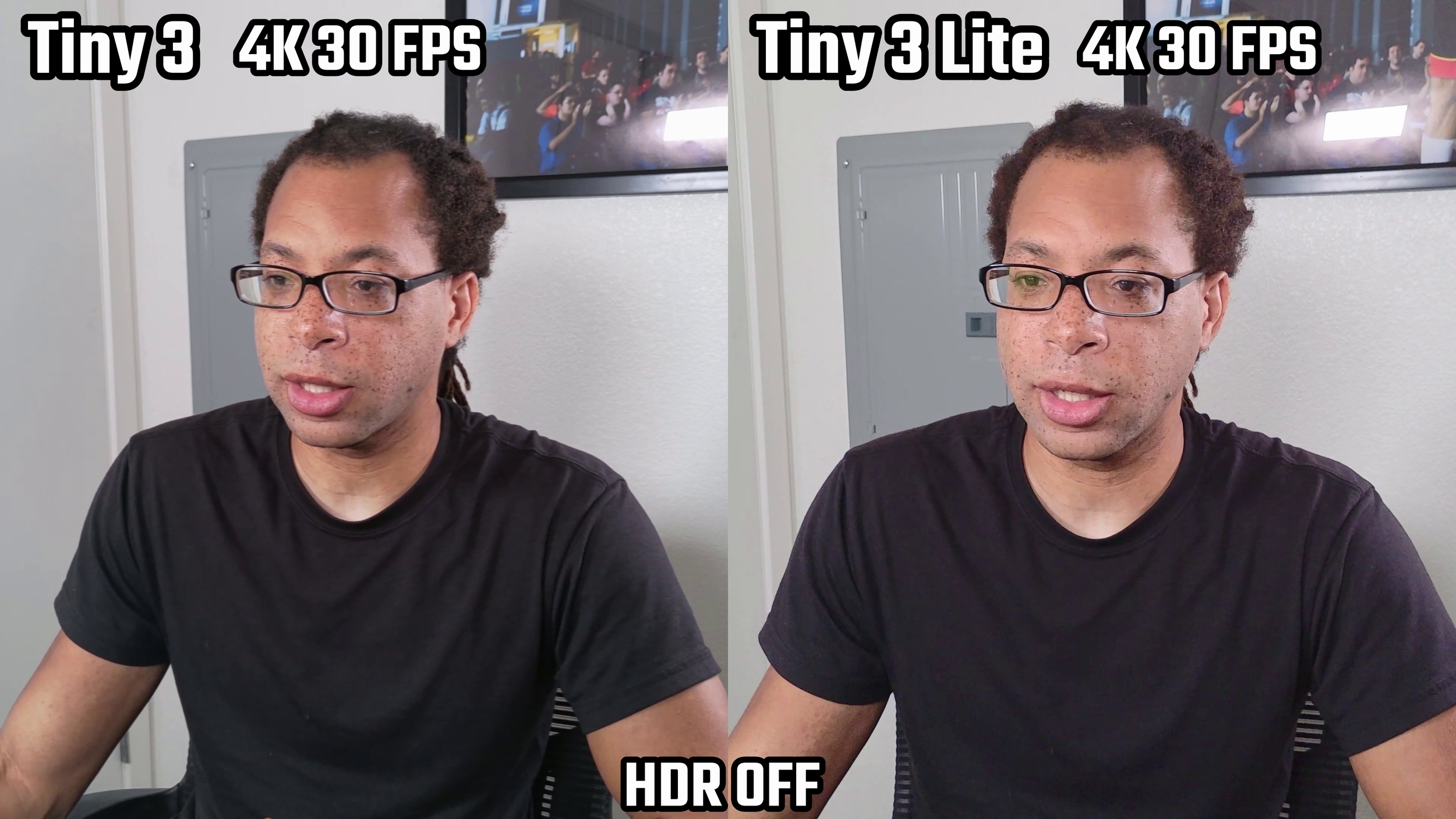
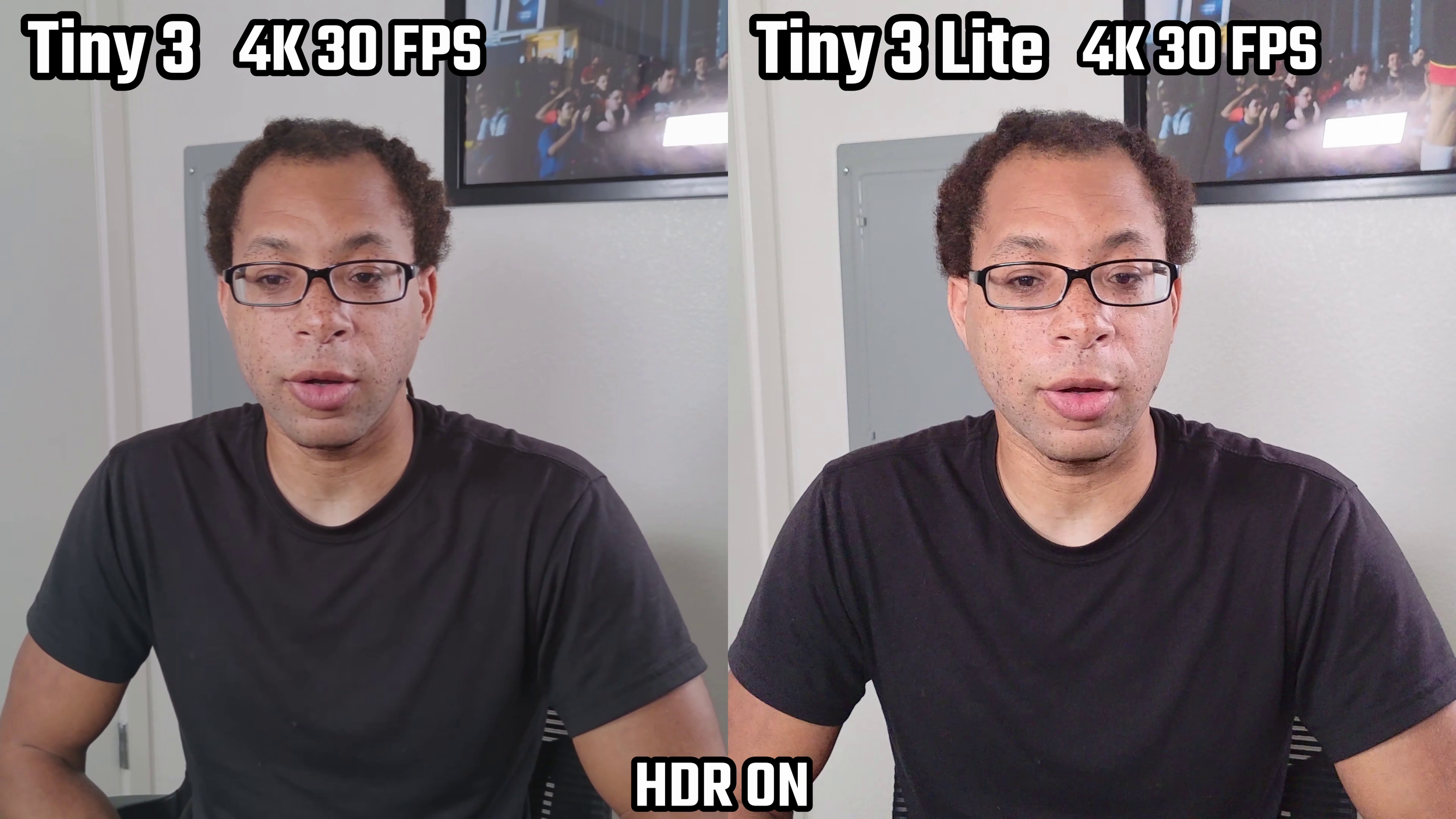
Although both devices have HDR, it doesn't really do much for my setup since the lighting is controlled and even. If you did need HDR, it's available at 4K 30 FPS for both webcams, 1080 60 FPS for the Tiny 3, and 1080 30 FPS for the Tiny 3 Lite.
I think the HDR might be broken on my Tiny 3 Lite as it literally does nothing to the image.
Low Light
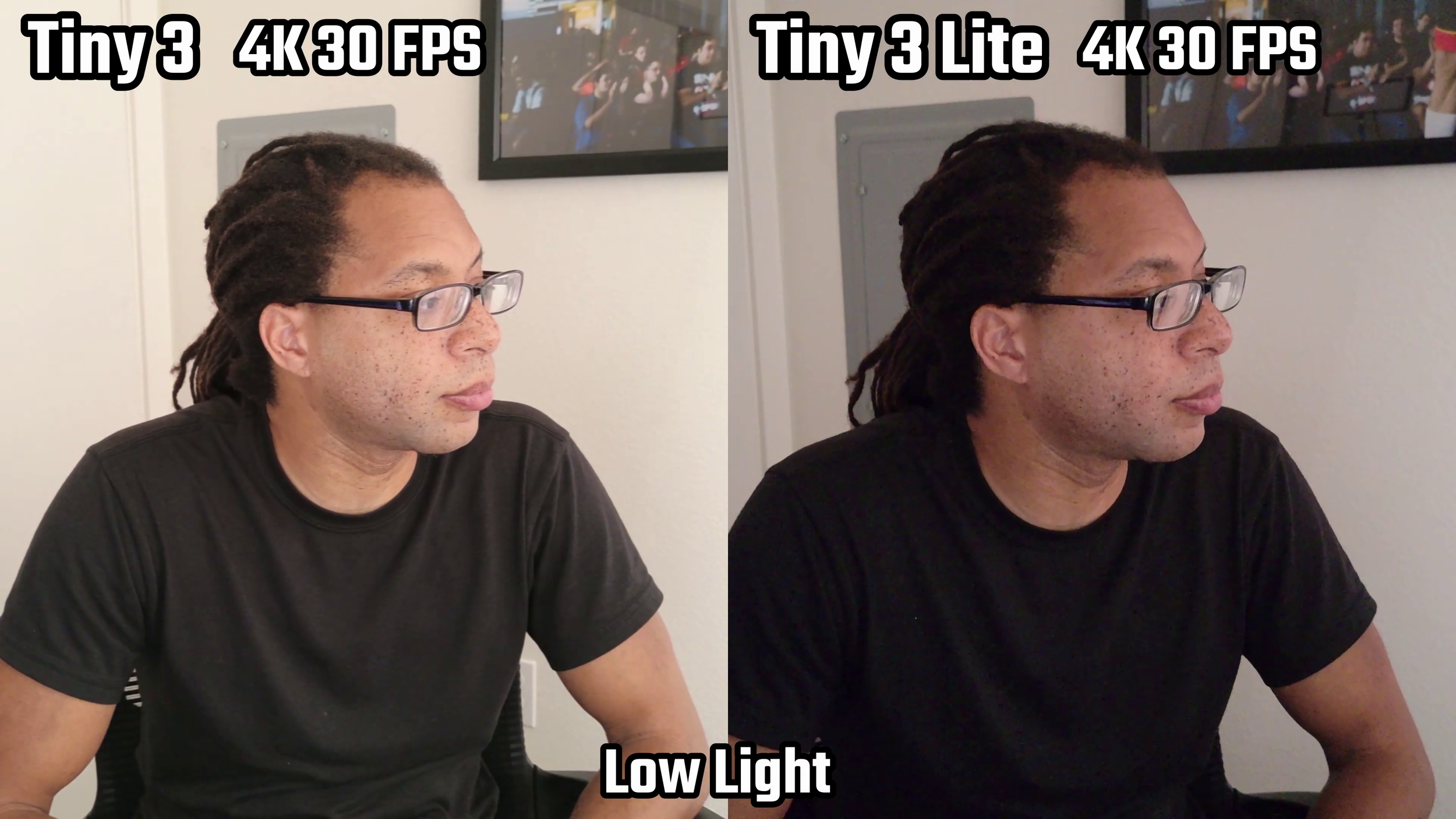
The smaller sensor of the Tiny 3 Lite gets exposed in low light environments on the Tiny 3 Lite. However, the auto-exposure of both can make an extremely dark room (like above) look like it’s daytime. The grain will still be much heavier on the Lite.
Autofocus
Both webcams have phase detection auto focus and it's super snappy. This is up there with the Insta360 Link 2 Pro. Excellent speed.
Bokeh
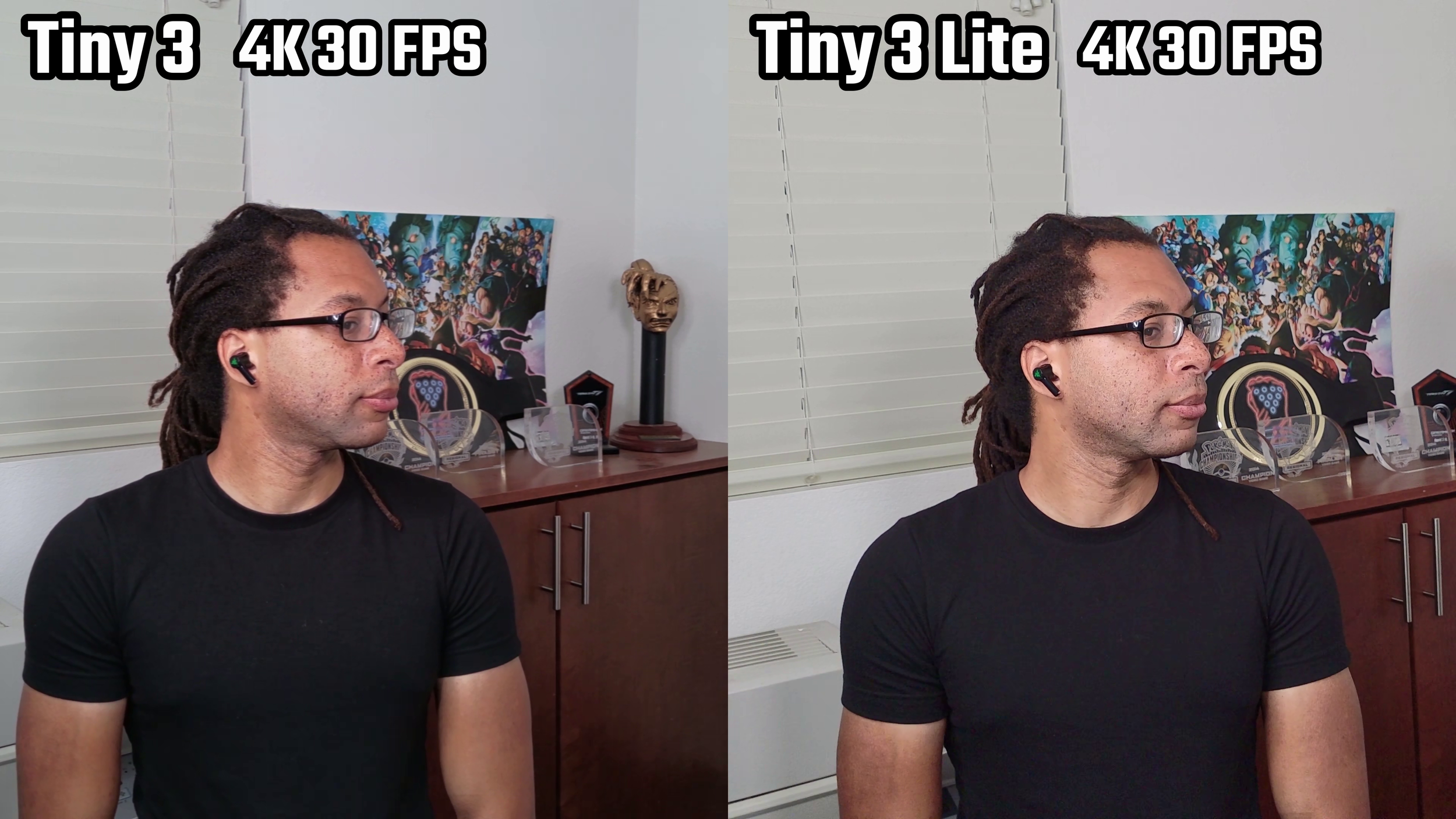
Neither webcam has much background separation. There is more on the Tiny 3, no question about it. Try to read the text on my trophies in the back on the Tiny 3; you'll see it's way harder to do than on the Tiny 3 Lite. However, we're not getting close to the Razer Kiyo Pro Ultra or YOLOCAM S7.
Overall
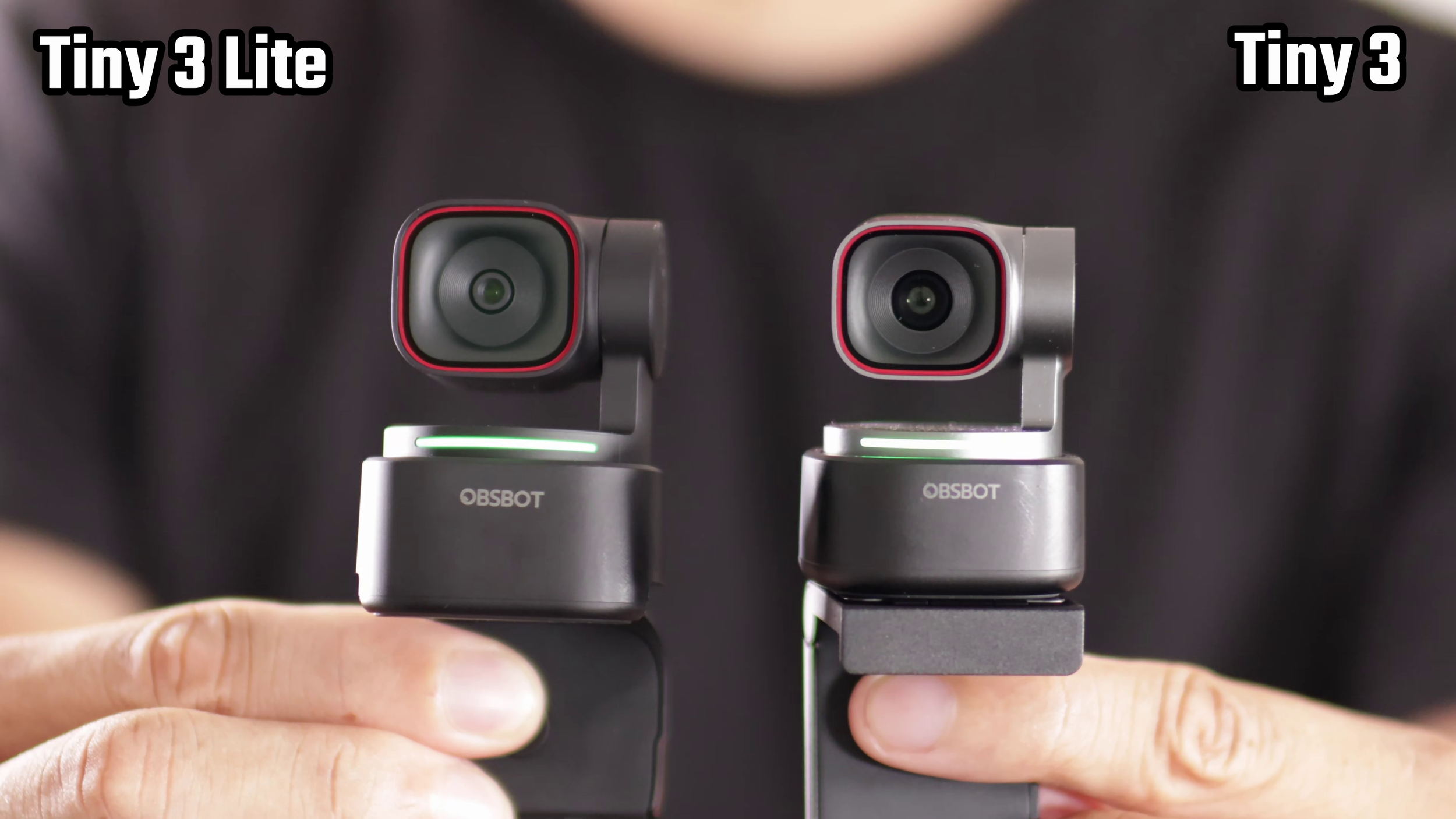
Overall, I gotta say I like the Tiny 3 Lite's image better. The Tiny 3 has more accuracy with dark colors, less artificial post processing, less grain, and better optics… but it's just not that sharp.
Microphone Demonstration
Software
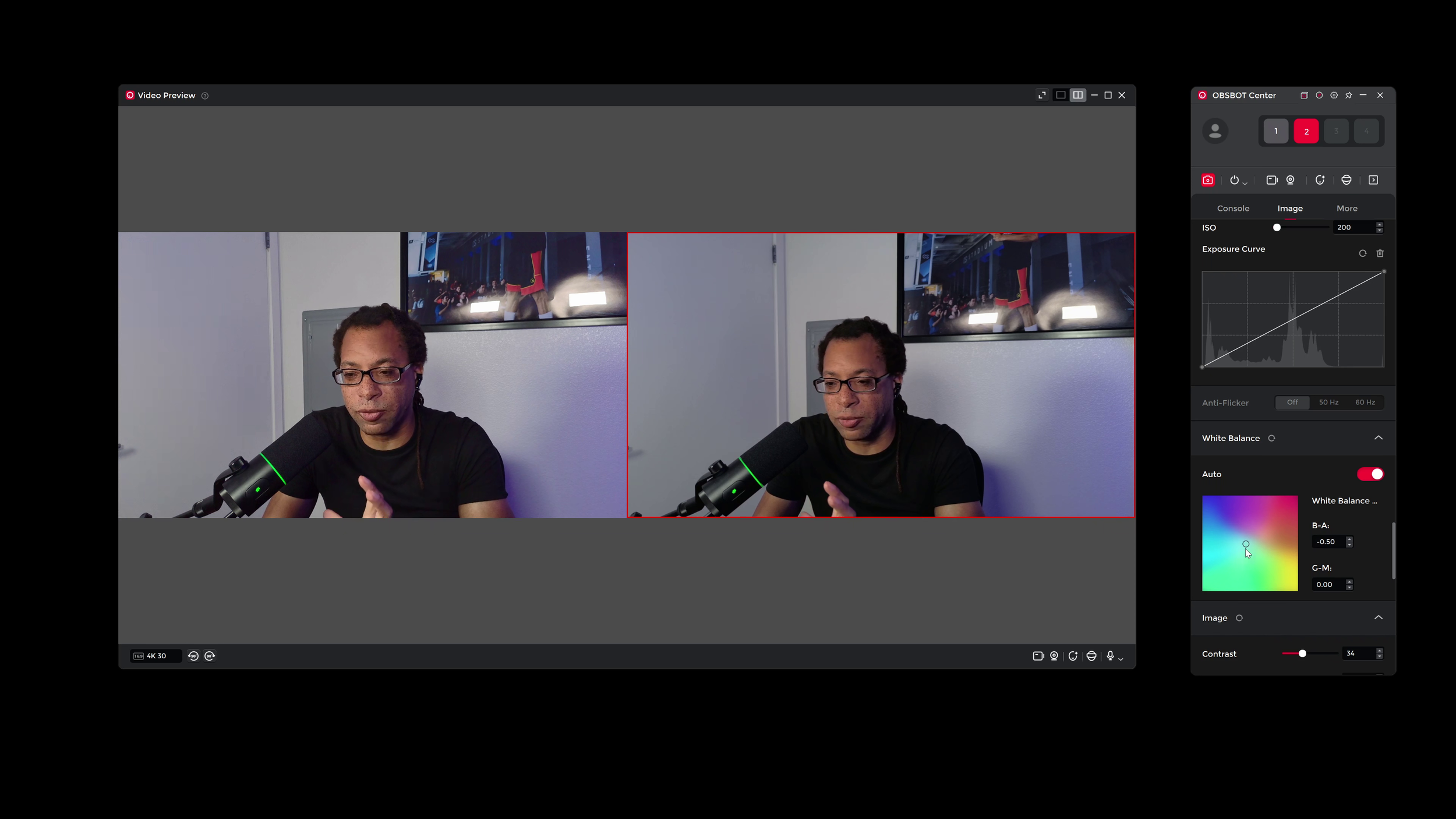
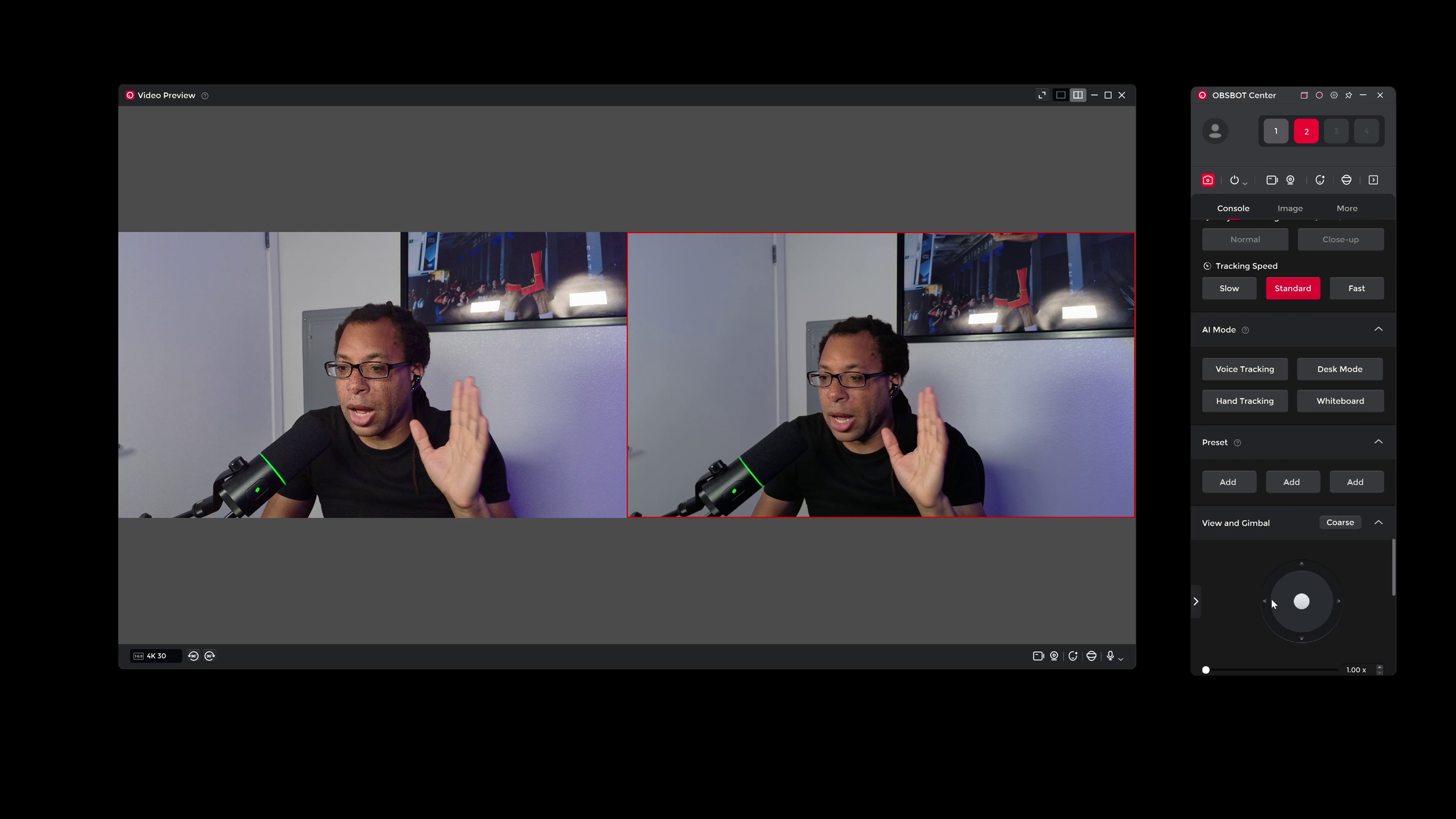
Both webcams use the OBSBOT Center software. They have physical panning and tilting that can be controlled in the software and they have AI face tracking and gesture controls if you want them. The zoom is digital, not optical.
Build
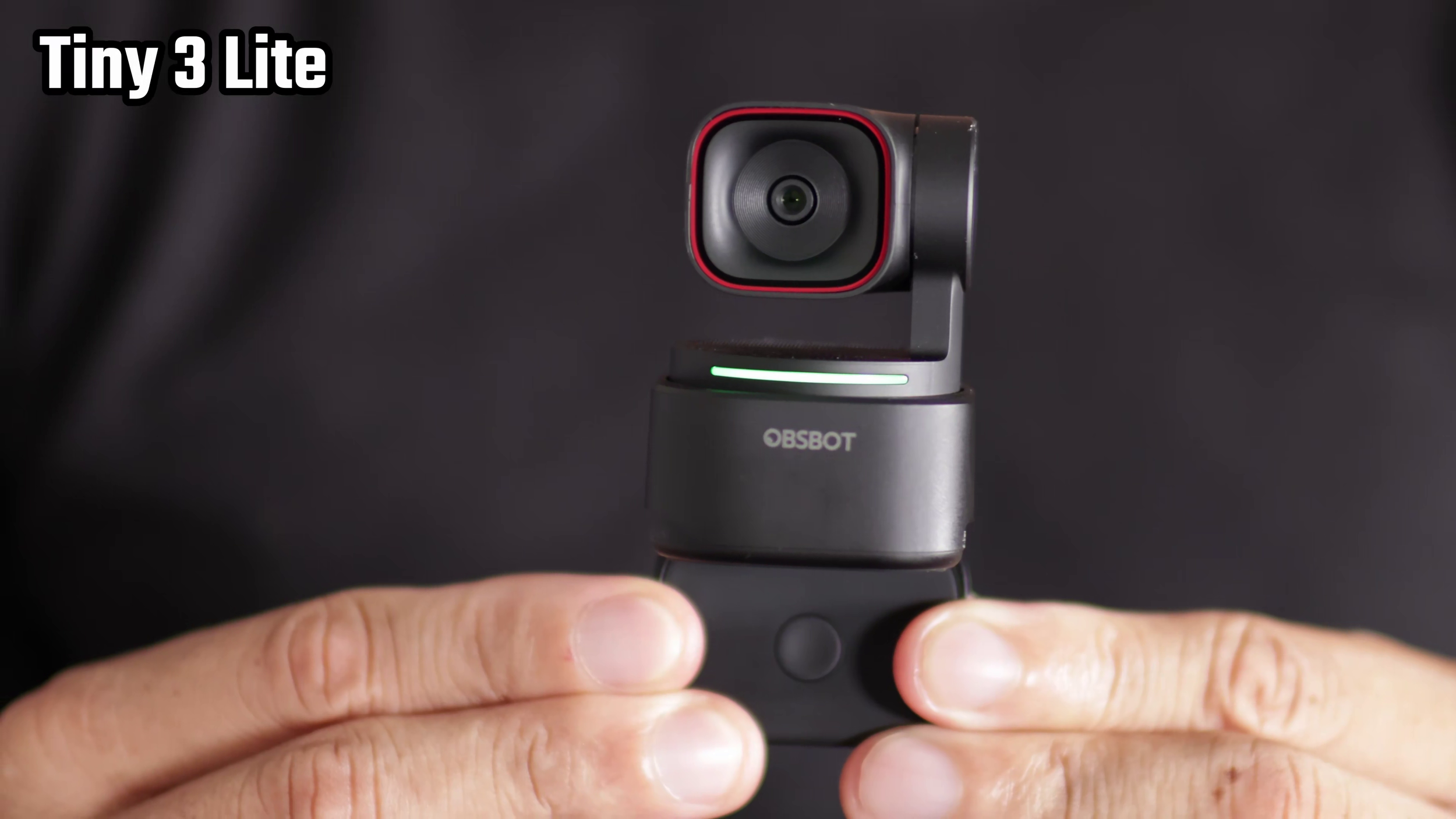
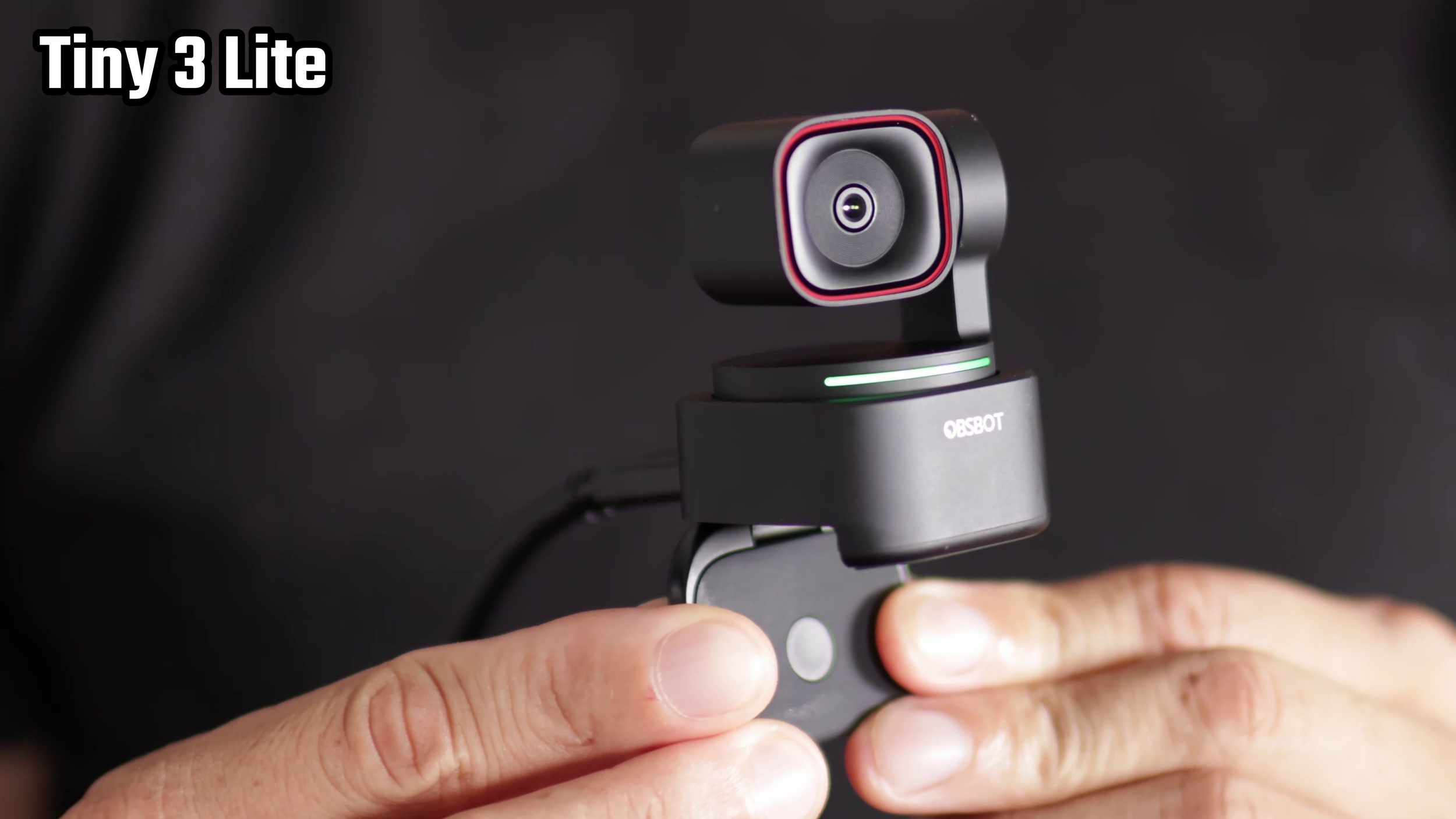
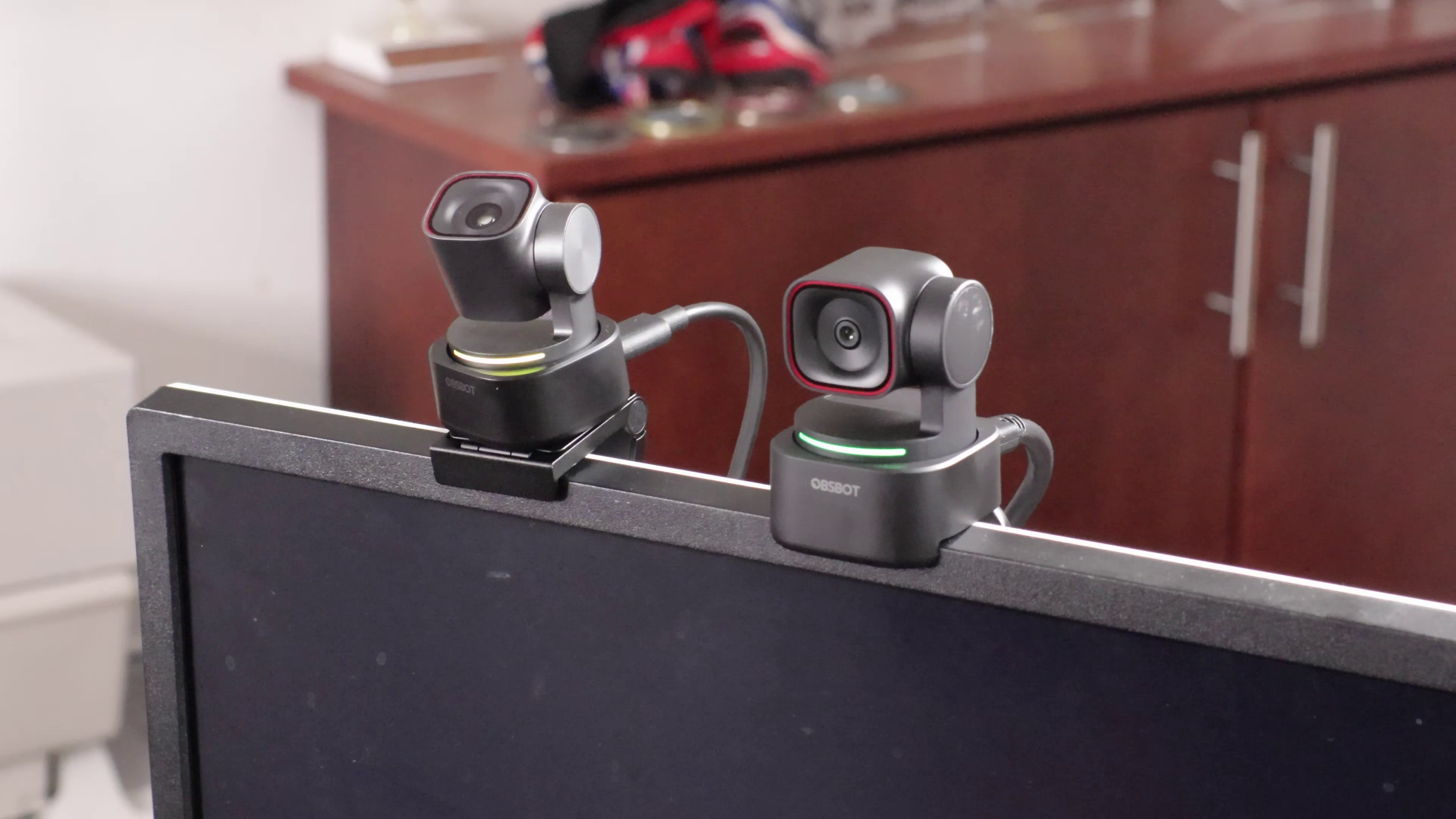
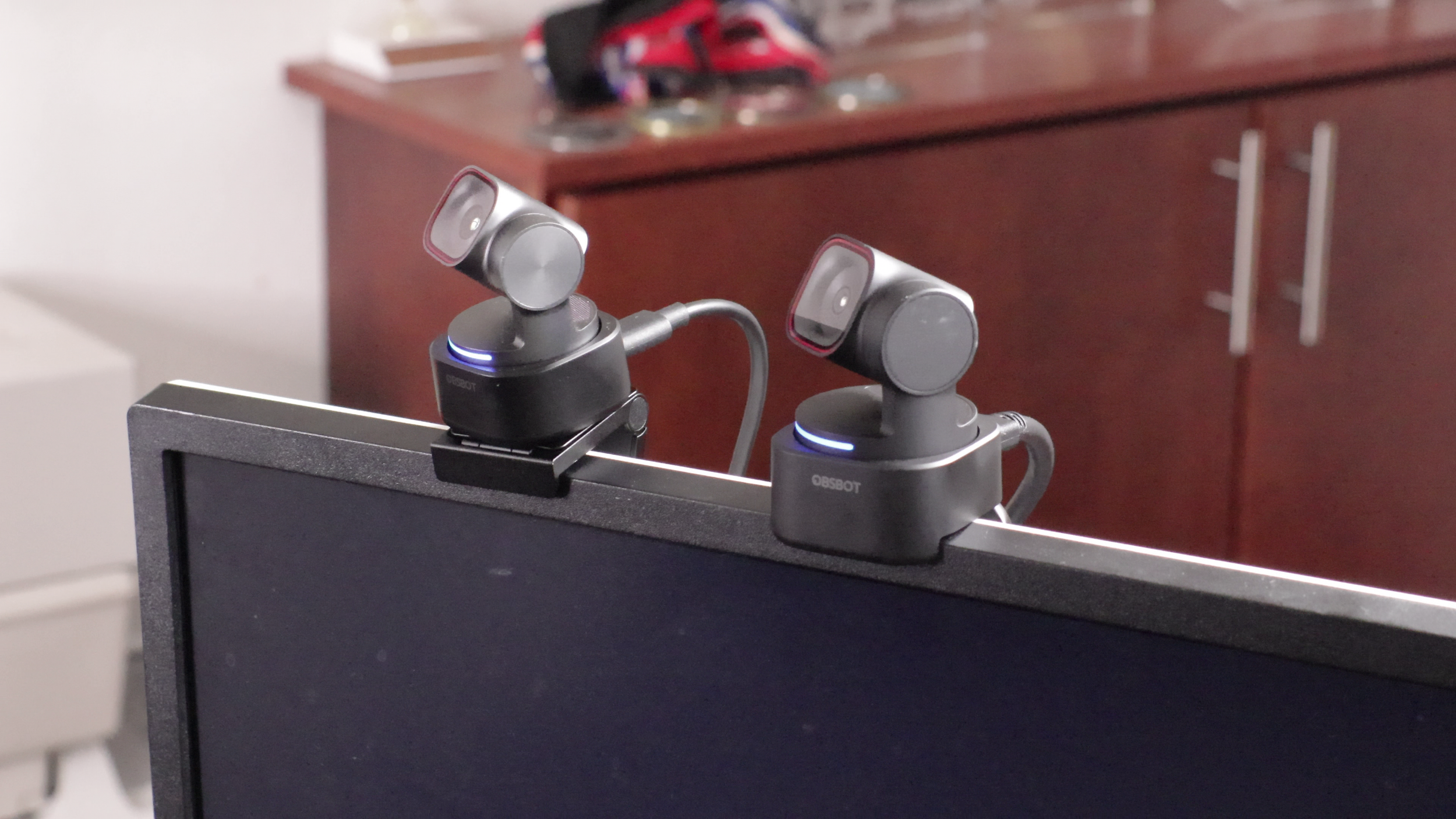
There's not much difference with the builds. The Tiny 3 is a bit larger and has a magnetic monitor mount. It also comes with a case. Sadly, both webcams only come with a single 60 inch USB-C to C cable. Definitely not long enough for a setup like mine. But it is USB 3.0.
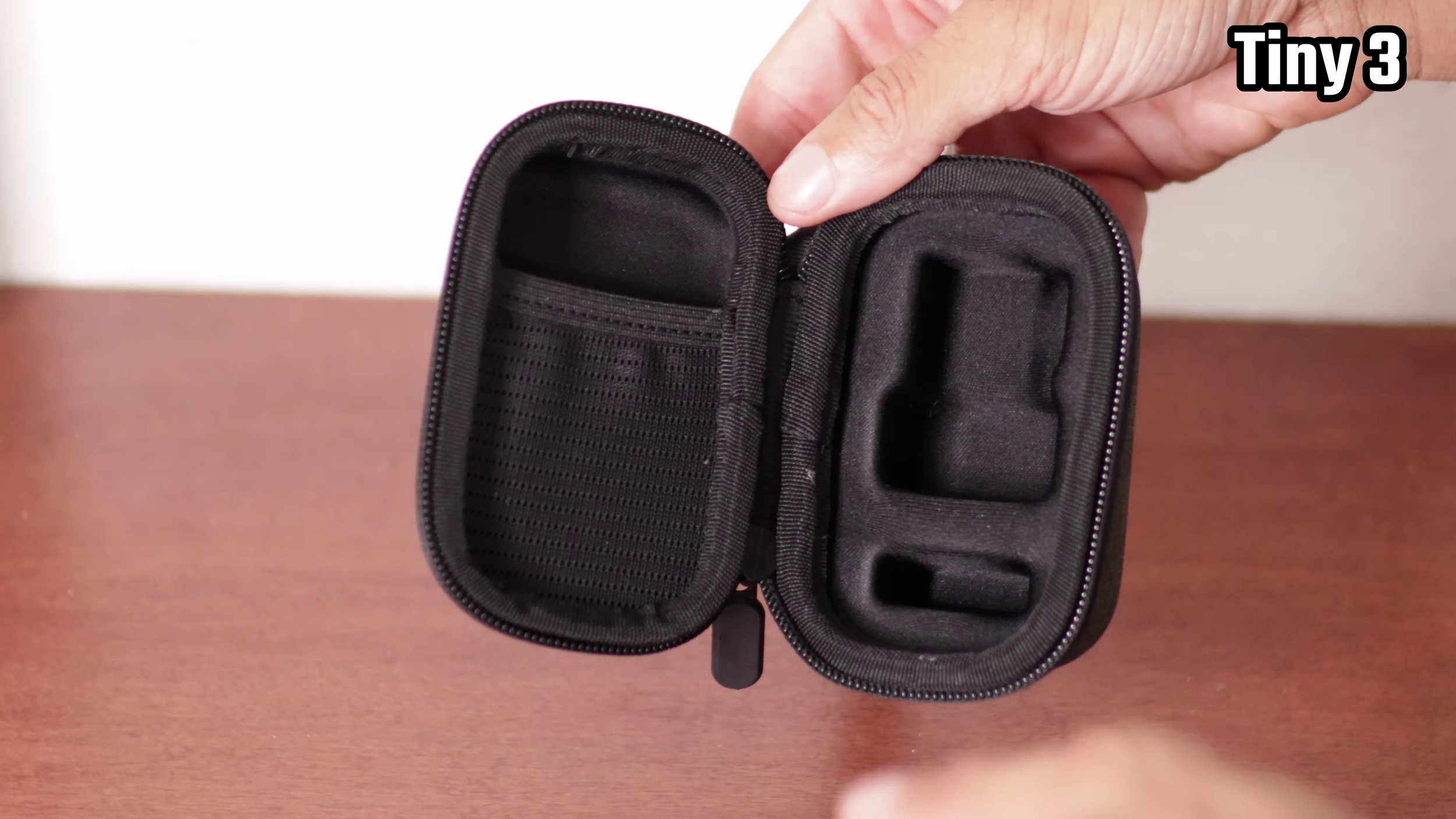
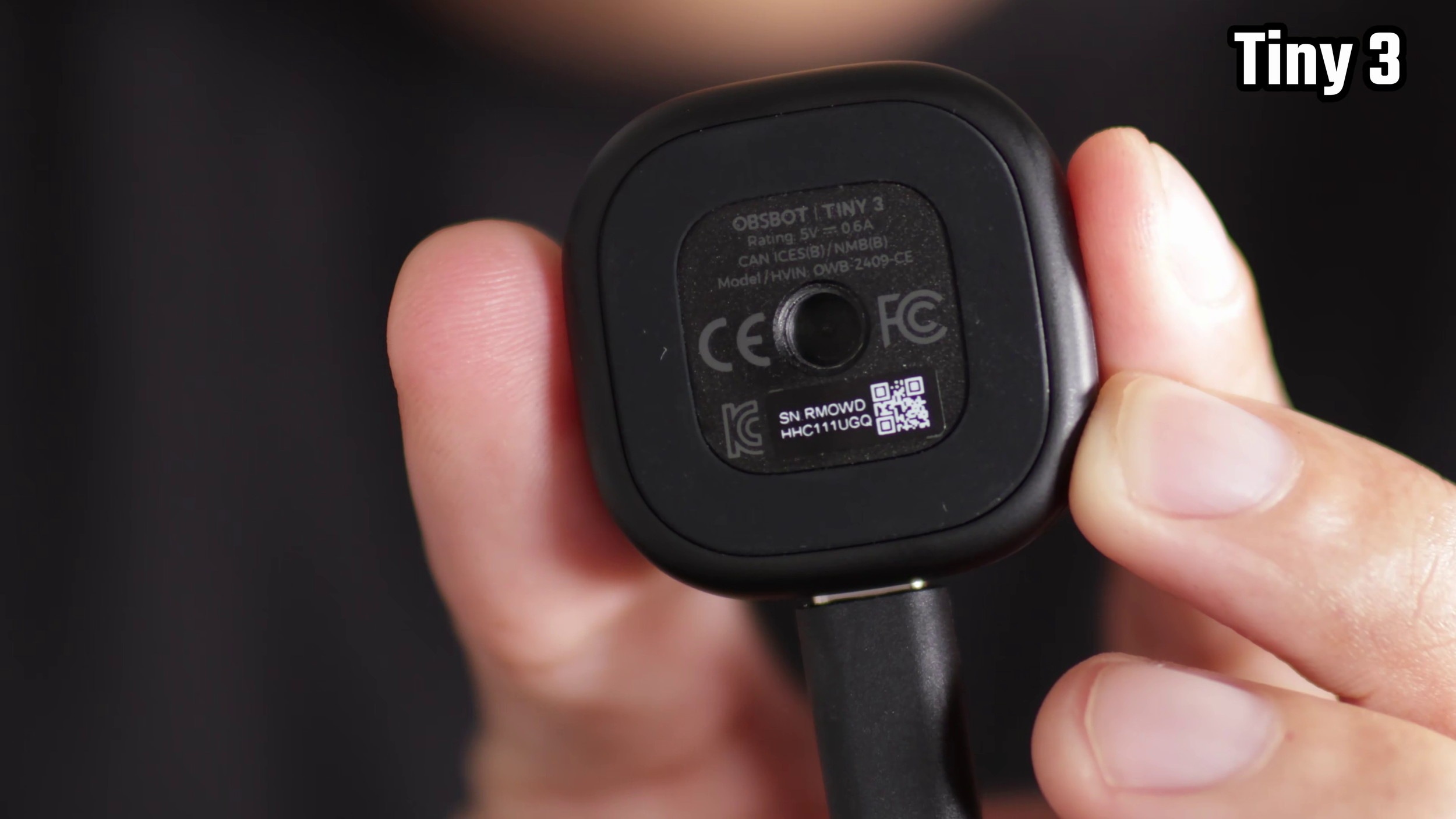
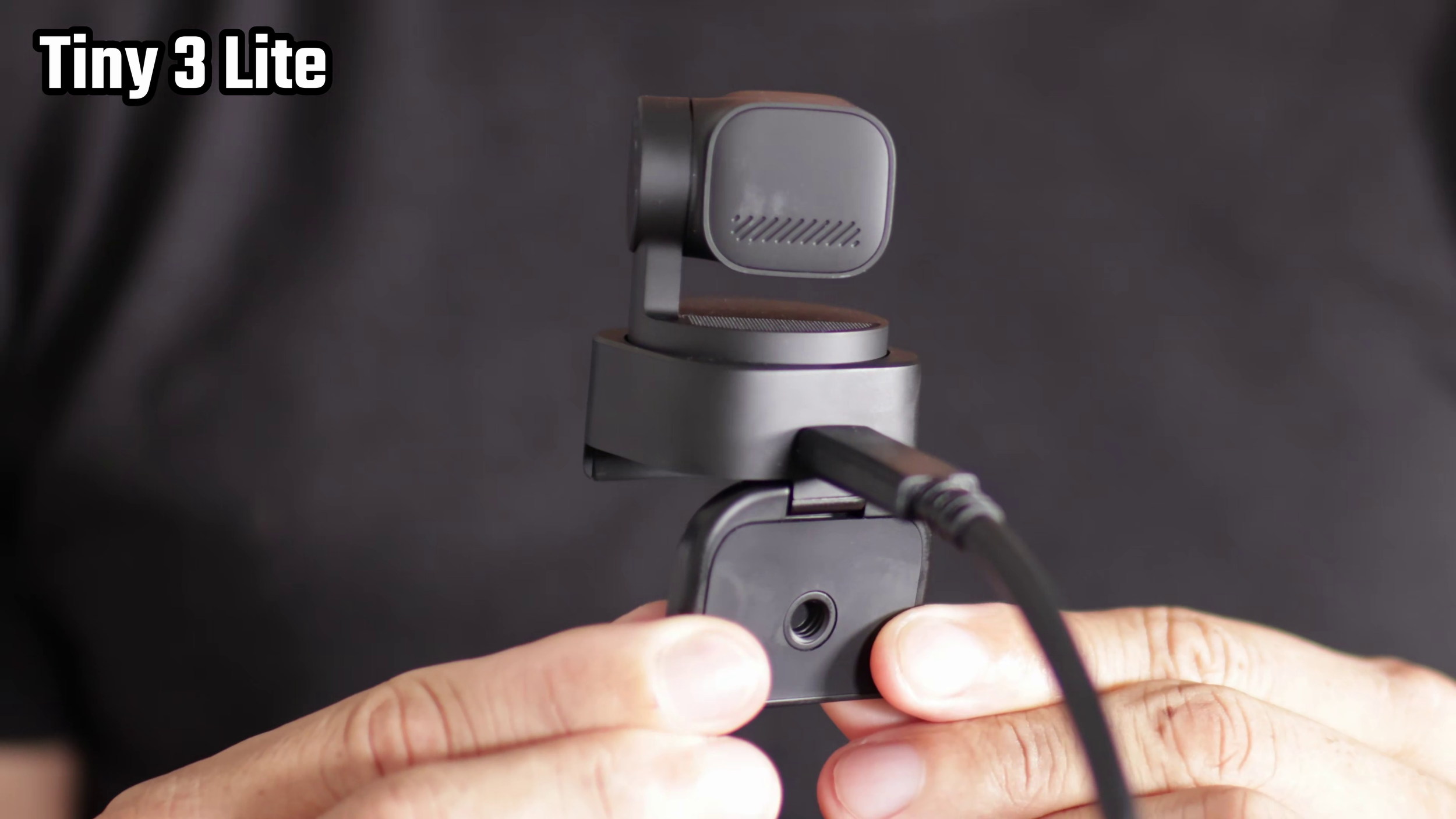
There's a C to A adapter included with both also. There's 1/4” threading for if you want to attach it to a tripod.
Verdict
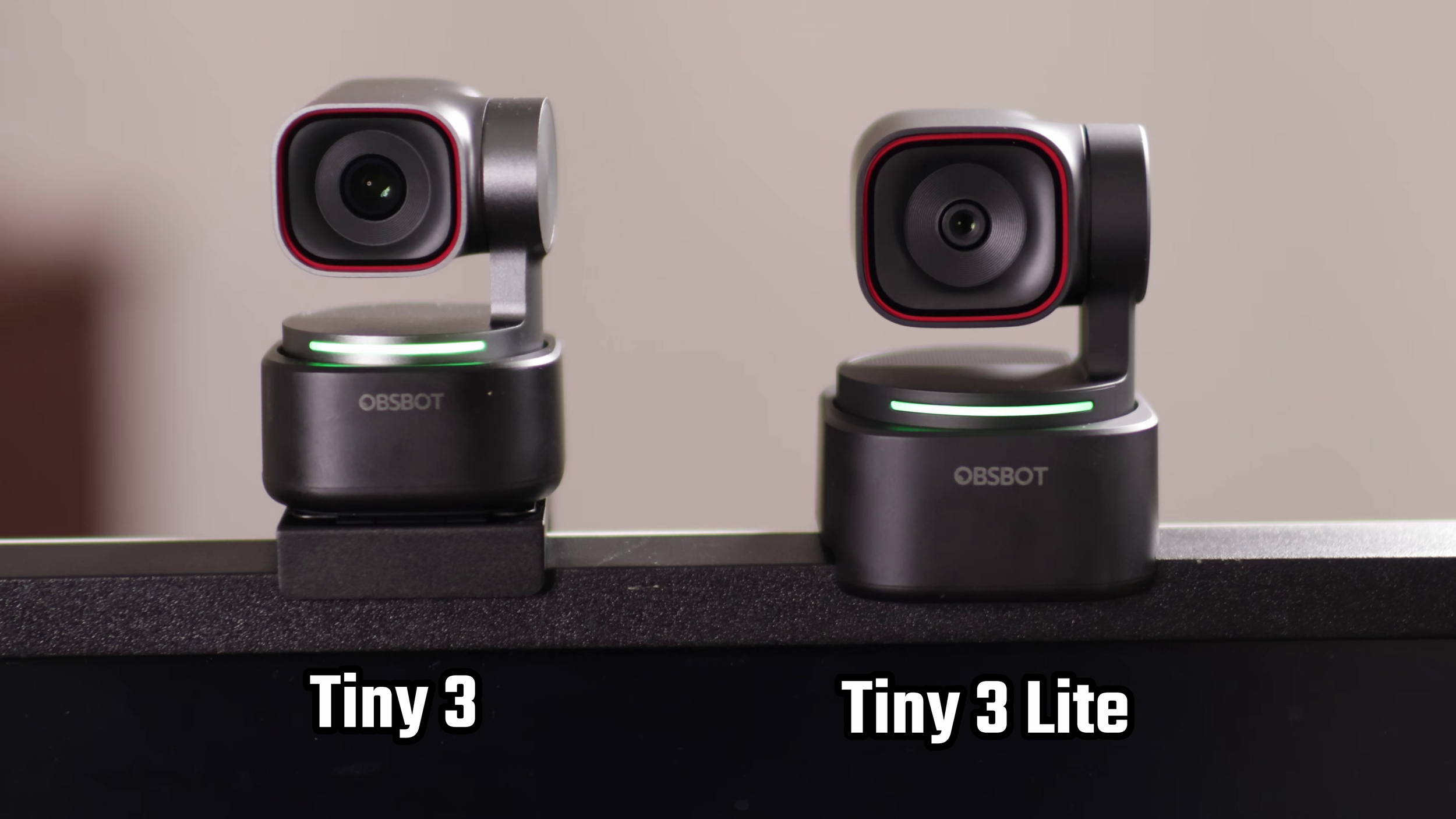
Overall, I recommend the Tiny 3 Lite unless you’re a stickler for the optics. It doesn’t have as good specs as the Tiny 3, but it will save you a ton of money and still looks good enough for most use cases.